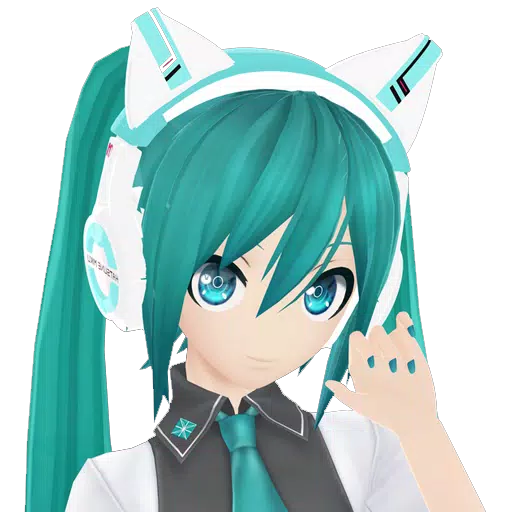
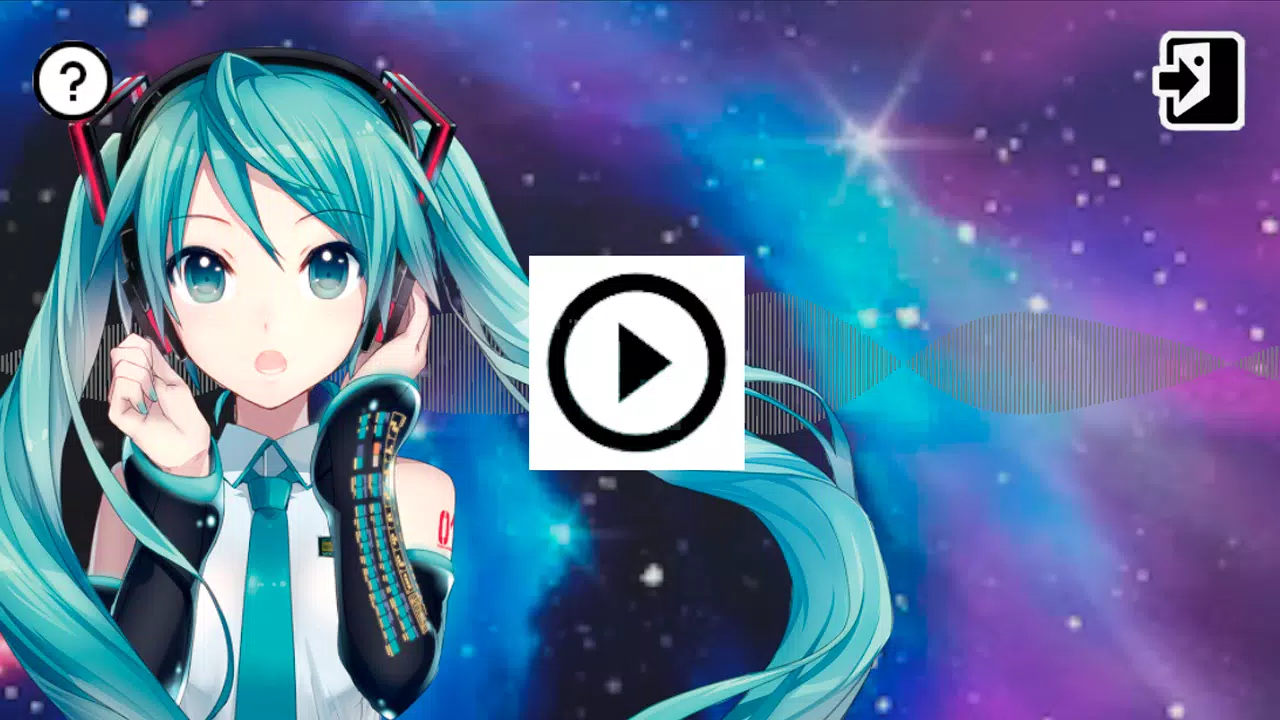
Choose your artist, song, and stage, then play it on screen, in AR, or in VR.
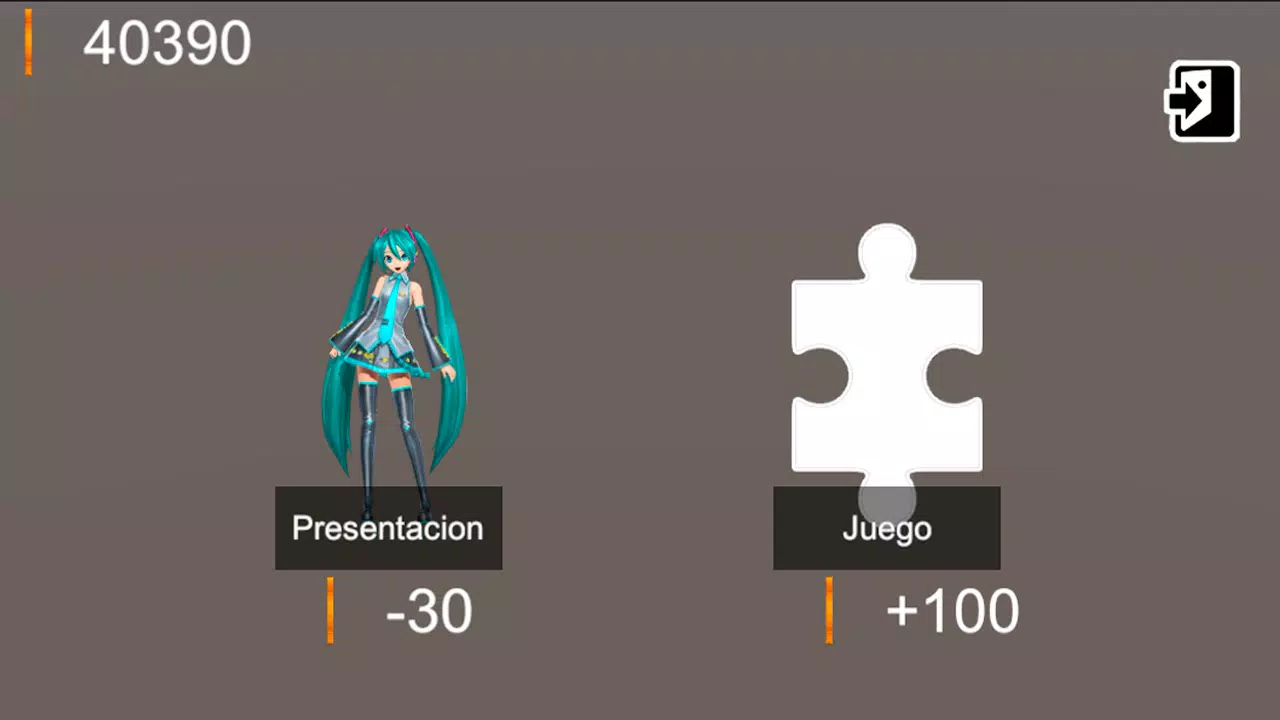
The MMD Diva Project app lets you pick up to three MMD artists, a song, and a stage, then view the performance on your screen, in Augmented Reality (AR), or in Virtual Reality (VR).
The artists available for selection are: Miku, Kaito, Rin, Len, Yandere, Sailor Moon, and Tuxedo Mask.
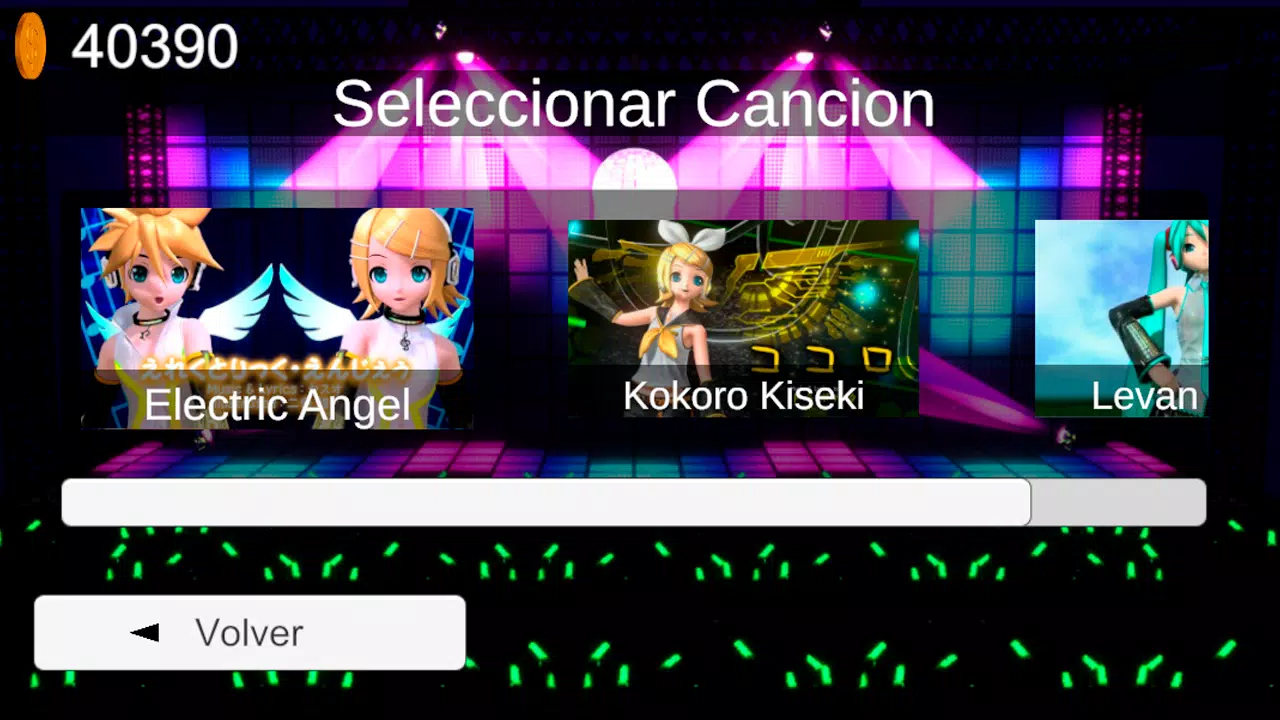
The songs you can choose from include: DeepBlueTown, Electric Angel, FreelyTomorrow, Hare Hare Yukai, HappyHalloween, Kokoro Kiseki, Kokoro Kiseki Mix, Levan Polkka, MirishiraRomeoCinderella, Monster, Moonlight Densetsu, Popipo, Smoke And Mirrors, and Unravel (Tokyo Ghoul).
Since some users have reported issues downloading expansions, you can also install them manually.
Manual Package Installation
If you're unable to install through the app for any reason, follow these manual steps.
1) Download the expansion packs from Google Drive, Mega, or Mediafire (you can use any of these links).
https://drive.google.com/drive/folders/1E1BmuopI13TMokca7psCFbye0CiESlqG
https://mega.nz/folder/nRJwwYiL#e8gDewBV9GtiDFDPG1CcTA
https://www.mediafire.com/folder/ai296tgk88lwv/MmdProyectoDiva
2) The downloaded files are compressed as Zip files (like assetpackexpancion01.zip). You need to extract them (right-click and select "Extract all..."). After extraction, you'll get three files: assetpackexpancion01.manifest, assetpackexpancion01.txt, and assetpackexpancion01.unity3d.
3) Copy the extracted files to your phone in this directory: Internal Storage/Android/data/com.IlusionesIndustriales.MMDProyectoDiva/files/GoogleDriveFile/
If the "GoogleDriveFile" folder doesn't exist, create it. The final structure should look like this:
../files/GoogleDriveFile/assetpackexpancion01.manifest
../files/GoogleDriveFile/assetpackexpancion01.txt
../files/GoogleDriveFile/assetpackexpancion01.unity3d
Greetings.












![[777Real]NiGHTS~Dream Wheel~](https://images.yfzfw.com/uploads/08/17302611106721b076bbcdc.jpg)