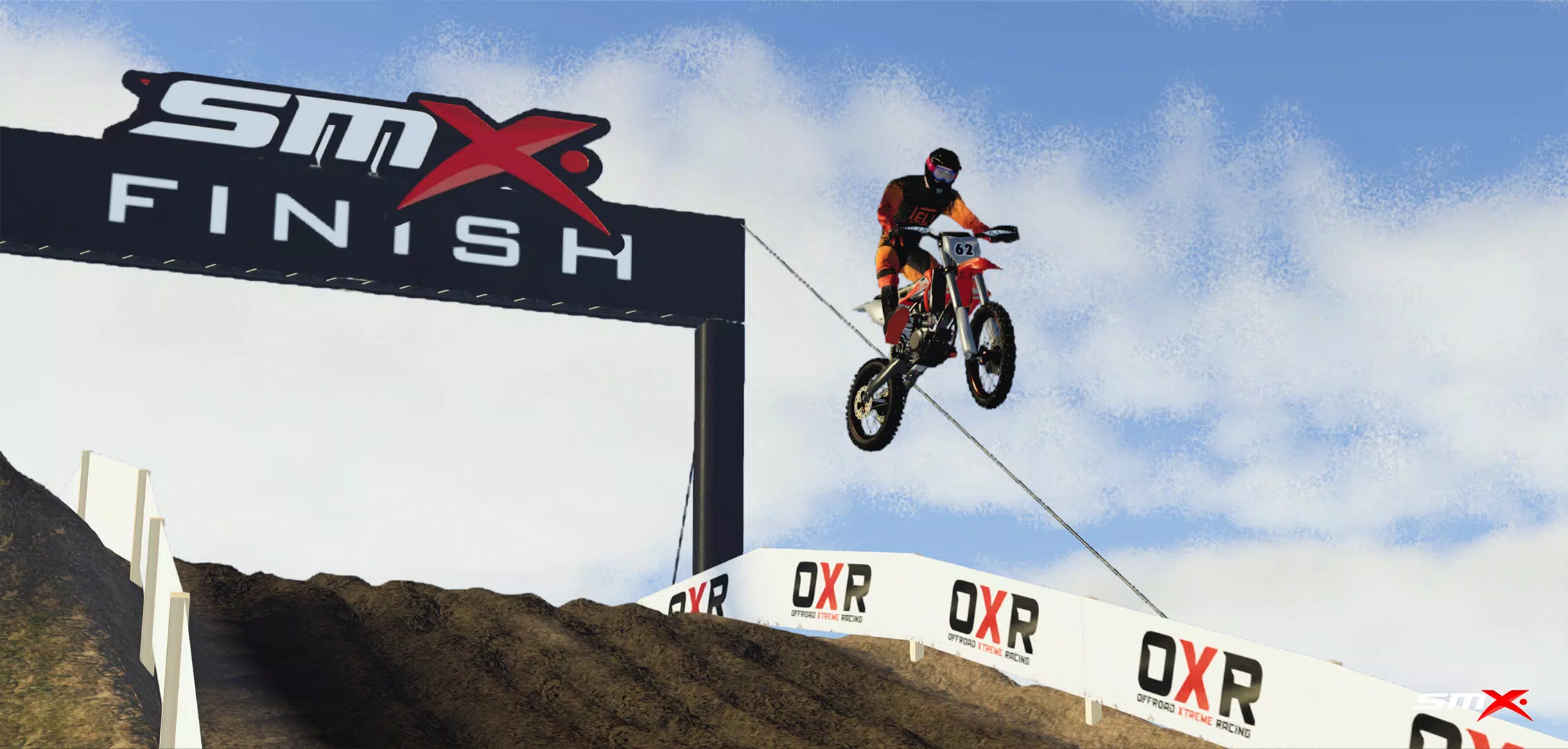
Master diverse terrains and event types in the definitive motocross racing experience.
For optimal performance, we recommend having 4 GB of RAM or more.
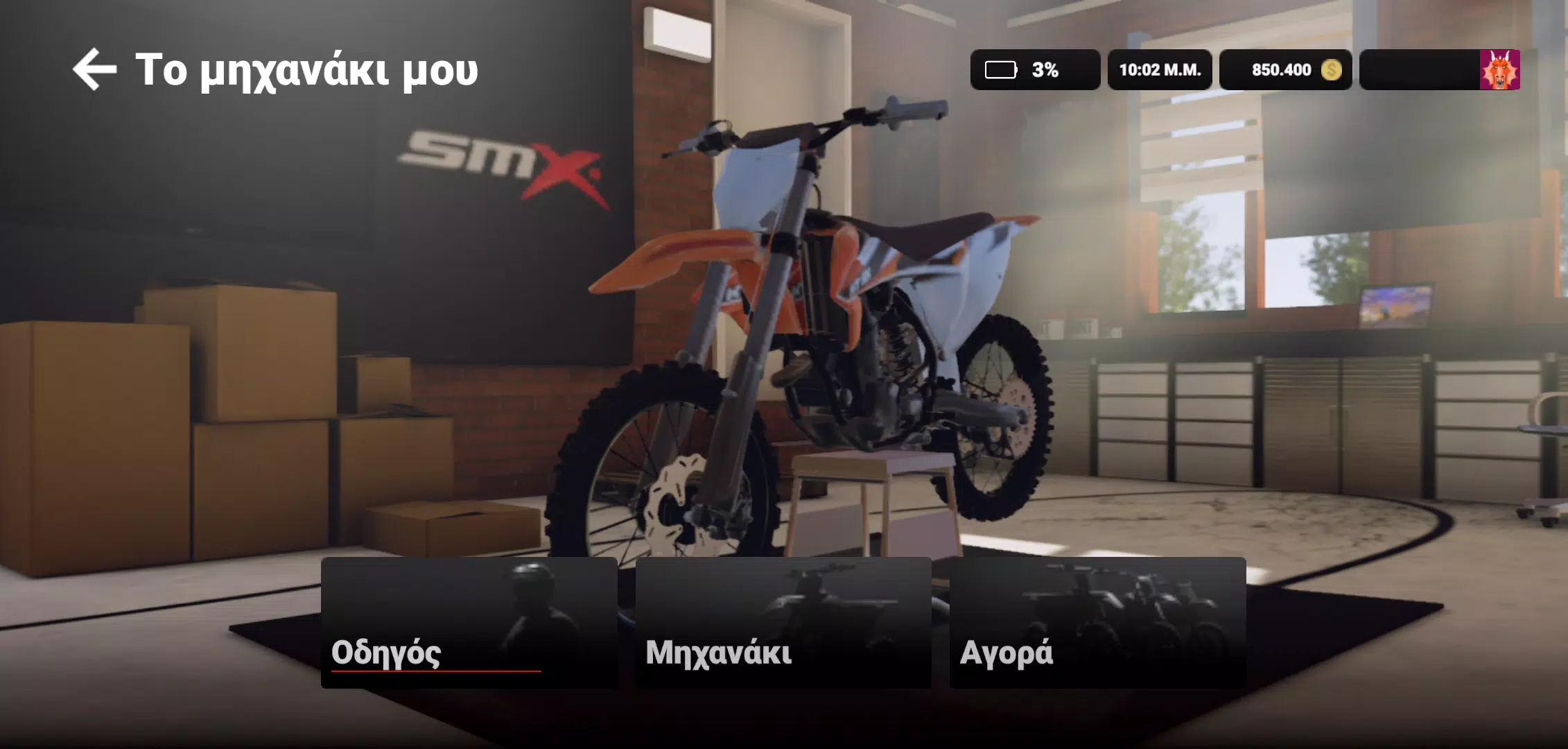
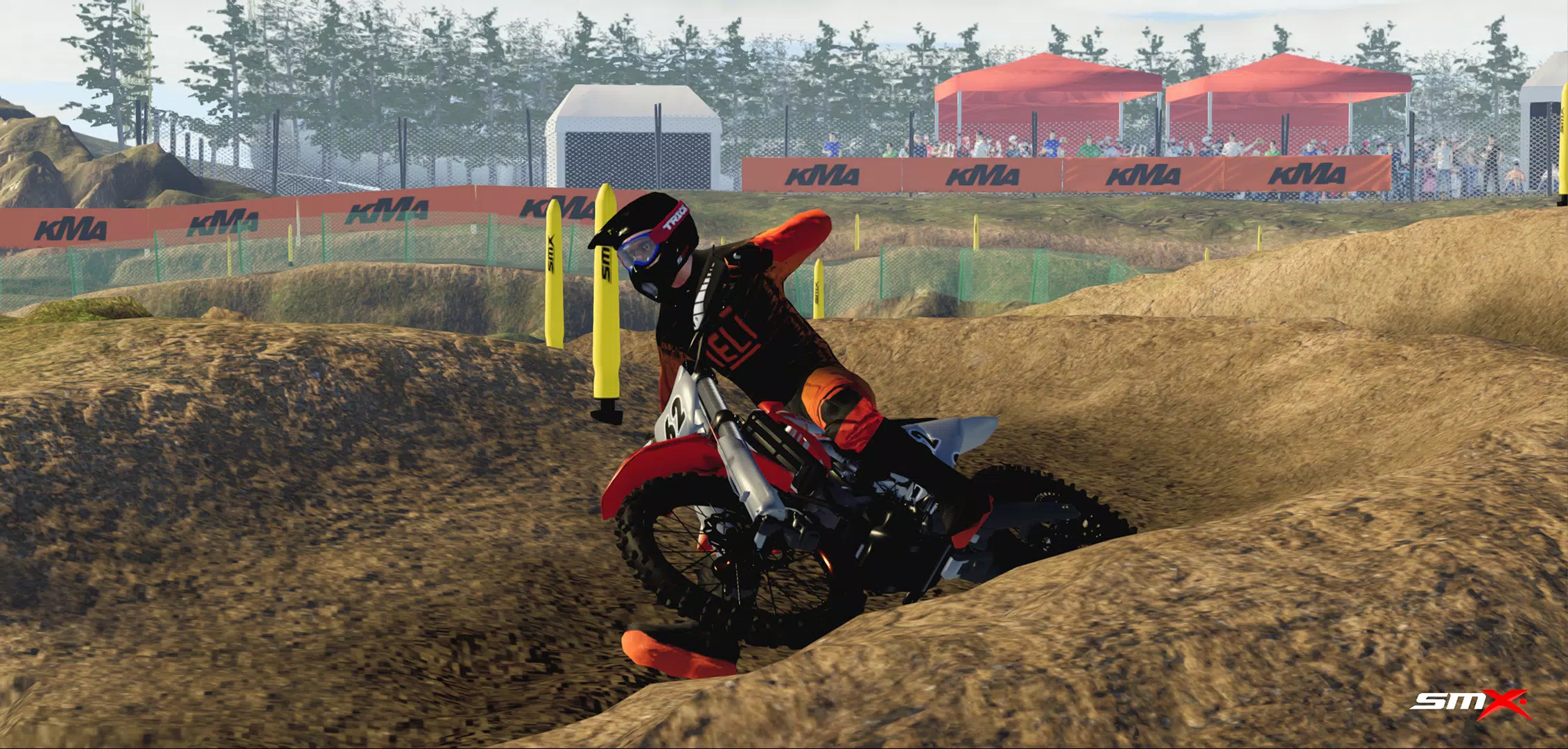
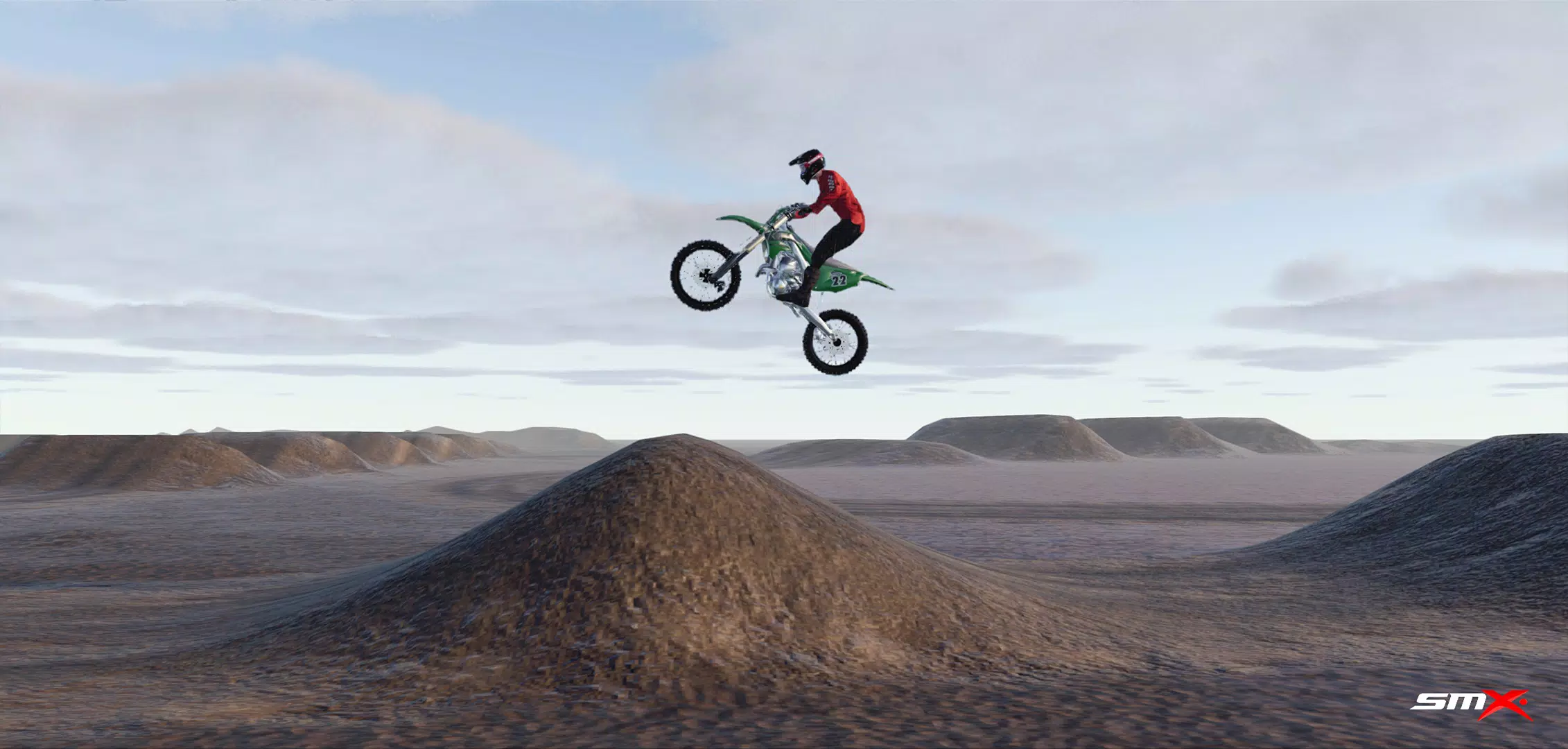
Fire up your engine and dominate the track in the ultimate motocross racer, SMX Supermoto Vs. Motocross! Featuring multiple event types like Motocross, Supermoto, Freestyle, and Endurocross, you can showcase your riding prowess across varied landscapes—from slick mud tracks to smooth asphalt circuits.
Please note that this game is currently in active development. Some features might not work as intended, and you may encounter unfinished or prototype elements. We are committed to regularly updating the game with new functions and refinements to continuously improve your racing adventure.
FAQs:
Screenshots captured using "Photo Mode" are saved directly to your device's gallery.
User-created content (mods) should be placed in: /android/data/com.evag.smx/files/mods
Track Editor levels are saved to this folder:
/android/data/com.evag.smx/files/TrackEditor
To back up your game progress, save the "user1.save" file located here:
/android/data/com.evag.smx/files/user1.save
I'm stuck at the "Initializing ads services" screen: This is usually due to a weak internet connection, Unity Ads server issues, or network blocks preventing access to their servers. Check your connection and restart the game.
I downloaded content from the Mod Browser, but it doesn't appear in-game or in the side menu: Press the refresh button to load all downloaded content. Check mod compatibility by looking for an "incompatible" label next to the mod's title in the side menu list.
People can't see me when they join my multiplayer room:
After creating a room, ensure you also join the game by navigating to the "cogwheel" icon, then Multiplayer, and selecting "Join game."













![[777Real]NiGHTS~Dream Wheel~](https://images.yfzfw.com/uploads/08/17302611106721b076bbcdc.jpg)