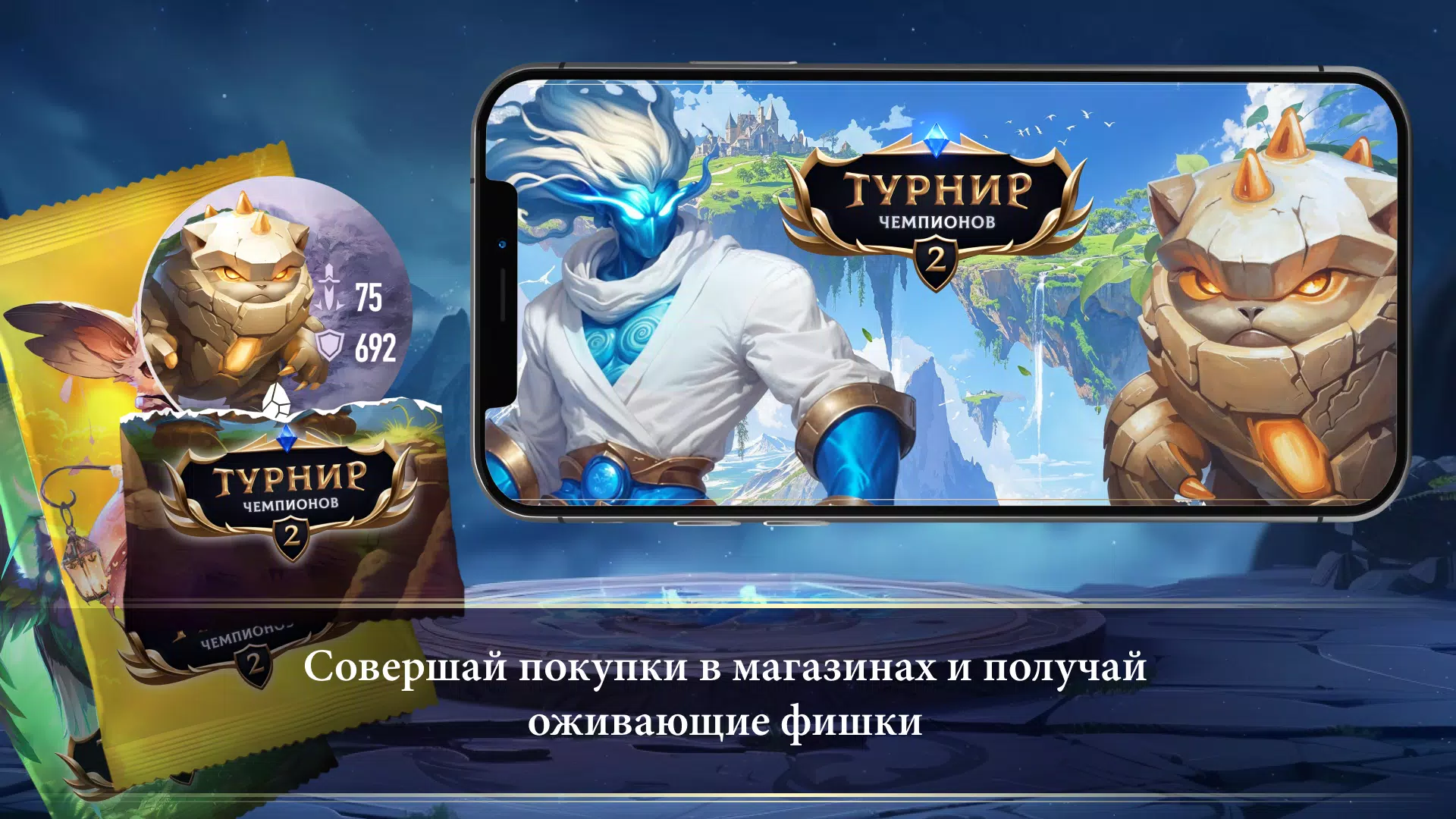
Tournament of Champions 2: The epic clash between two islands is underway! Bring your heroes into the action!
Tournament of Champions 2 lets you awaken new champions, artifacts, flags, and elemental crystals. Add them to your collection and join the fresh conflict raging between two islands! Gather new Wind and Stone elements and evolve every champion!
To add a chip (champion, artifact, etc.) to your collection, follow these steps:
1) Launch the Tournament of Champions 2 application
2) Tap the "Scan chip" button in the main menu
3) Once the camera activates, point your device's camera at the QR code on the back of the chip. Ensure the room is well-lit and the QR code is clearly visible.
4) If completed successfully, a confirmation message will show that the chip has been added to your collection.
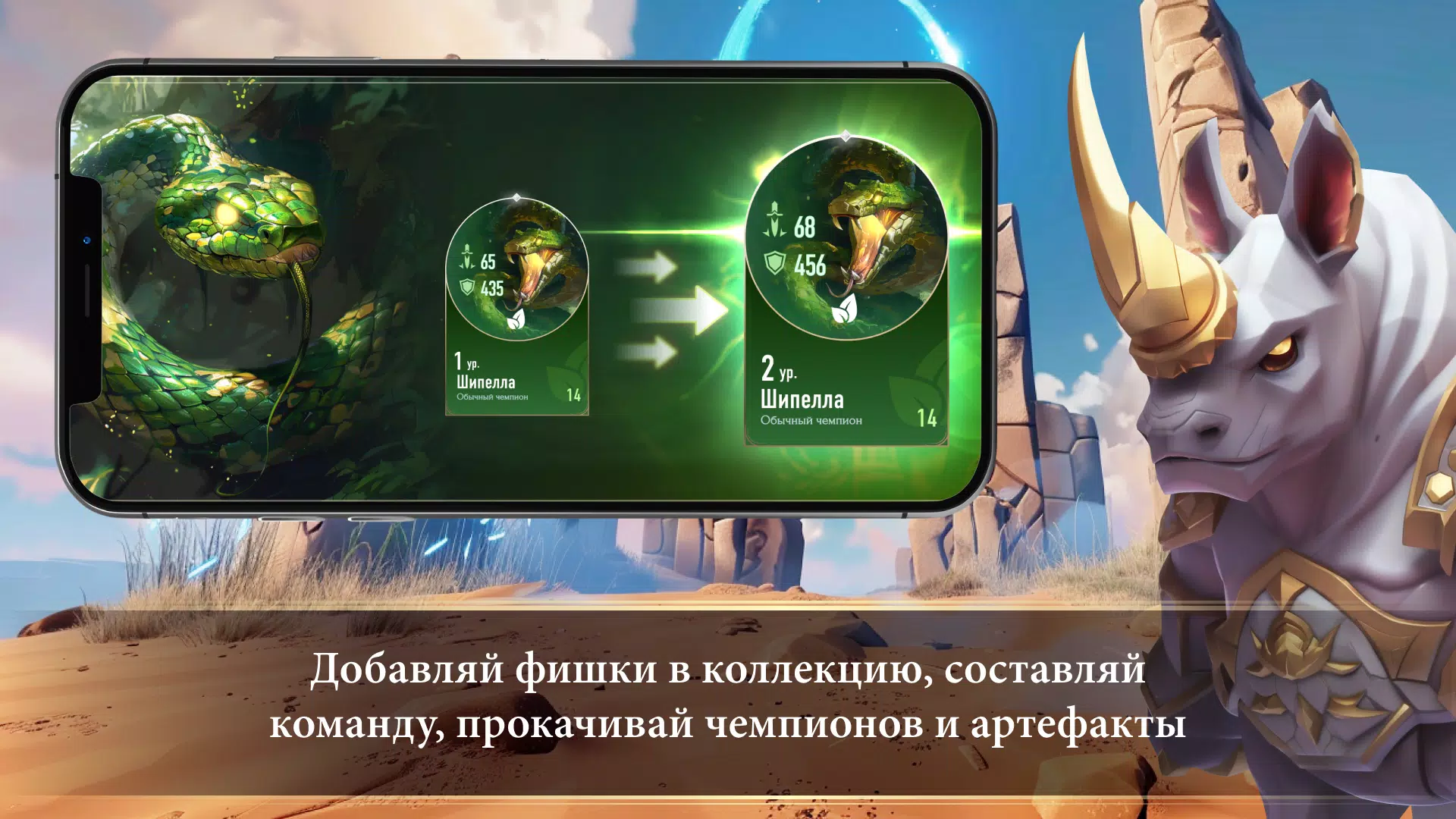
To grow stronger, remember to upgrade your champions, evolve them, and equip artifacts from your collection.
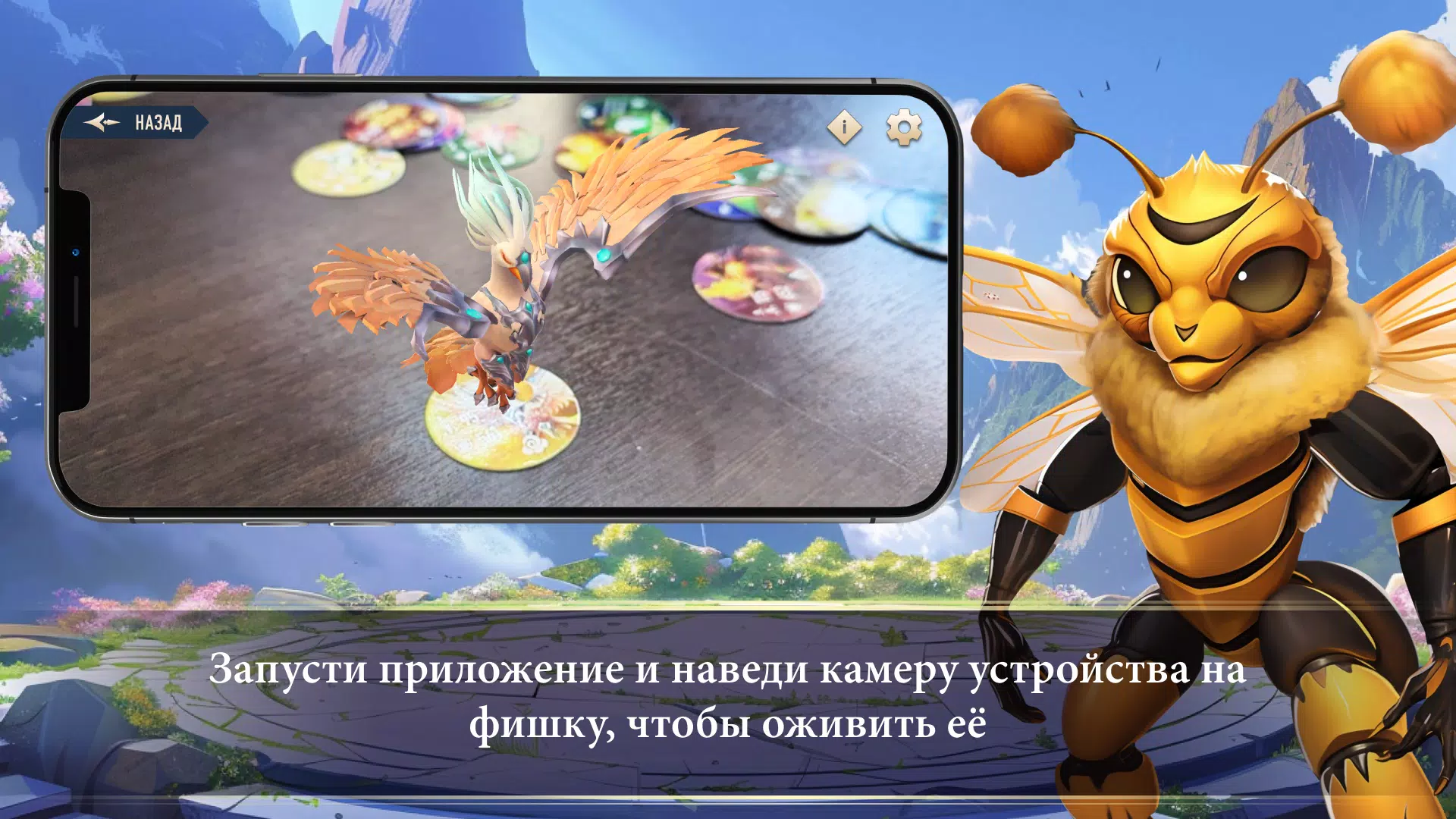
To revive a chip, you need to:
1) Launch the Tournament of Champions 2 application
2) Press the "Revive chip" button in the main menu
3) When the camera turns on, aim it at the front side of the chip. Make sure the room has adequate lighting and the chip lies flat without any glare.
4) If done correctly, the champion or item will materialize on your screen.
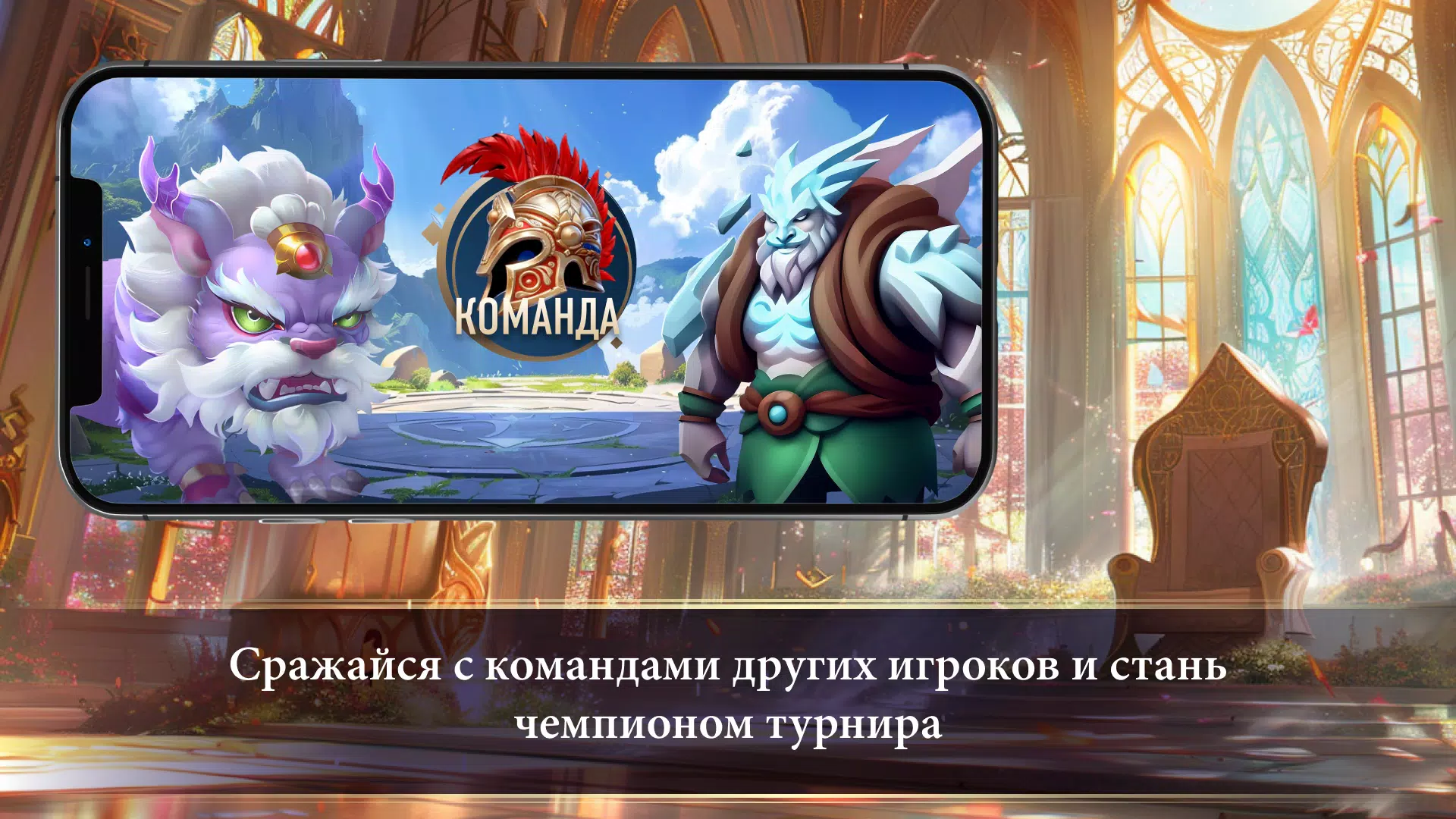
Assemble the ultimate team, upgrade all your heroes, and become the champion of the two-island tournament!
For all inquiries: [email protected]
https://retailloyalty.pro/