Digitize your chess games by scanning your handwritten score sheets.
Scan your score sheets to convert your games into digital format.
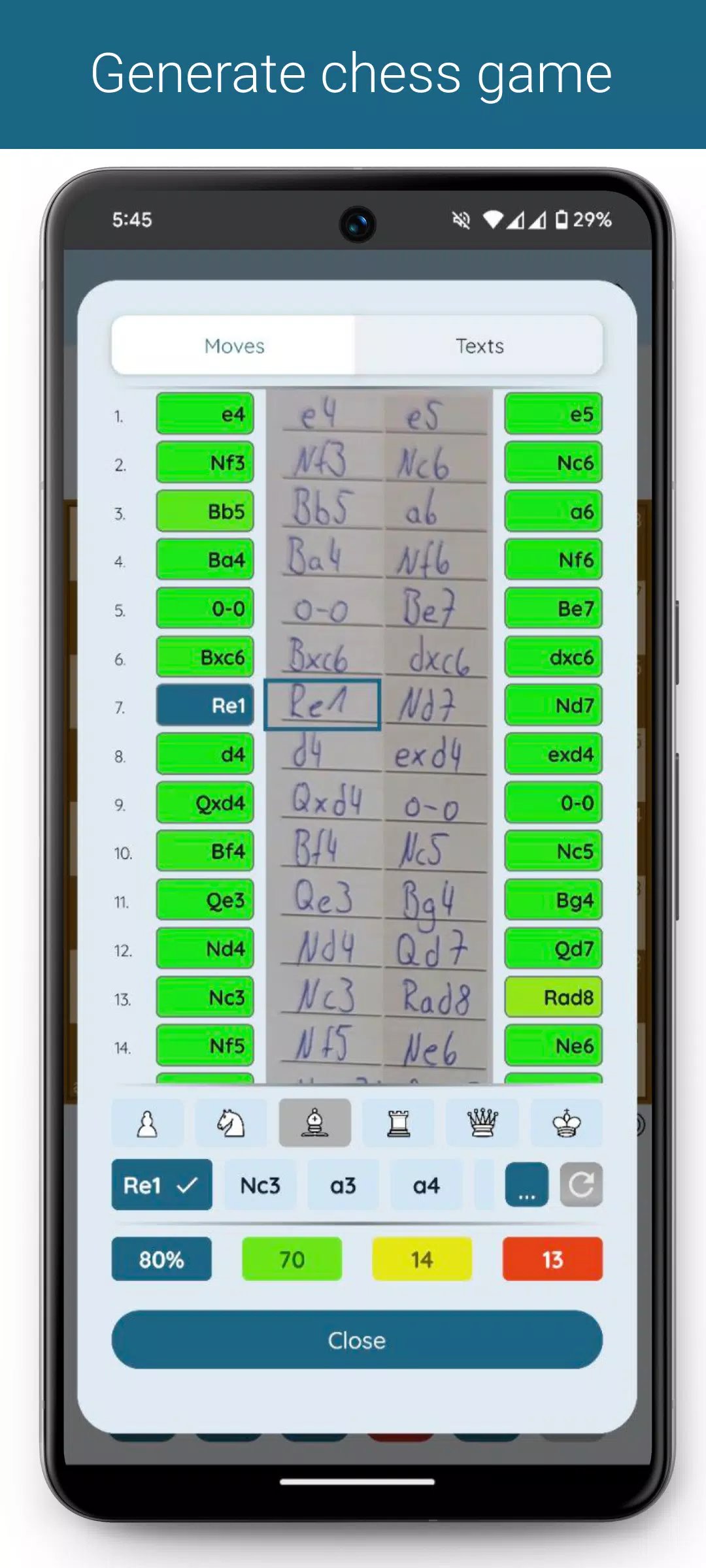
The application extracts text from your score sheet to generate the game notation. An overview will display the original sheet alongside the recognized moves. You can easily correct any recognition errors using intelligent move suggestions.
Once digitized, you can organize games into tournaments, analyze them on Lichess or Chess.com, or export them as a PGN file.
Scanning Score Sheets
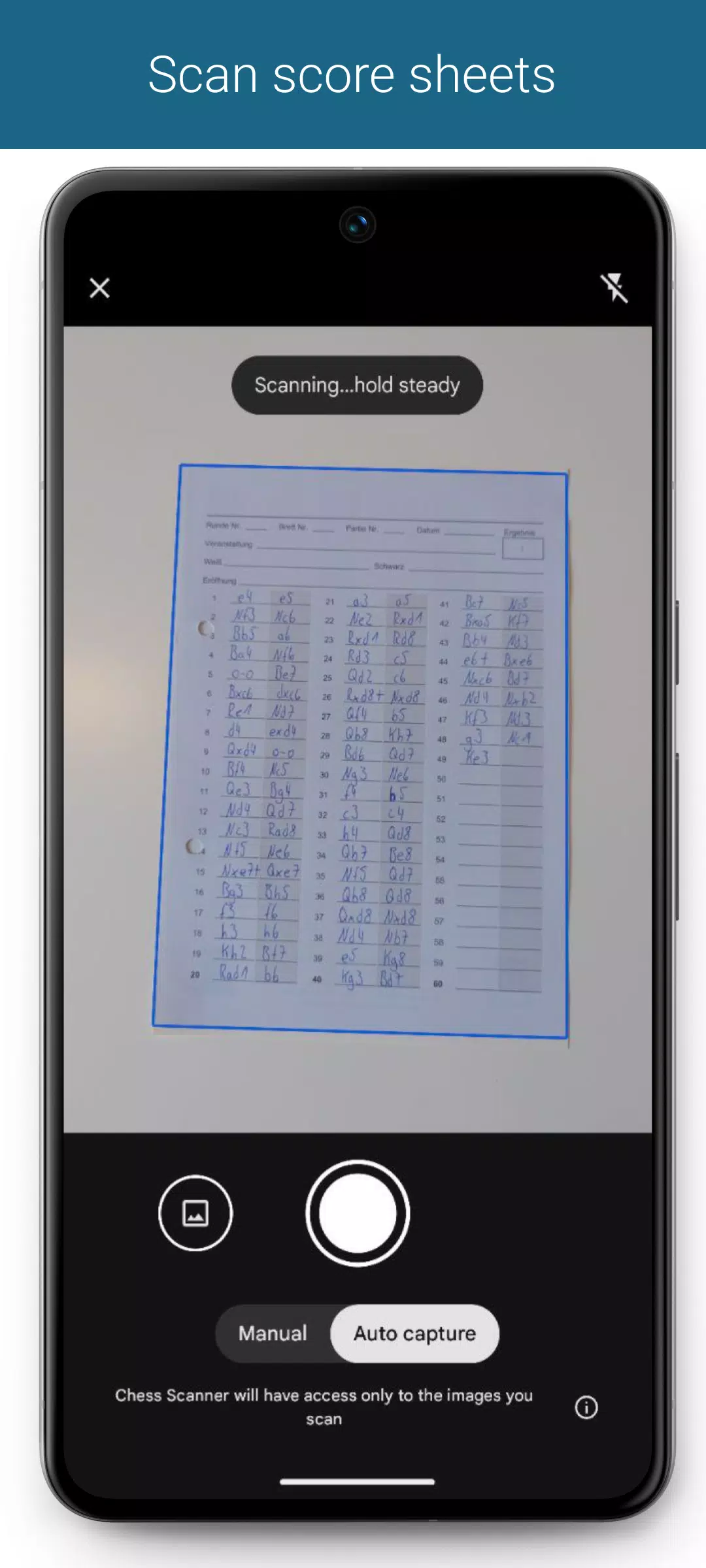
Capture score sheets using the built-in scanner or select an image from your gallery. The move notation is extracted directly from the image.
You can specify separate score sheets for the White and Black players, which is especially useful for tournament organizers. The generation process considers both versions, allowing up to two sheets per player.
Generate the Game
Generate the game immediately after scanning, or choose to manually align the move grid for greater control.
Supported Notations
- English: N/B/R/Q/K
- German: S/L/T/D/K
- Dutch: P/L/T/D/K
- Spanish / Italian: C/A/T/D/R
- French: C/F/T/D/R
- Portuguese: C/B/T/D/R
- Czech / Slovak: J/S/V/D/K
Other notation styles are also supported, but recognition may be less accurate as they are interpreted based on known notation models.
Game Generation Process
Game generation is processed on our servers. The time required varies depending on the score sheet's legibility, game length, and your internet connection, typically taking between 1 and 10 seconds.
Overview of the Generated Game
An overview shows the score sheet columns with the generated moves. Each move is color-coded to indicate recognition confidence. Tap any move to jump to the corresponding board position and view alternative move suggestions.
Move Suggestions
Quickly correct any misrecognized moves using context-aware suggestions, sorted by probability. You can filter suggestions by piece type. After a correction, you can regenerate the game from that point onward.
Handling Crossed-Out or Forgotten Moves?
No problem :)
From the game overview, you can skip or insert moves as needed, then regenerate the game to incorporate your changes.
Game Data
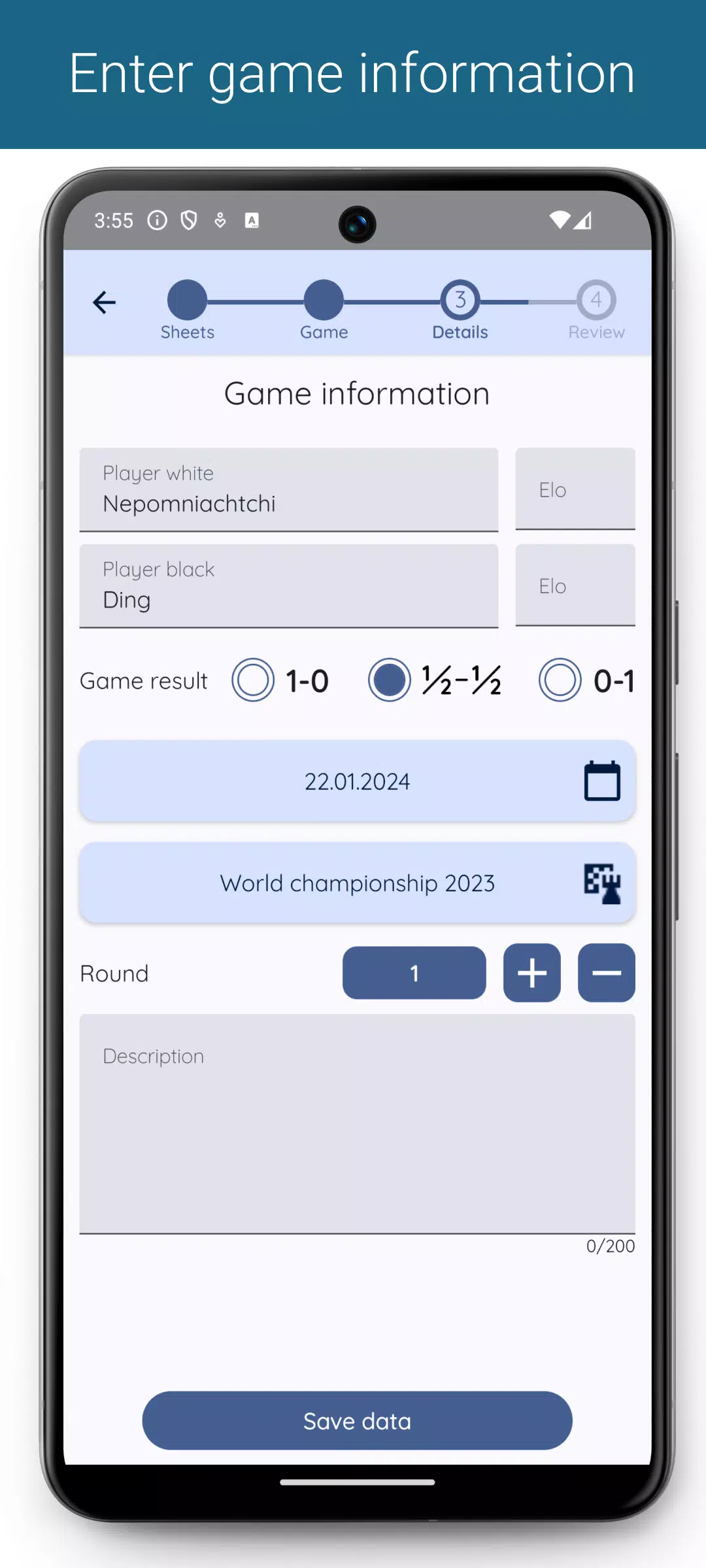
Enrich your games by adding player names, tournament details, and additional notes in the description field.
Game Overview & Filtering
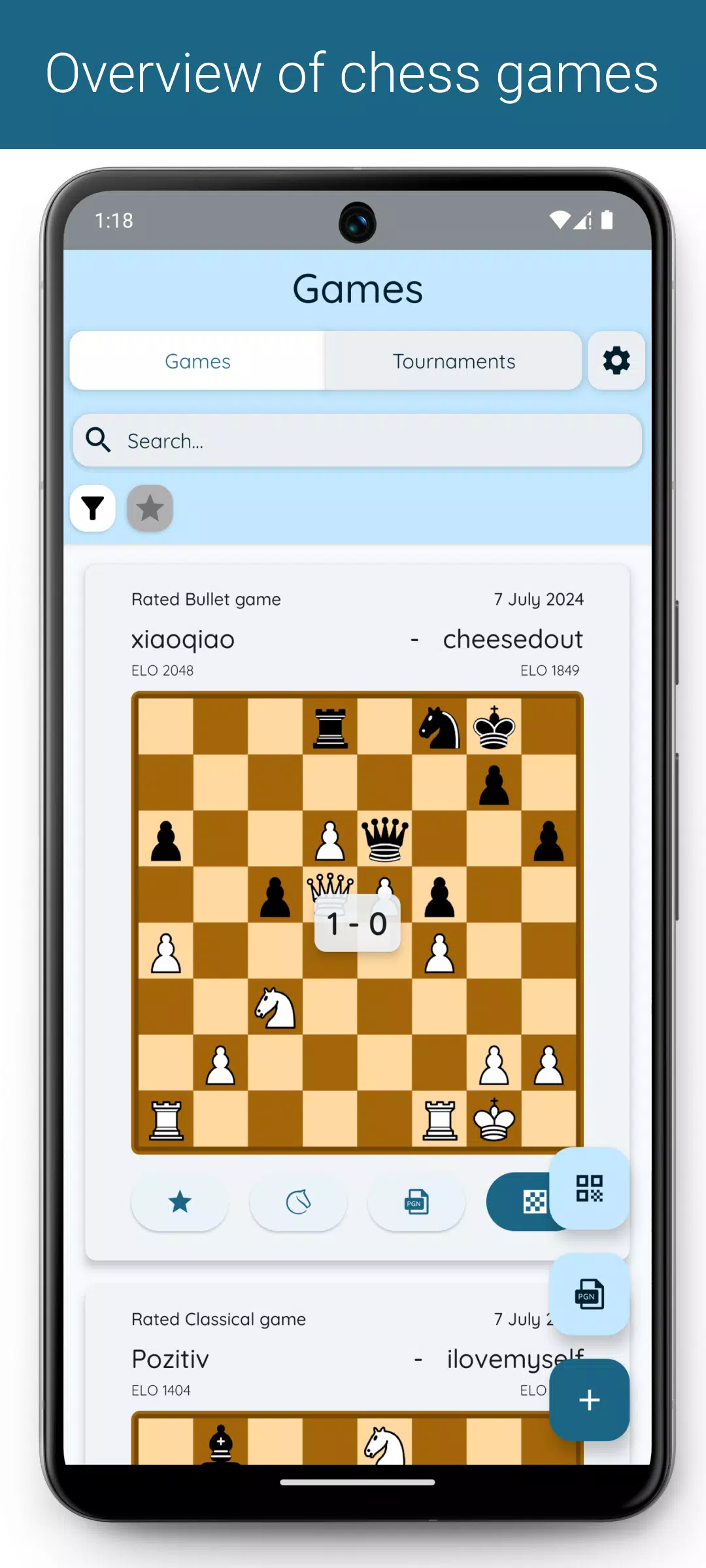
View all your games in a central overview. Filter them by tournament, round, or favorite status. Use the search field to find games by player name or description.
Exporting Games (*)
Export filtered lists or individual games as PGN files. Customize your PGN output in the settings to include data like tournament, round, date, and more.
Importing Games
Import additional games into the app via PGN files.
Analyze Games (*)
Open your games directly in Lichess or Chess.com for in-depth analysis.
(*) Premium features
For error reports, suggestions, or feedback, please email me at:
What's New in Version 1.8.11
Last updated on Sep 30, 2024
- Added a help section with video tutorials on correcting games.
- Added a support option to report issues directly from the app.
- Games can now be opened directly on Chess.com after generation.
- Optimized live update mode.
- Improved game view after scanning QR codes.
- UI adjustments for text fields.