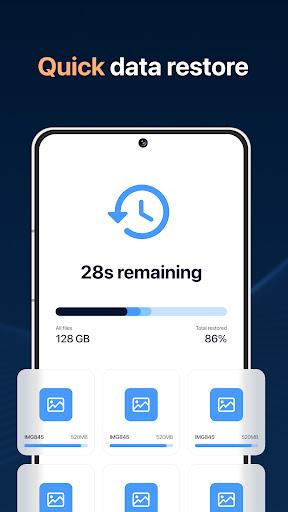
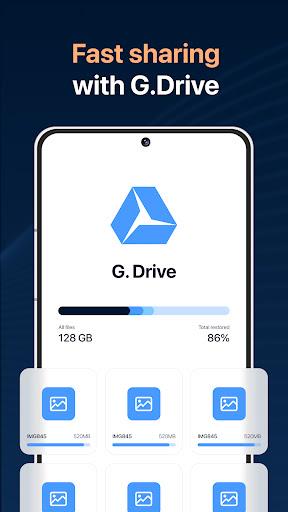
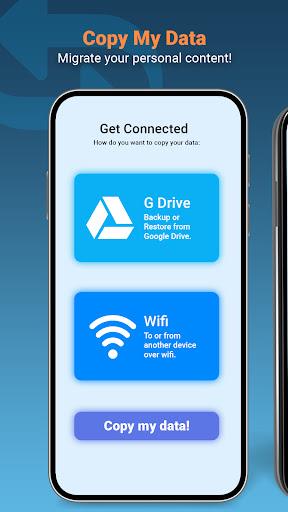
Effortlessly transfer all your phone data with Copy My Data: Transfer Content! This app eliminates the need for a computer, allowing you to seamlessly move your calendar, photos, videos, music, and more to a new device. Simply connect both phones to the same Wi-Fi network, launch the app, and follow the easy steps. QR code functionality offers an even faster way to clone your phone, ensuring you don't lose any contacts, documents, or videos. Download now for a hassle-free data transfer experience.
Key Features of Copy My Data:
- Wireless Transfer: Copy data wirelessly via Wi-Fi, avoiding cables and complex software.
- Fast QR Code Transfer: Quickly transfer data using QR codes for a streamlined process.
- Comprehensive Data Transfer: Transfer calendars, photos, videos, and music – preserving all your important files.
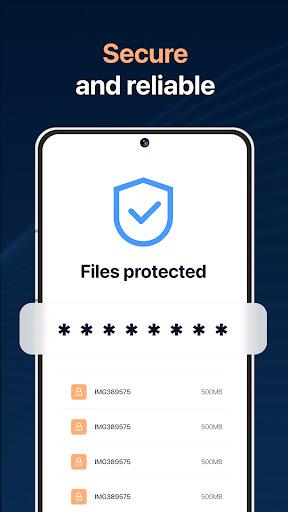
- Secure Data Sharing: Rest assured your data is transferred securely and privately.
- Intuitive Step-by-Step Guide: The app provides clear instructions, making the process easy for everyone.
- Complete Phone Cloning: Effortlessly clone your phone, preventing data loss during the switch.
In short:
Download Copy My Data: Transfer Content today and enjoy a smooth, secure, and convenient data transfer process. Its wireless capabilities, QR code support, and secure sharing make it the ideal solution for transferring your valuable content without the hassle. Never lose important data again when switching phones!