Home News How To Find & Catch the Burglar (Robin Banks) in The Sims 4

How To Find & Catch the Burglar (Robin Banks) in The Sims 4

Author : Layla Feb 27,2025

The Sims 4's latest update brings back a classic: the Burglar, now known as Robin Banks! This nocturnal thief targets your Sims' homes, attempting to steal valuable items. Learn how to catch her and protect your Sim's belongings.
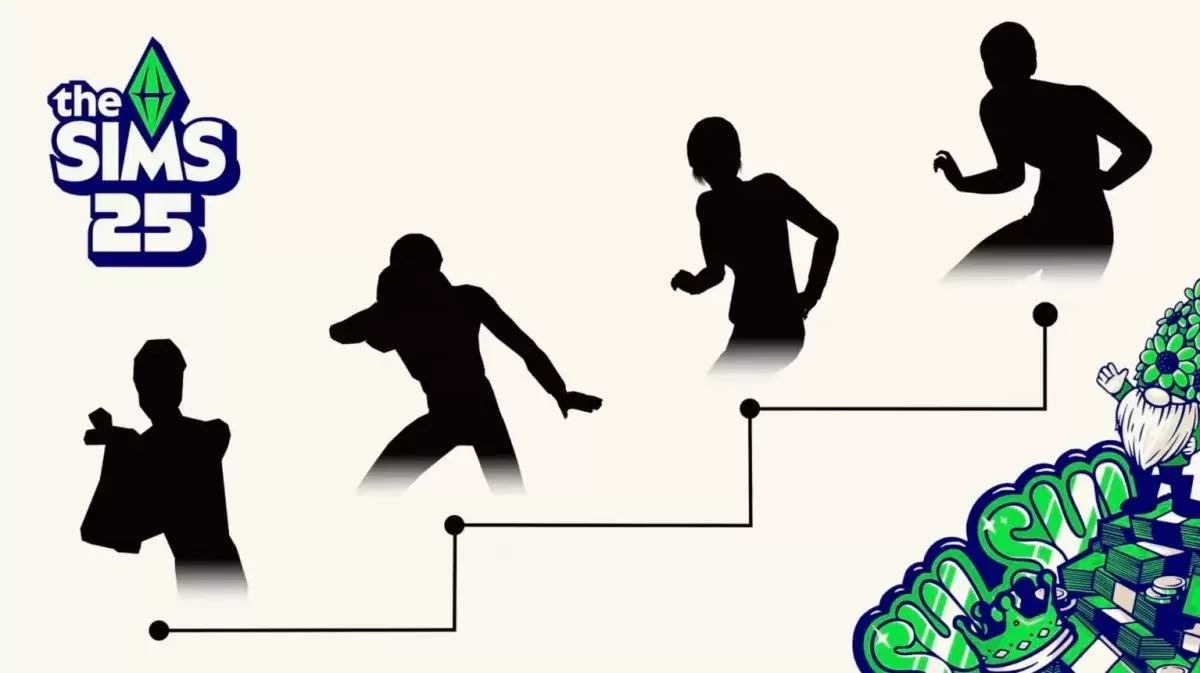
The Sims 4 Burglar teaser.

Robin Banks only appears at night, making her a challenging adversary. While her appearances are infrequent, activating the new "Heist Havoc" Lot Challenge increases the chances of a visit – and also increases the likelihood of a successful getaway for the Burglar, as it triggers erratic alarm behavior.

Catching the Burglar:

If your Sim awakens before Robin Banks completes her heist, several methods exist to apprehend her:

  • Call the Police: The trusty police force has returned to The Sims 4 and are ready to arrest this notorious criminal.
  • Fisticuffs: Sims can engage Robin Banks in a physical confrontation. Fitter Sims have a greater chance of success.

Defensive Strategies:

Several expansion packs offer unique defensive options:

  • Canine Companions: Dogs will chase Robin Banks away. (Requires: Cats & Dogs Expansion Pack)
  • Werewolf Intimidation: Werewolves can scare her off. (Requires: Werewolves Game Pack)
  • Magical Mayhem: Spellcasters can use spells, including transformations, to thwart her. (Requires: Realm of Magic Game Pack)
  • Servo Superiority: Servos can use their defense matrix to immobilize her. (Requires: Discover University Expansion Pack)
  • Scientific Solution: Scientists can employ the Freeze Ray. (Requires: Get to Work Expansion Pack)
  • Vampiric Advantage: Vampires might enjoy a quick snack before sending her packing. (Requires: Vampires Game Pack)

Install the Burglar Alarm for added security! This comprehensive guide ensures your Sims are prepared for Robin Banks' nighttime escapades. For more Sims 4 tips, check out how to repair broken objects in the Blast from the Past event.

The Sims 4 is available on PlayStation, Xbox, and PC.
Latest Articles More
  • Dead Island 2 Patch 6 Introduces New Game Plus, Revenant Zombies, and Horde Mode

    Dead Island 2’s Patch 6 update brings thrilling new modes, including the intense Neighbourhood Watch horde mode, alongside exclusive content for the Dead Island 2 Ultimate Edition.Dead Island 2 Patch

    Dec 22,2025
  • New OSRS Boss Yama Arrives in Great Kourend

    Face Yama, the formidable Master of Pacts, as the new boss encounter.Defeating him rewards unique items like Demon Tallow and Grimoire Pages.The Chasm of Fire now includes dedicated mining and smithing locations.Old School RuneScape's newest update p

    Dec 21,2025
  • Neil Druckmann Teases Naughty Dog’s New Game Theme

    The Last of Us creator Neil Druckmann has revealed new insights about Naughty Dog's upcoming title Intergalactic: The Heretic Prophet.During a candid interview with Alex Garland, writer of 28 Days Later, Druckmann discussed the four-year development

    Dec 21,2025
  • Dead Cells' Final Update Launches on iOS, Android

    Dead Cells' final two updates, Clean Cut and The End is Near, have now been released.Both updates deliver the last content additions to Dead Cells, concluding years of continuous updates.New weapons, enemies, and more provide a spectacular send-off.O

    Dec 20,2025
  • Jurassic Park Tables Launch in Zen Pinball World

    Zen Studios is enhancing the Zen Pinball World collection with two new DLC packs that recreate memorable cinematic moments on the pinball table. The latest additions are Universal Classics Pinball and Jurassic Park World Pinball.Excited for the New Z

    Dec 20,2025
  • Sims 4 Blast Event: Historical Displays Guide

    Week 2 of The Sims 4's Blast from the Past event is now underway, challenging players to explore the world while solving mysteries. One seemingly simple task is causing unexpected roadblocks - here's how to successfully study a Historical Display.Whe

    Dec 20,2025