Home News How To Fix Kingdom Come Deliverance 2 Stuttering on PC

How To Fix Kingdom Come Deliverance 2 Stuttering on PC

Author : Samuel Mar 05,2025

How To Fix Kingdom Come Deliverance 2 Stuttering on PC

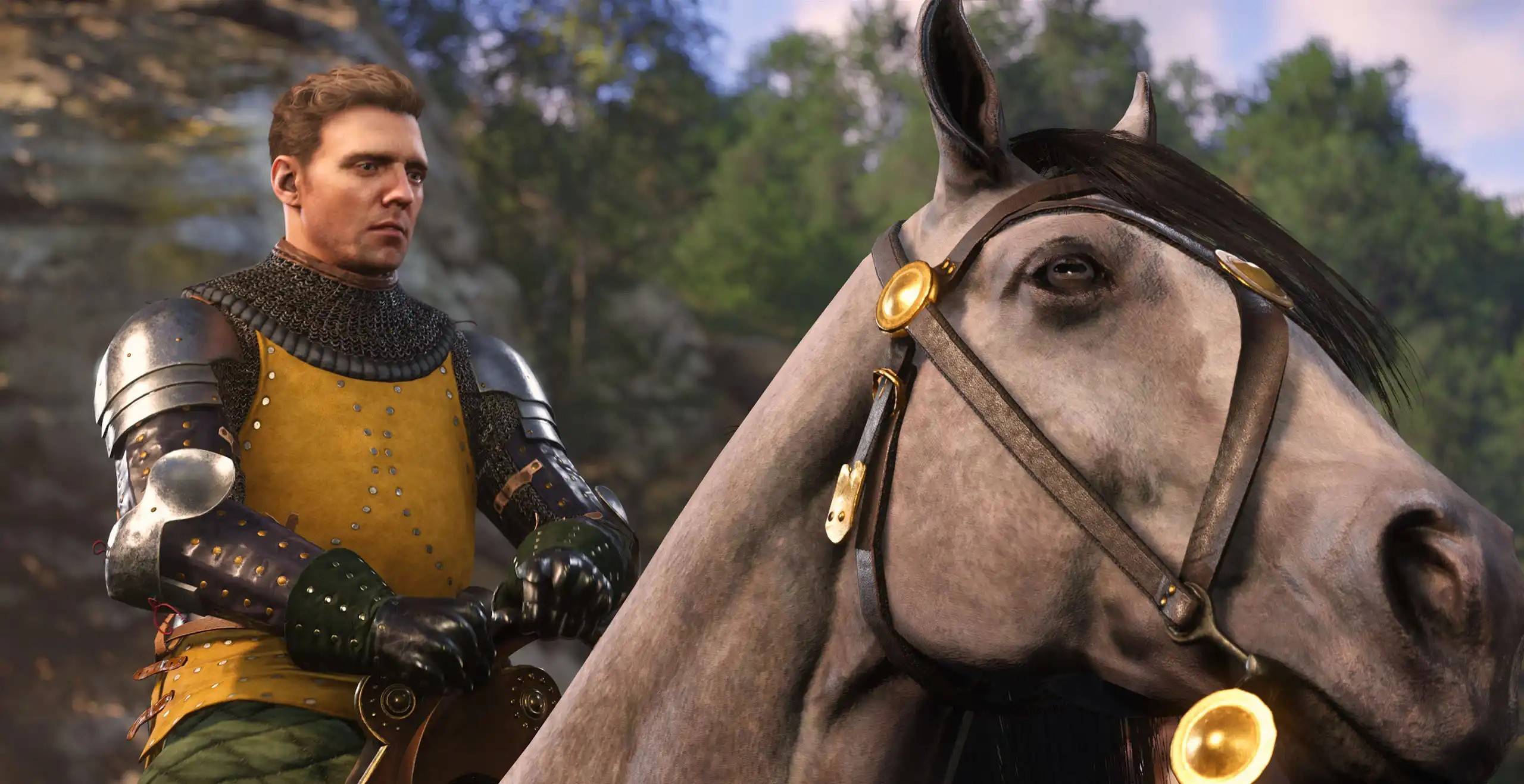
Many players are experiencing stuttering issues with Kingdom Come: Deliverance 2, particularly on PC, despite the game's release a couple of weeks ago. This guide outlines solutions to resolve this problem.

Several players report stuttering problems on platforms like Reddit. The PC version, in particular, suffers from performance inconsistencies. Fortunately, the community has identified several fixes.

Solution 1: Update Your Graphics Drivers

Install the NVIDIA GeForce Hotfix Driver Version 572.24 for Windows 10 and 11. Released shortly after the game's launch, this hotfix addresses stuttering and crashing issues reported by many players.

Solution 2: Check Your Controller Connection

If the hotfix doesn't resolve the problem, consider your controller connection. Using a Bluetooth controller has been identified as a potential source of stuttering. Switching to a wired USB connection may significantly improve performance.

Solution 3: Adjust In-Game Graphics Settings

As a last resort, adjust the game's graphics settings. Kingdom Come: Deliverance 2 provides extensive Advanced Graphics Settings allowing for optimization. Lowering settings from High to Medium, or Medium to Low, might be necessary to eliminate stuttering. Experiment with different combinations to find the optimal balance between visual quality and performance.

For those who successfully resolve stuttering using the above methods, optimizing settings for higher FPS is recommended. Consult optimization guides available online for the best PC settings to enhance your visual experience without compromising performance.

This concludes the troubleshooting guide for Kingdom Come: Deliverance 2 stuttering on PC. For additional resources, explore available mods.

Kingdom Come: Deliverance 2 is currently available on PlayStation, Xbox, and PC.
Latest Articles More
  • "Bird Game: Now on iOS & Android"

    The Bird Game delivers authentic flight simulation crafted by pilots with fellow aviators in mindDitching complex aviation systems for accessible fun, it captures the pure joy of flightMaster energy management across seven procedural biomes - convert

    Dec 23,2025
  • Dead Island 2 Patch 6 Introduces New Game Plus, Revenant Zombies, and Horde Mode

    Dead Island 2’s Patch 6 update brings thrilling new modes, including the intense Neighbourhood Watch horde mode, alongside exclusive content for the Dead Island 2 Ultimate Edition.Dead Island 2 Patch

    Dec 22,2025
  • New OSRS Boss Yama Arrives in Great Kourend

    Face Yama, the formidable Master of Pacts, as the new boss encounter.Defeating him rewards unique items like Demon Tallow and Grimoire Pages.The Chasm of Fire now includes dedicated mining and smithing locations.Old School RuneScape's newest update p

    Dec 21,2025
  • Neil Druckmann Teases Naughty Dog’s New Game Theme

    The Last of Us creator Neil Druckmann has revealed new insights about Naughty Dog's upcoming title Intergalactic: The Heretic Prophet.During a candid interview with Alex Garland, writer of 28 Days Later, Druckmann discussed the four-year development

    Dec 21,2025
  • Dead Cells' Final Update Launches on iOS, Android

    Dead Cells' final two updates, Clean Cut and The End is Near, have now been released.Both updates deliver the last content additions to Dead Cells, concluding years of continuous updates.New weapons, enemies, and more provide a spectacular send-off.O

    Dec 20,2025
  • Jurassic Park Tables Launch in Zen Pinball World

    Zen Studios is enhancing the Zen Pinball World collection with two new DLC packs that recreate memorable cinematic moments on the pinball table. The latest additions are Universal Classics Pinball and Jurassic Park World Pinball.Excited for the New Z

    Dec 20,2025