One of the most demanding parts of launching a gacha game is the re-rolling phase, a refined process that lets you secure powerful characters right at the start of your adventure. This holds true for TRIBE NINE , an action-packed 3D RPG that has recently gone global and quickly gained recognition due to its distinctive gameplay mechanics. In this guide, we detail how you can optimize your re-rolling experience in TRIBE NINE by leveraging BlueStacks and its powerful features. Let’s get started!
How to Re-roll in TRIBE NINE ?
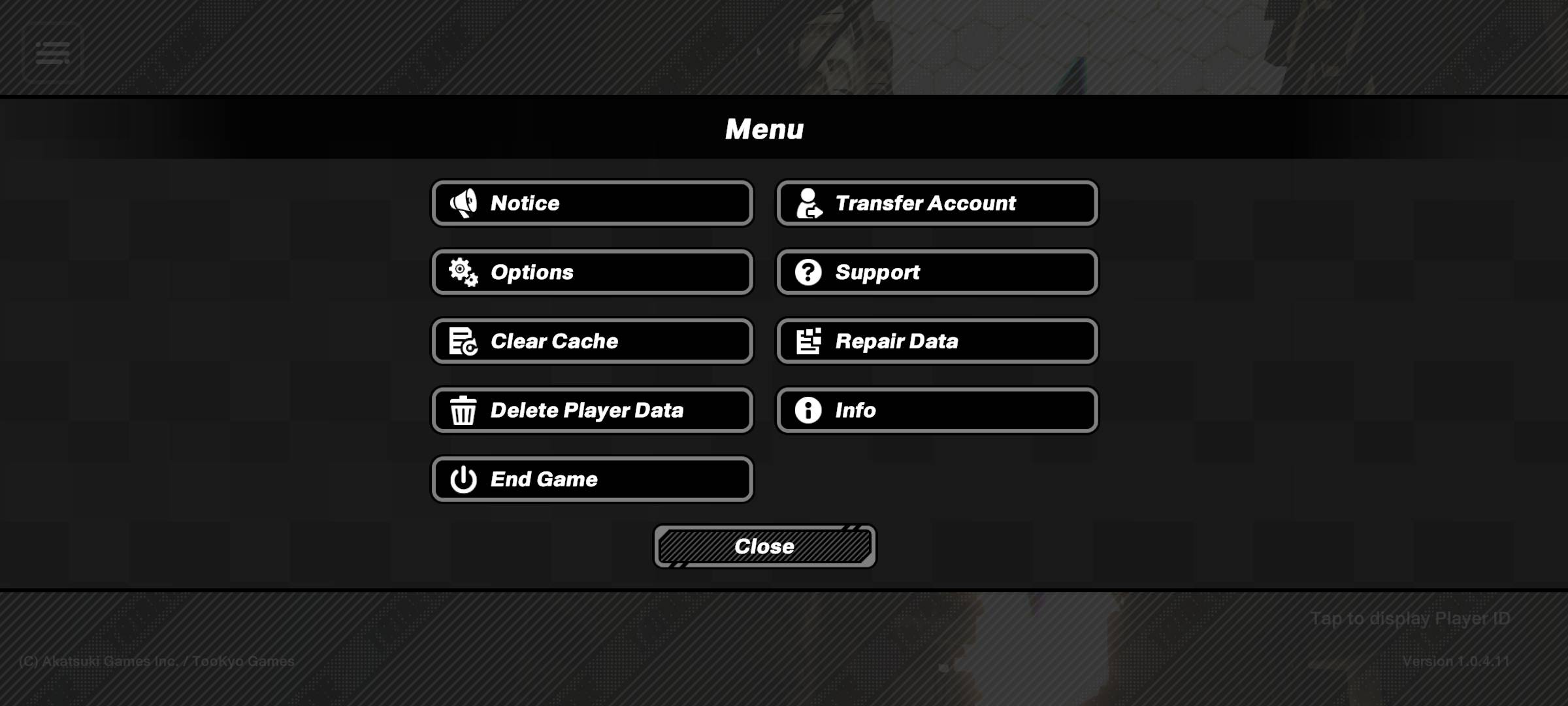
Re-rolling in TRIBE NINE is straightforward, giving you a significant advantage by securing high-tier characters early on. Upon starting the game, you must complete the tutorial, which takes under an hour. This step is essential but only needs to be done once. After finishing the tutorial, you can access the gacha system and claim your free pulls from the in-game mailbox. The objective is to obtain at least one powerful unit that gives your team a substantial edge. Here’s a comprehensive step-by-step guide on how to re-roll efficiently:

Tsuruko Semba – Tsuruko Semba is a powerful character with strong offensive and support skills, though she has limited break ability and requires high skill to master.Miu Jujo – Miu Jujo is a potent standard banner character known for her incredible striking power. Her abilities focus on ranged attacks and deploying crystal turrets that can be detonated for massive damage against enemies.Q – Q is a versatile character with exceptional break capabilities, alongside excellent attack and support skills. Wielding a baseball bat and his fists, he delivers powerful melee strikes and can enter an enraged state to deal even more damage.Enoki Yukigaya – Enoki Yukigaya boasts extremely high attack power but also features the highest difficulty level for operation, along with low break and support capabilities.Minami Oi – Minami Oi is an outstanding supportive character who is easy to operate. She deploys drones to attack enemies, heal allies, and disrupt foes with area-of-effect (AOE) attacks.
Re-roll Faster with BlueStacks
We understand that the re-rolling process can be quite time-consuming, especially in lore-rich games like TRIBE NINE . Skipping cutscenes during each reroll can feel tedious for many players, leading to frustration when a desired character doesn’t appear. Fortunately, BlueStacks and its built-in features streamline this process, significantly reducing the time required for re-rolling.
BlueStacks’ Multi-Instance Manager enables you to create multiple instances, with each acting as an independent Android device. You can clone your current instance to avoid reinstalling the game on every new one. Once you’ve created as many instances as your system supports, navigate to Sync Instances and designate the initial instance as the “master instance”.
This feature allows you to control all instances by executing commands in just the master instance. Simply perform a re-roll on the master instance and watch it replicate across the others automatically. You can use guest accounts for this process; once satisfied with your results, bind an account to save your progress.
Enjoy playing TRIBE NINE on your PC or Laptop’s larger screen via BlueStacks, enhanced by keyboard and mouse controls.