Photo Crop, Lasso, and Overlay - A Simple Hand Tool
Experience the ease of editing with our convenient and straightforward image editor, designed specifically for cropping and overlaying photos. Our app features simple tools without any unnecessary extras, ensuring a user-friendly experience.
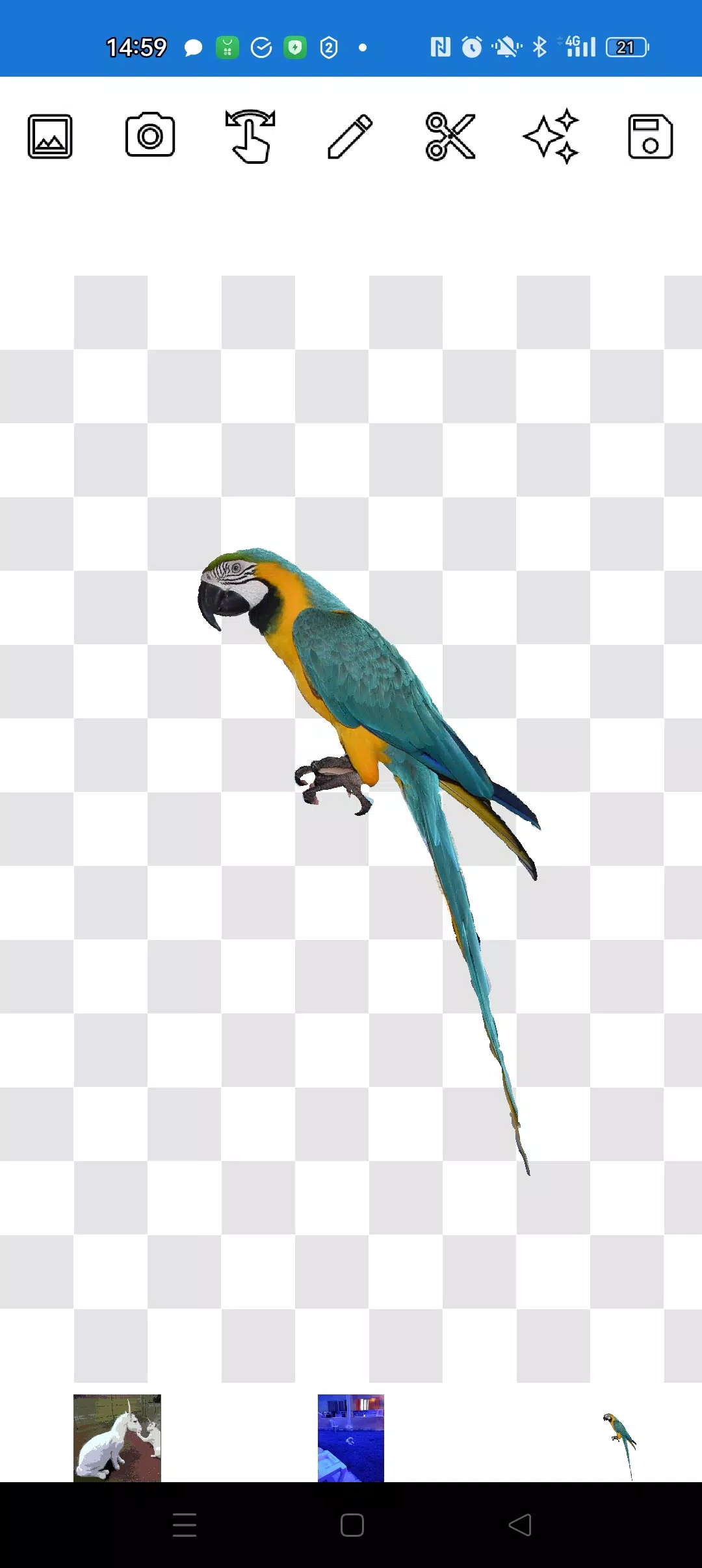
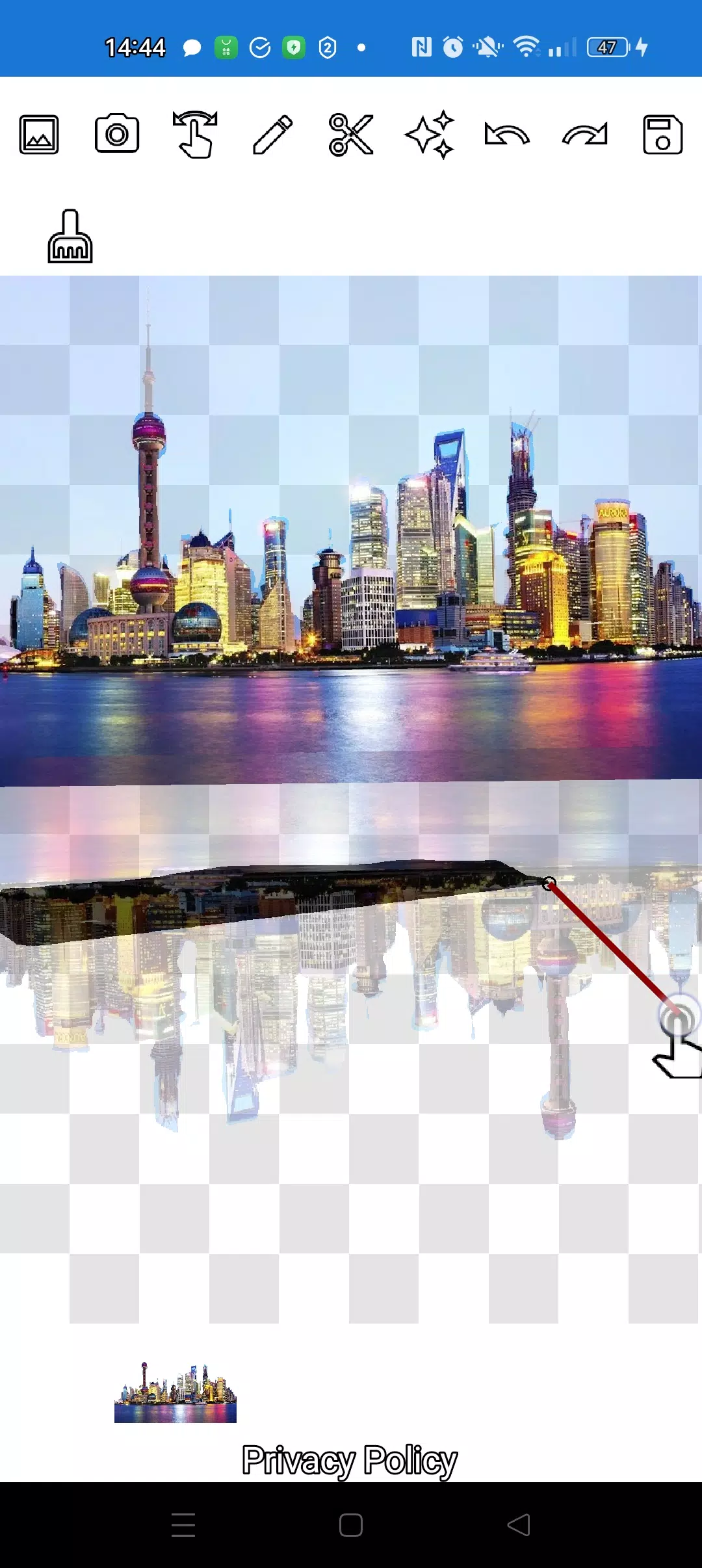
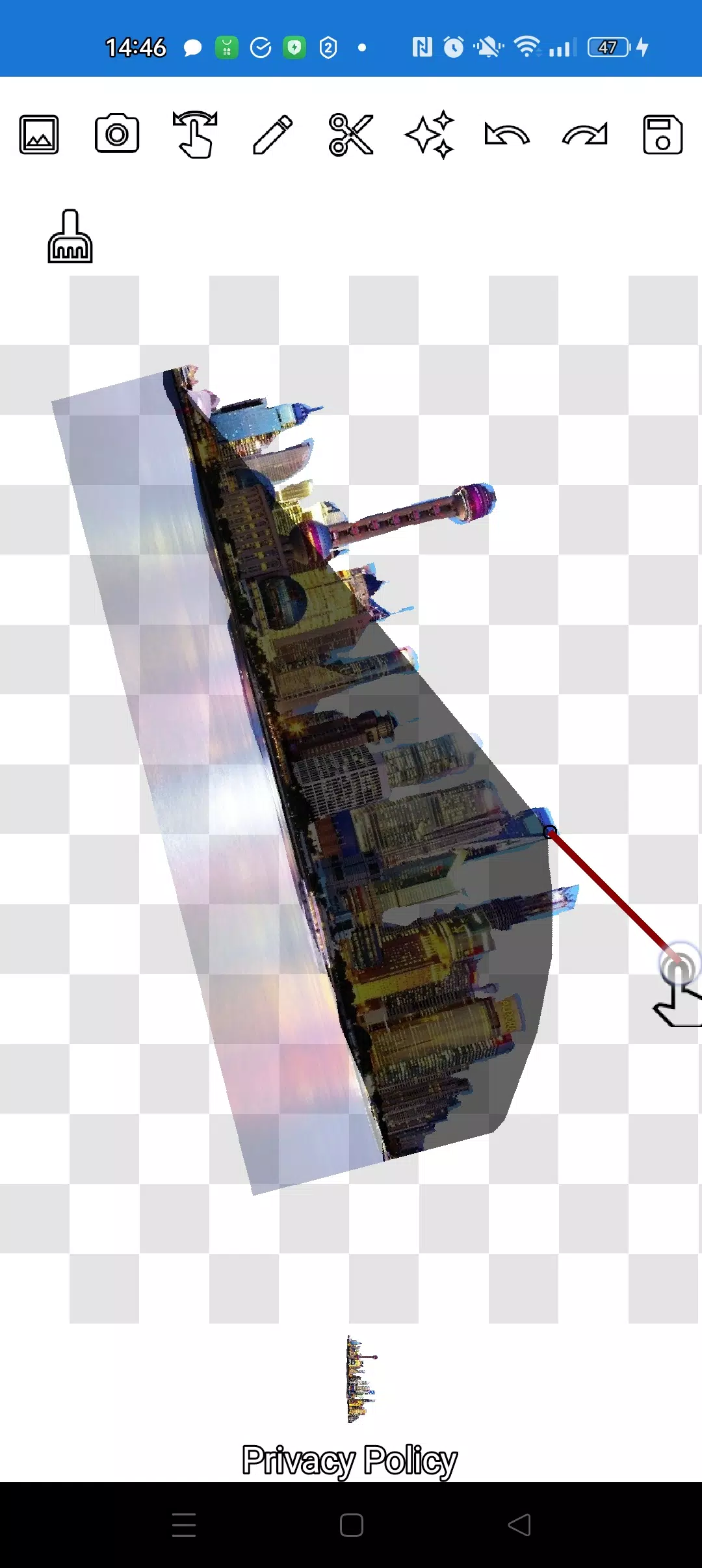
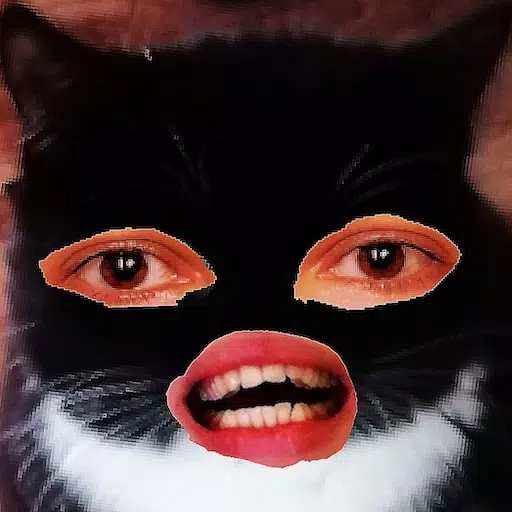
Our application enables you to precisely cut a photo along its contour and seamlessly overlay it onto another image. You have the freedom to cut out any object, no matter how small, from any photo using two intuitive tools: the pencil ✏️ and the lasso.
With the pencil tool, you can draw around your desired object, and by adjusting the transparency, it transforms into an eraser. Choose any pencil width to suit your needs. To achieve a translucent effect on your object, set the pencil to medium transparency. Fine-tune the edges by manipulating the transparency levels.
For a perfect fit of your objects into the background, click on the "magic" tool located next to the save button. This feature ensures your cutouts blend flawlessly with the new background.
To crop even the most intricate objects, you can zoom in significantly during manipulation mode (using your finger) and meticulously trim the outline with either the pencil or the lasso.
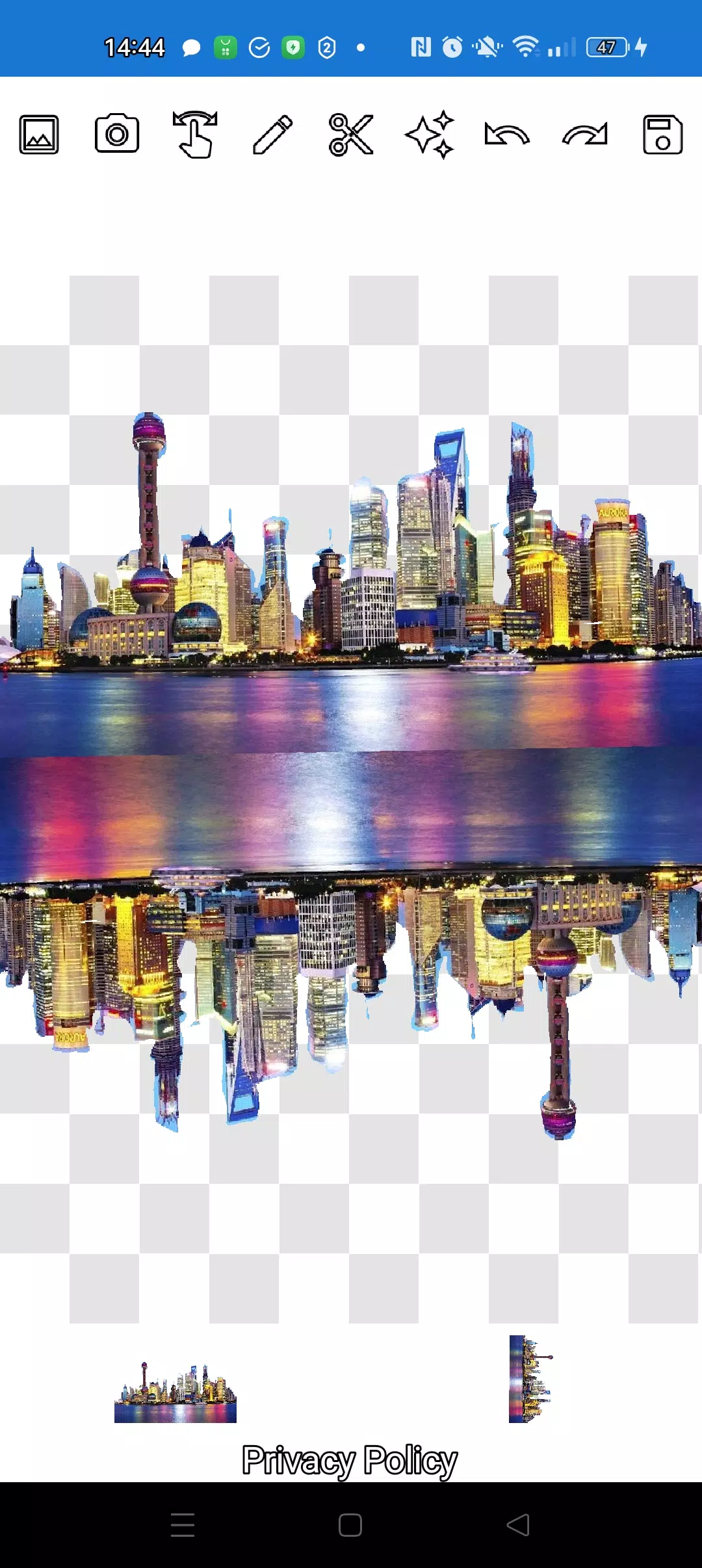
Create complex compositions of objects and applications in just a few minutes! You can layer as many objects as you want on top of each other. Simply select multiple photos from your gallery, crop several along their contours, and use one as the background. Arrange the images aesthetically and save the composition to your gallery. A helpful tip: first select an overlay image for convenient cutting, then choose a background—the overlay image will remain accessible. Just click on the overlay layer at the bottom, and it will move to the top.
If you're not satisfied with a picture on your screen, swipe it almost completely off the screen to delete it.
Saving is done by cropping the desired area. In crop mode, select a rectangular area you wish to save. Click the checkmark, and the photo will be saved to your photo gallery.
Don't worry about the order of your images. The layers (pictures) are displayed at the bottom of the screen. With a single click on a layer, you can move it above the others. It's that simple! You have full control over the arrangement of objects and the background.
The only potential confusion might be navigating between modes (manipulation, pencil/eraser, or lasso). However, after a brief training period of just a couple of minutes, you'll find everything to be straightforward!
Impress your friends on social media and instant messaging platforms with unique images. Create fakes, memes, and humorous content! Our app is a versatile and handy tool for all purposes, perfect for crafting memes for social networks, and also useful for businesses, websites, logos, and banners when you're short on time and don't have a full-fledged editor at hand.
Use the app anywhere—cafes, subways, or airplanes—as it works offline!
Simple technologies from Pimur.
Thank you for reading this text to the end. We value your feedback—please share your thoughts below!
What's New in the Latest Version 4.5
Last updated on Sep 17, 2024
Minor bug fixes and improvements. Install or update to the newest version to check it out!