Home Apps Beauty SnapArt Pro Ai Photo Editor
SnapArt Pro Ai Photo Editor

SnapArt Pro Ai Photo Editor Rate : 4.5

  • Category : Beauty
  • Version : 2.37
  • Size : 82.4 MB
  • Developer : kobecodder
  • Update : Mar 25,2025
Download
Application Description

SnapArt Pro: Elevate Your Photography with Powerful Editing Tools

Transform your photos effortlessly with SnapArt Pro, a comprehensive photo editing app packed with features to create stunning visuals. This free app offers a user-friendly interface and a vast array of tools to enhance your images.

Key Features:

  • 150+ Free Filters: Explore a diverse range of filters, including Vintage, Euro, Film, Fuji, Kodak, Black and White, Lomo, Mood, Movie, and many more. Precisely control hue, saturation, and light across seven color channels using the HSL color picker. Easily adjust filter strength for personalized results.

  • Body Retouching: Refine specific areas of your photos, adjusting waist, hips, legs, or torso for enhanced proportions.

  • One-Tap Cropping: Utilize presets tailored for major social media platforms, or effortlessly rotate and flip your images.

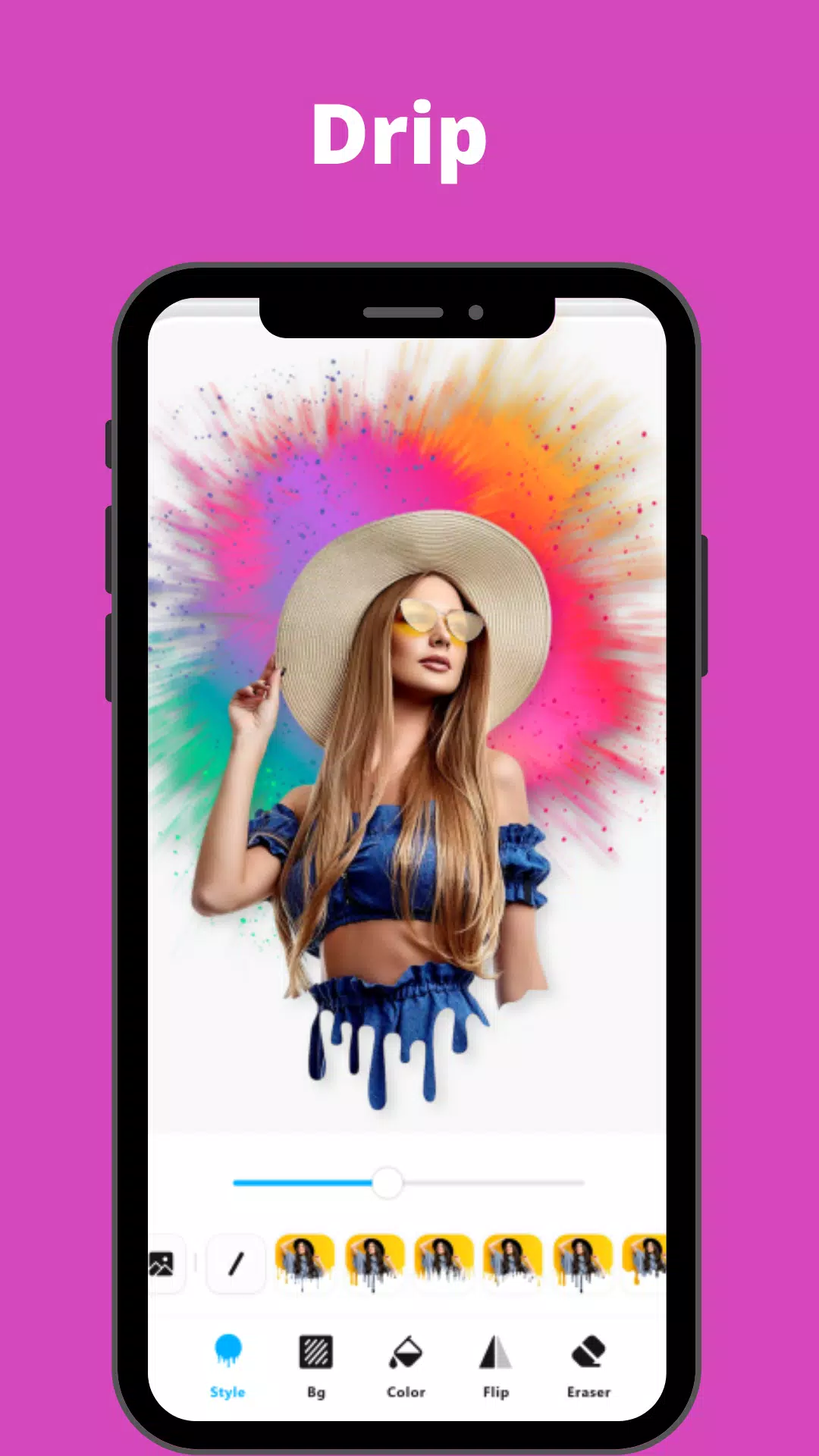
  • 12 Photo Effects & Background Blur: Apply effects like Drip, Overlay, Neon, Motion Effect, and achieve a professional DSLR blur effect. Fine-tune the strength of each effect for perfect results.

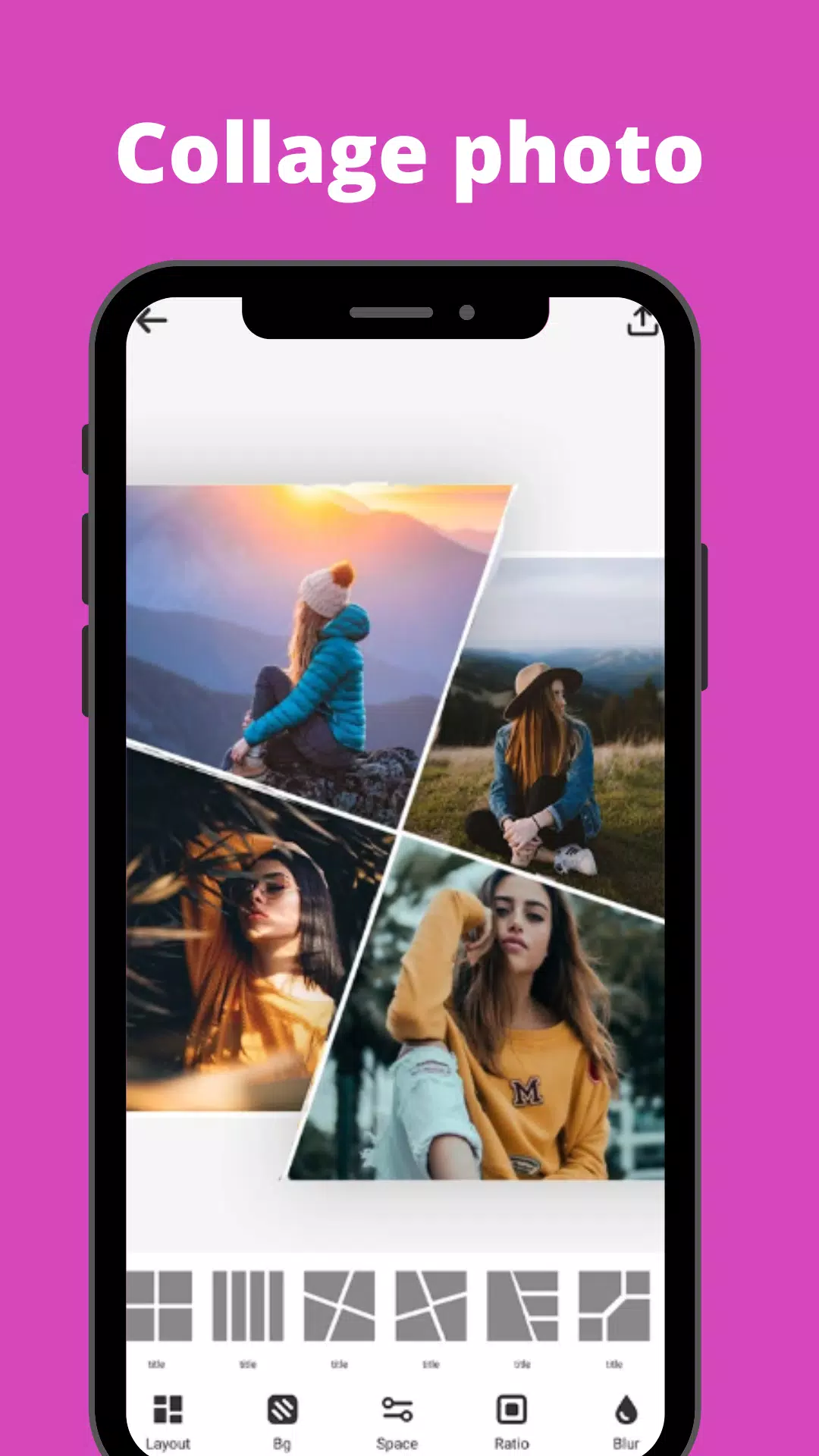
  • Photo Collage Maker: Create stylish collages with up to nine pictures, choosing from 100+ grids and backgrounds. Seamlessly blur the background for a professional touch.

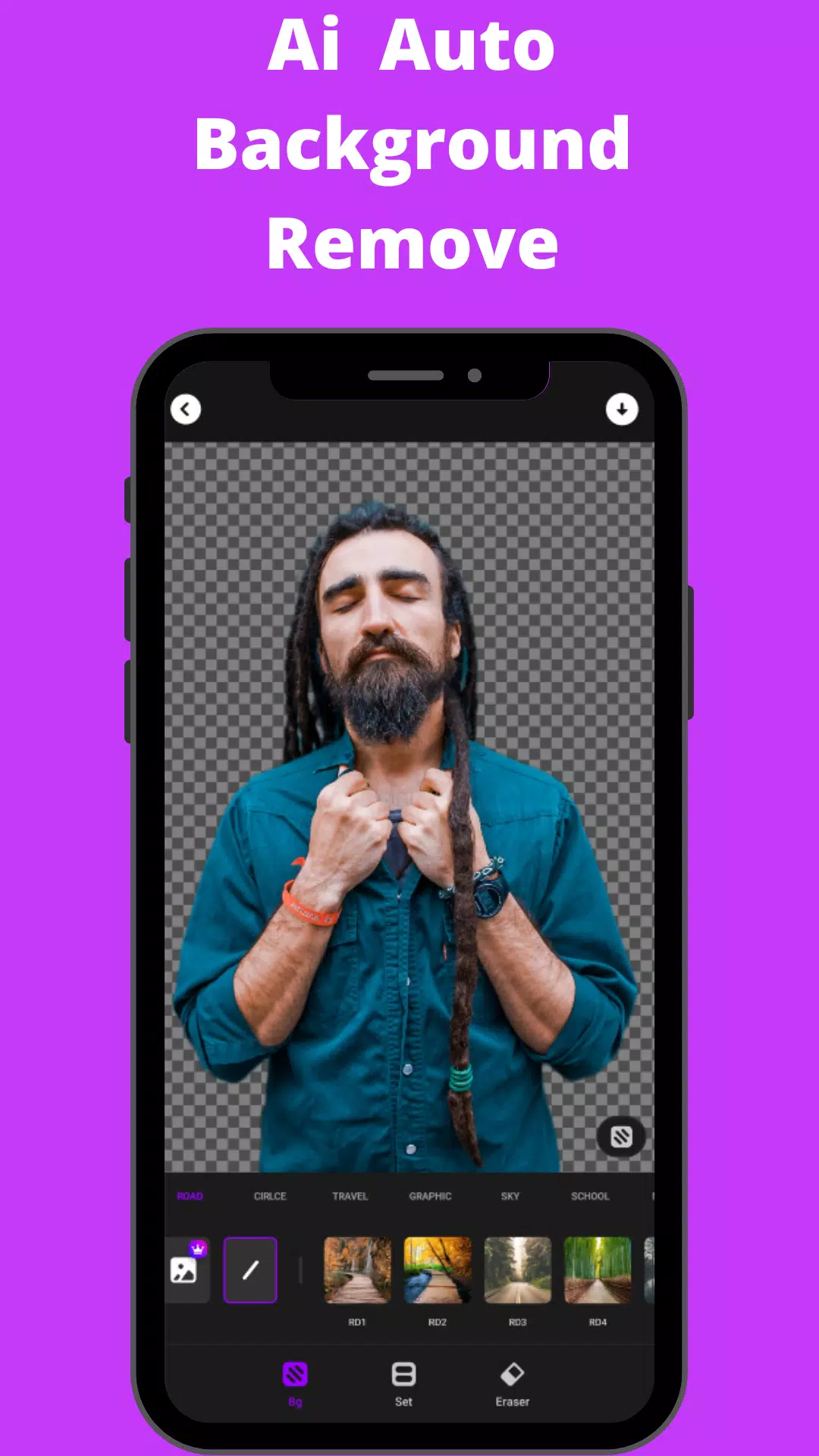
  • Background Eraser: Easily remove or change unwanted backgrounds using preset templates or a simple one-tap background change.

  • HSL Color Mode: Master control over Hue, Saturation, and Luminance (HSL) across 7 color channels.

  • Basic Photo Editing Tools: Fine-tune highlights, brightness, shadows, contrast, warmth, exposure, and sharpness. Selective enhancement options are also available.

  • Add Text to Photos: Elevate your photos by adding text with a variety of fonts and styles.

  • Rotate and Crop: Crop photos freely with presets for social networks, and rotate to any angle.

  • Photo Library History: Easily access your photo editing history with multiple workspaces.

SnapArt Pro automatically optimizes your watermark-free creations for major social media platforms like Instagram, Facebook, Pinterest, and Twitter. The app is available for free.

What's New in Version 2.37 (July 13, 2024):

Bug fixes.

Disclaimer: SnapArt is an independent entity and is not affiliated with Instagram, Facebook, Pinterest, or Twitter.
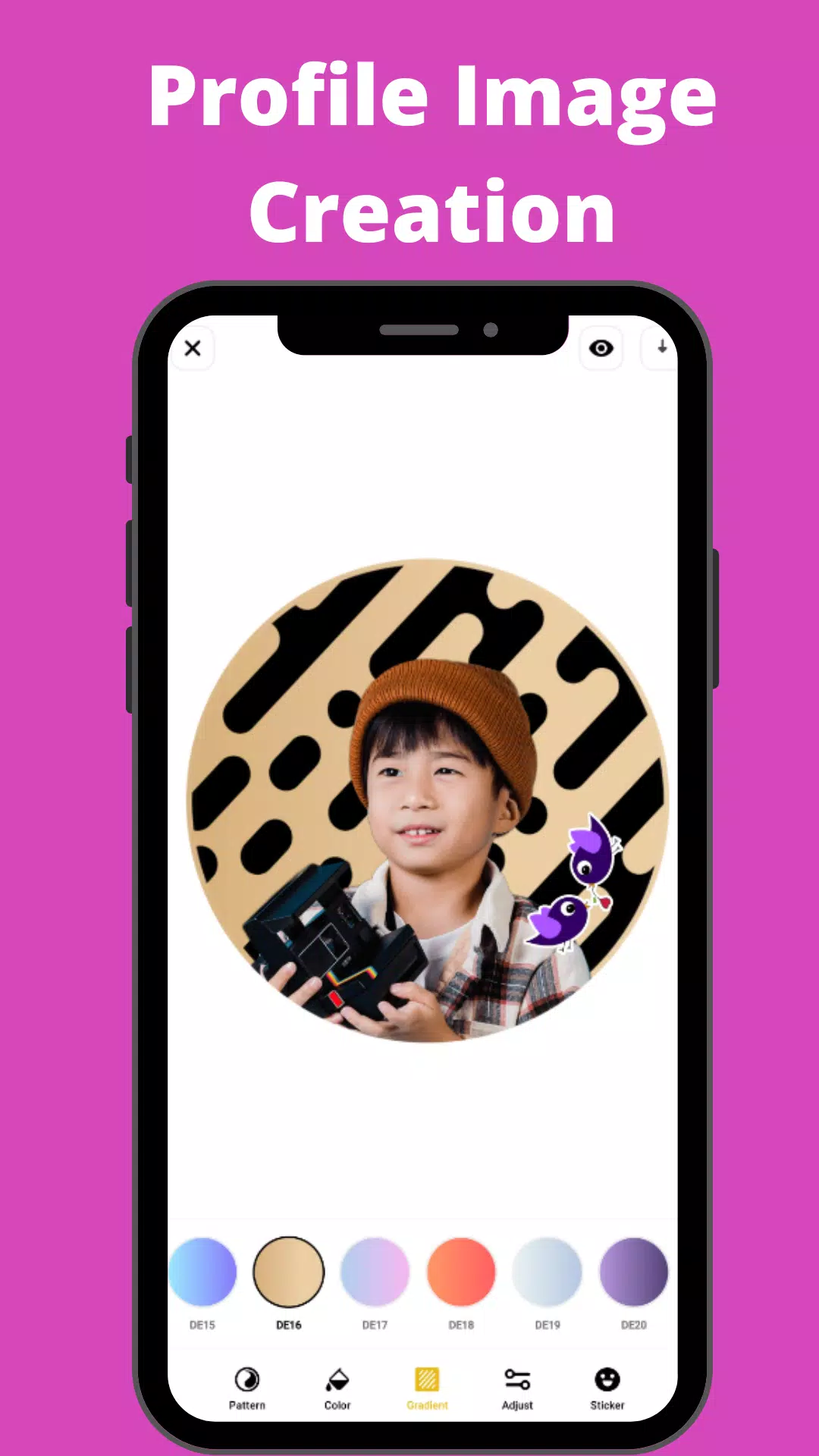
Screenshot
SnapArt Pro Ai Photo Editor Screenshot 0
SnapArt Pro Ai Photo Editor Screenshot 1
SnapArt Pro Ai Photo Editor Screenshot 2
SnapArt Pro Ai Photo Editor Screenshot 3
Latest Articles More
  • Neil Druckmann Teases Naughty Dog’s New Game Theme

    The Last of Us creator Neil Druckmann has revealed new insights about Naughty Dog's upcoming title Intergalactic: The Heretic Prophet.During a candid interview with Alex Garland, writer of 28 Days Later, Druckmann discussed the four-year development

    Dec 21,2025
  • Dead Cells' Final Update Launches on iOS, Android

    Dead Cells' final two updates, Clean Cut and The End is Near, have now been released.Both updates deliver the last content additions to Dead Cells, concluding years of continuous updates.New weapons, enemies, and more provide a spectacular send-off.O

    Dec 20,2025
  • Jurassic Park Tables Launch in Zen Pinball World

    Zen Studios is enhancing the Zen Pinball World collection with two new DLC packs that recreate memorable cinematic moments on the pinball table. The latest additions are Universal Classics Pinball and Jurassic Park World Pinball.Excited for the New Z

    Dec 20,2025
  • Sims 4 Blast Event: Historical Displays Guide

    Week 2 of The Sims 4's Blast from the Past event is now underway, challenging players to explore the world while solving mysteries. One seemingly simple task is causing unexpected roadblocks - here's how to successfully study a Historical Display.Whe

    Dec 20,2025
  • Clair Obscur: Expedition 33's New Developments

    Clair Obscur: Expedition 33 News2025April 3PC players will have access to extensive graphical settings, ranging from Low to Epic presets, while console players can select between Performance and Quality modes. Confirmed as a PS5 Pro Enhanced title, i

    Dec 19,2025
  • PS5 Cross-Buy Hinted for PC and PlayStation Purchases

    A "Cross-Buy" icon recently appeared on the PlayStation Store, fueling speculation that Sony may soon enable players to purchase games once and play them across both consoles and PC.Social media user Amethxst first noticed references to a "crossbuy-t

    Dec 18,2025