Thunee is a well-known trick-taking card game that began in South Africa.
Thunee, named after the Tamil word for water, is a beloved trick-taking card game that started in Durban, South Africa. The game evolved from 304, a popular card game in India and Sri Lanka.
You can play in Single Player or Multiplayer mode. Either way, you will enjoy the ultimate Thunee gaming experience in an app. It is a true simulation of the real game.
Note: An online connection is recommended for the best gaming experience and to upload or update your win records.
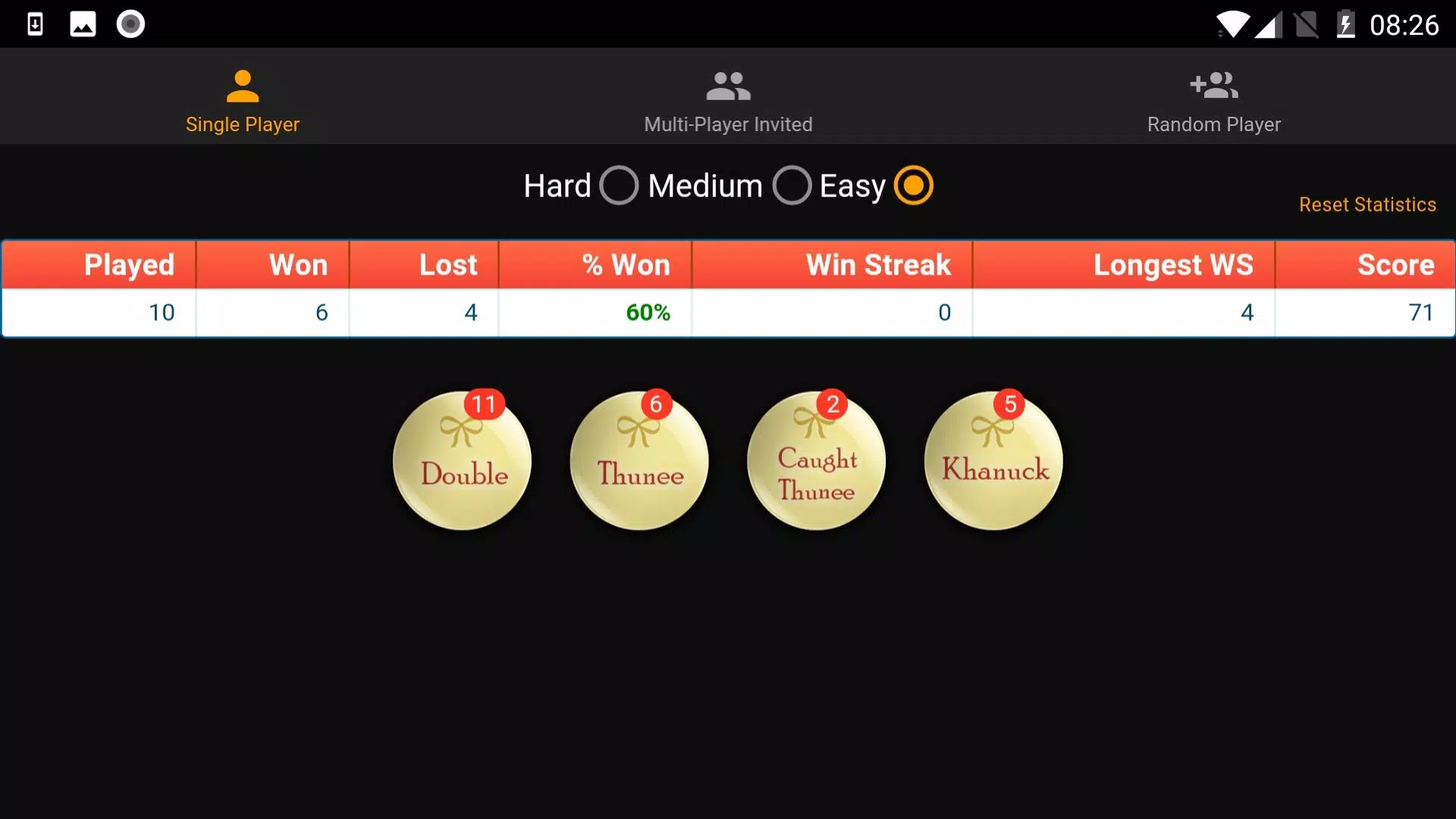
In multiplayer mode, you can invite someone as your partner or challenge them to a match. Easily invite others using push notifications or WhatsApp messages. Results and statistics from games with friends are saved and displayed on your stats page. Use this feature to show off who is the top player in your group.
Easy difficulty helps newcomers learn the game with guided assistance and spoken commentary during play.
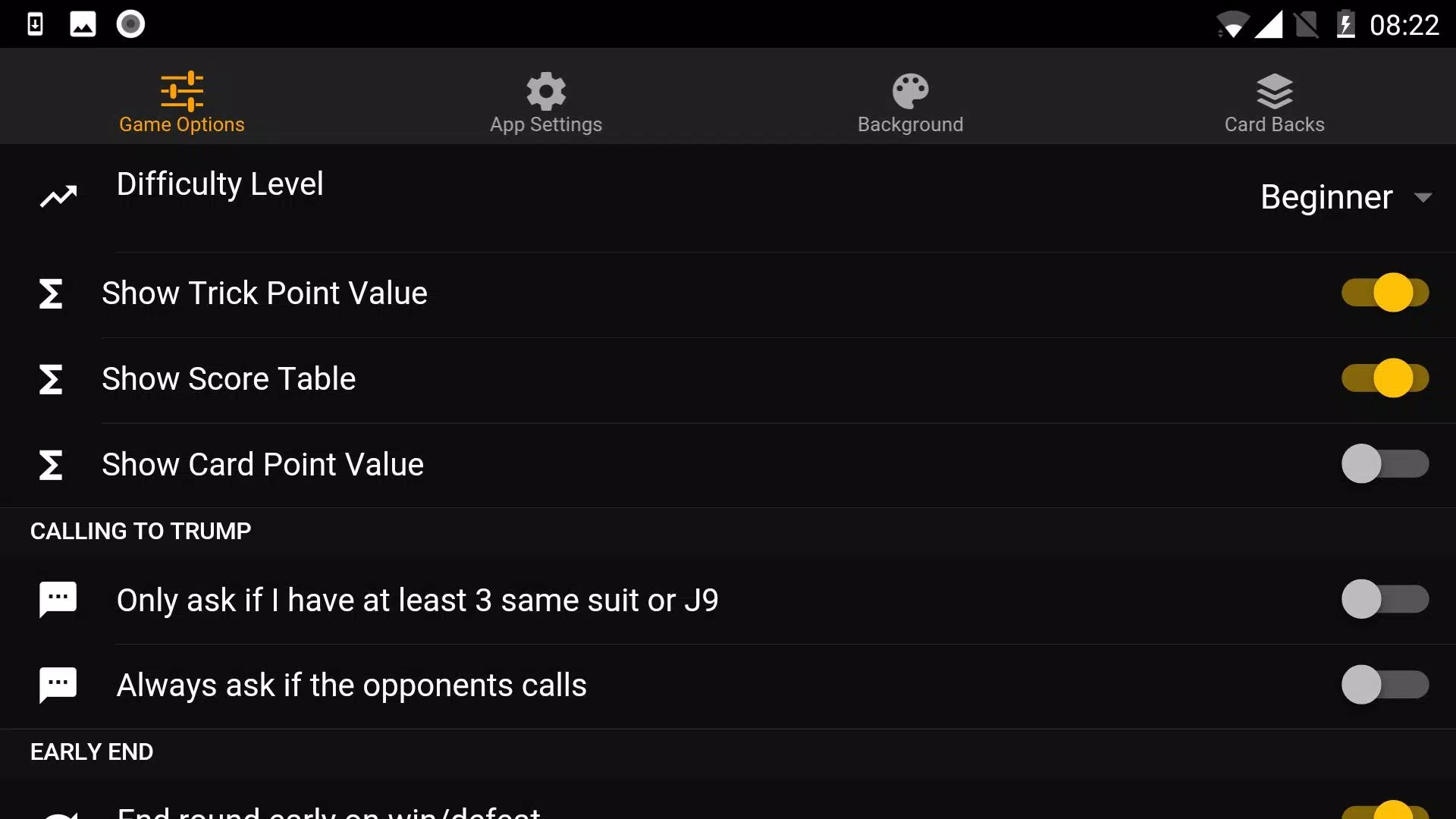
This app is fully customizable via the settings menu, allowing you to adjust it to match your playing style or preference. You can change options such as:
- Select from Difficulty levels: Hard, Medium, or Easy
- Enable score assistance for Medium and Easy modes. View trick and hand values as they complete, plus real-time scoring.
- Choose when to be prompted to bid: always, or only when you hold 3 or more cards of the same suit or a J9 combination.
- Offer early win or loss if you or your opponents exceed the required score (enabled by default)
- Allow early victory claims (including Double and Khanuck claims)
- Set the duration for clearing a trick, or choose to click to clear it manually. Even with a timer set, you can still click to clear early. (Default time is 1 second)
- Includes voice sounds for bidding, calling Jodhi, and more
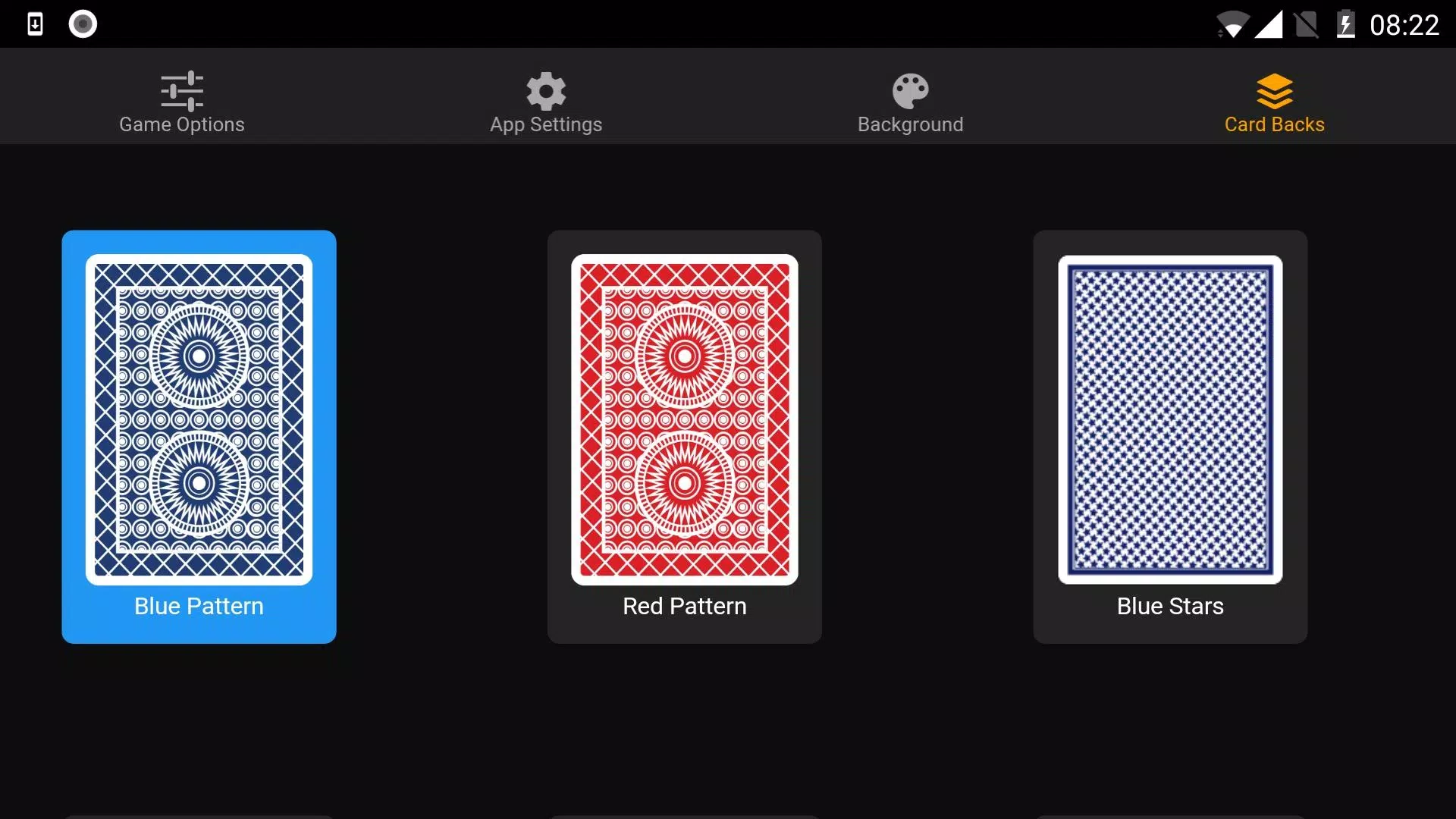
- Customize the game’s look by changing the background (or pick your own color with a vignette effect) and card decks
- Option to include Royals (a Thunee variant where card values are reversed—Queens become Jacks, Kings become Nines, and so on)
Please check the FAQ under the help menu for more information.