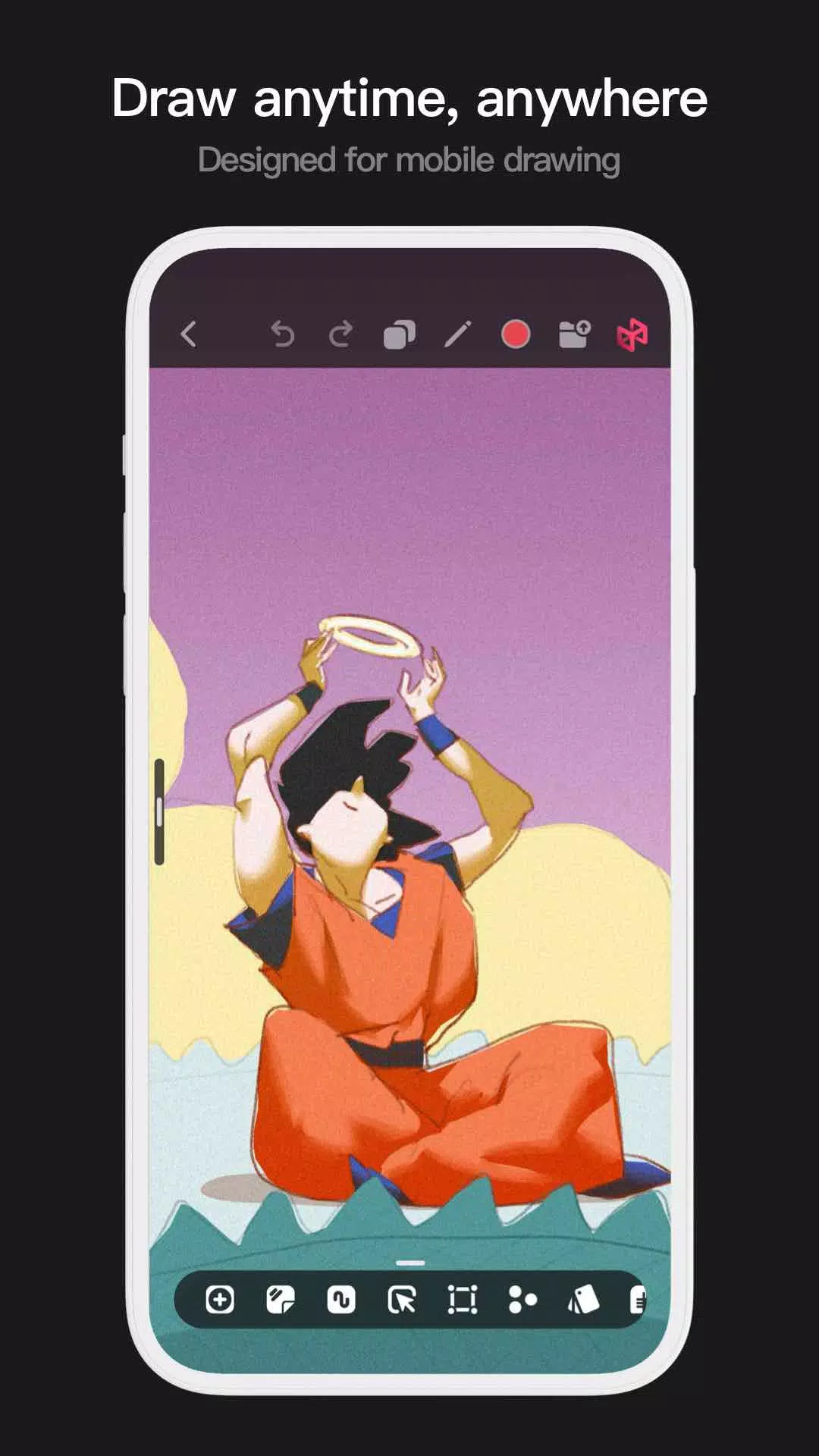
Introducing the Pofi Brush, an innovative art tool designed for mobile devices that empowers both creators and artists to immerse themselves in a superior painting experience while unleashing their creativity. Whether you're a novice or a seasoned professional, Pofi Brush equips you with the tools to craft breathtaking sketches, illustrations, comics, and cartoons directly on your phone or tablet, ensuring you can capture and express your artistic vision anytime, anywhere.
Powerful 2D Artistic Engine
At the heart of Pofi Brush lies our robust 2D Artistic Engine, meticulously developed by the Pofi team. Optimized for 64-bit multi-core processors, this engine is compatible across multiple platforms, supporting expansive HD canvases up to 4k × 4k px for crisp, lifelike artwork. With an intuitive interface tailored for mobile painting, the engine ensures smooth drawing speeds and is enhanced for use with an electronic pen, delivering smooth, realistic, low-latency strokes. Features like auto-save and save-on-exit are available on both phones and tablets, ensuring your creative process remains uninterrupted.
Professional Brush Editor
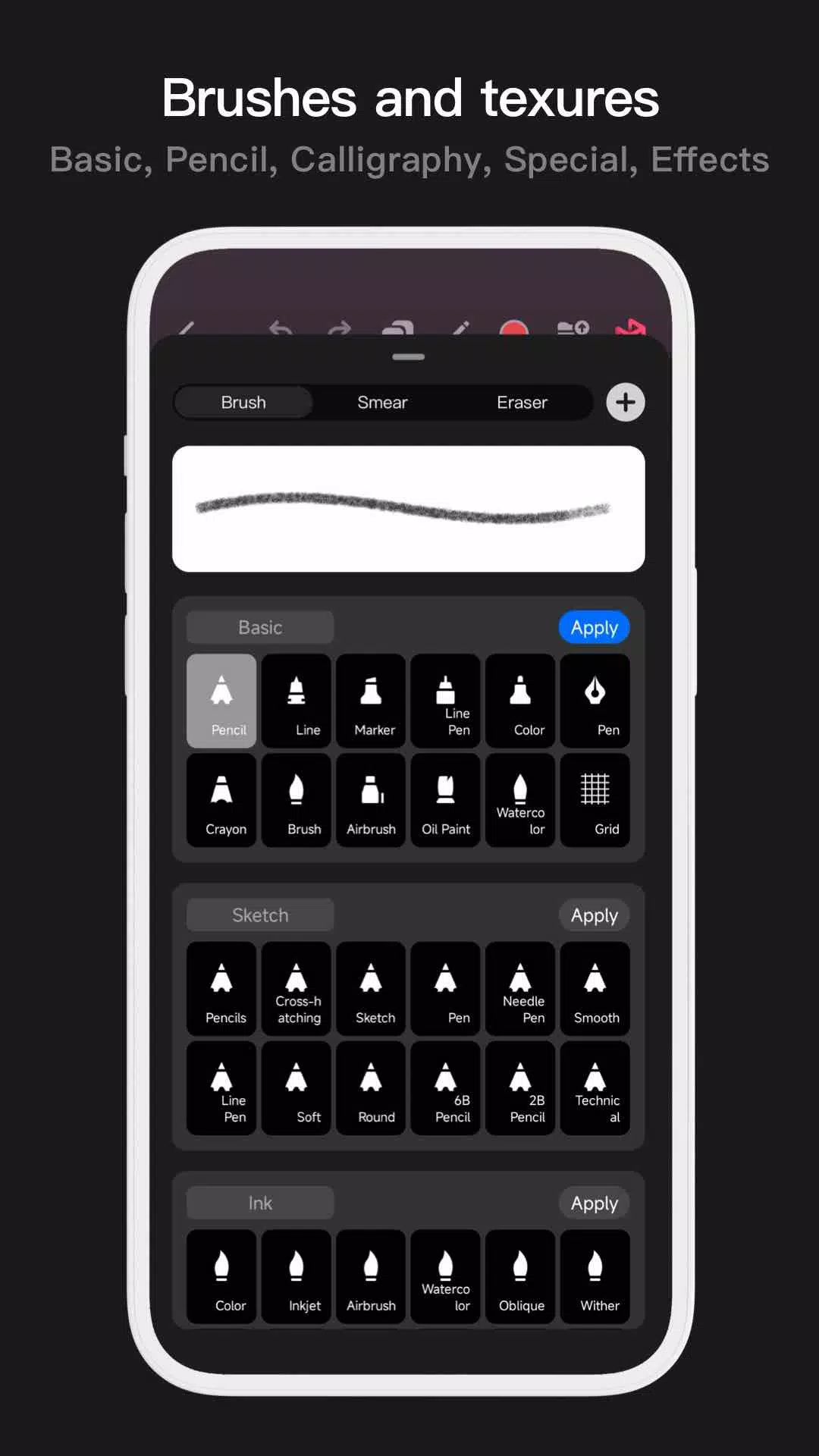
Pofi Brush comes equipped with an extensive collection of creative brushes, each customizable with over 40 settings to meet your unique artistic needs. Whether you're sketching, inking, or adding texture, you can fine-tune each brush or design your own, enhancing your personal creative style. Each brush operates in three modes—Brush, Eraser, and Smudge—and includes a library of preset nib shapes and textures. Organize your brushes into groups for efficient management, and utilize anti-flutter settings for smoother strokes. The app supports finger-painting with pressure simulation, offering the precision of a real paintbrush, and fully leverages the electronic pen's capabilities for a truly realistic brush experience.
Advanced Multi-layer System
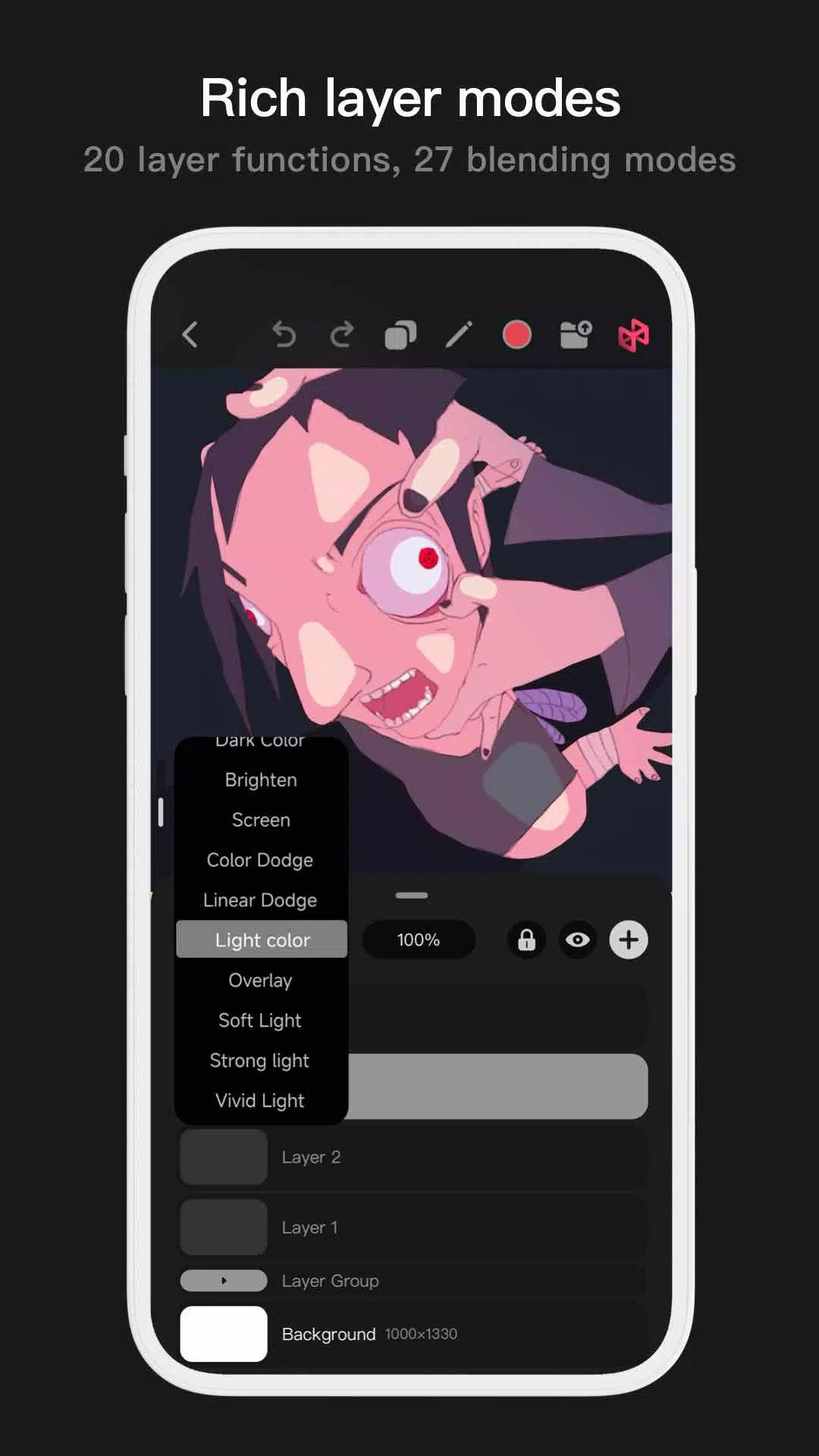
Our advanced multi-layer system in Pofi Brush provides you with meticulous control over your artwork. With features like Layer Preview for quick layer identification, drag-and-drop grouping, merging, and deleting, you can manage your layers effortlessly. Choose from 20 layer functions, including drag sorting, show/hide, lock/unlock, transparency adjustments, and multi-select options. Enhance your artwork with 27 layer blending modes, such as Standard, Darken, Overlay, and more, to achieve the desired effects and depth in your creations.
Full-featured Color Tools
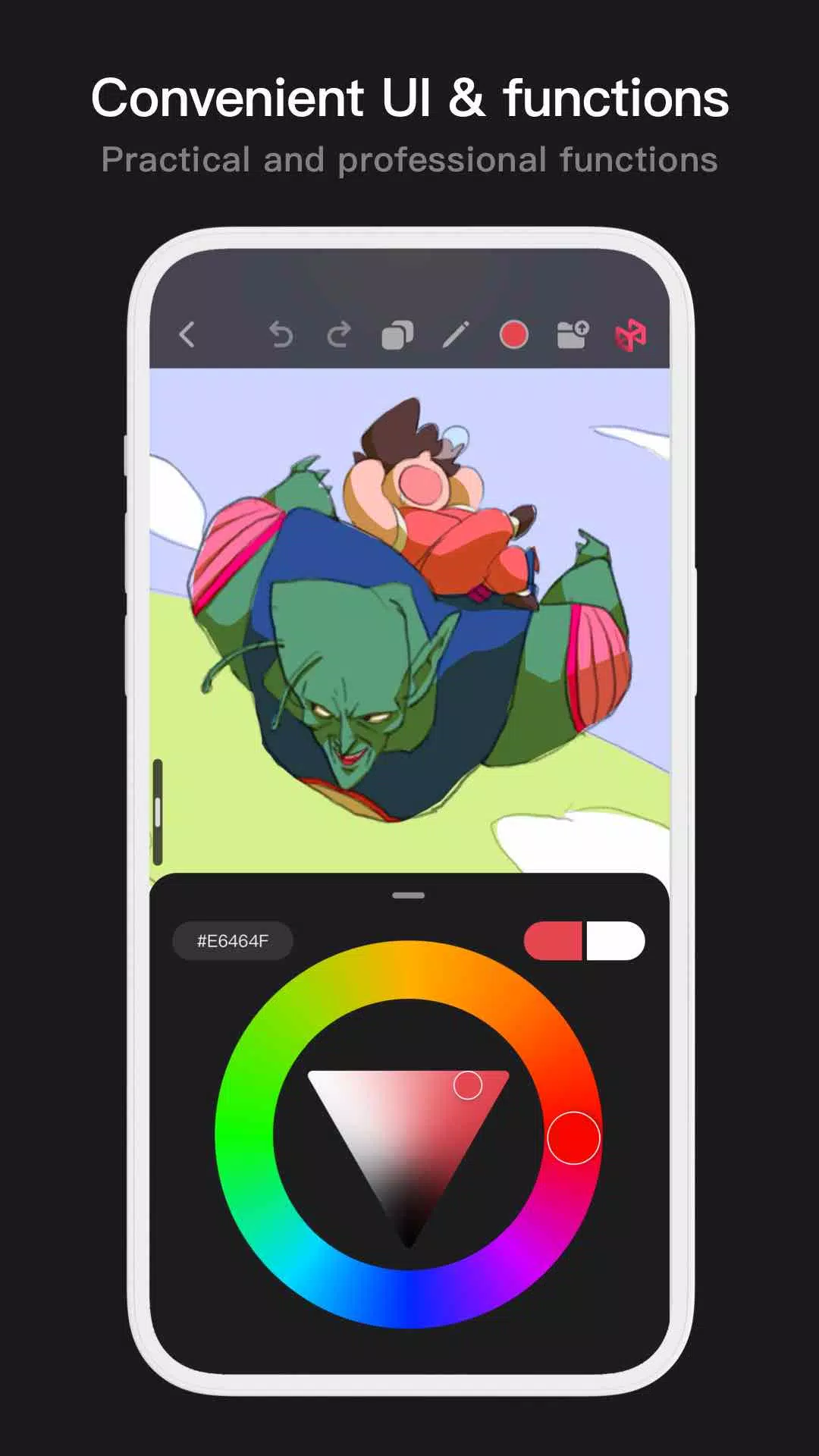
Pofi Brush offers a comprehensive suite of color tools to streamline your color selection process. With four types of color panels—circular, square, HSB numeric, and grouped color blocks—and two color picking methods, including inputting hexadecimal color codes or long-pressing to pick colors, you can quickly access the hues you need. Additionally, manage your colors efficiently with six color block functions, such as grouping, renaming, sorting, and deleting.
More Highlights
Pofi Brush enhances your mobile art experience with additional features like a flexible interface that supports half-screen and full-screen views on cell phones, and large interface expansion with drag-and-drop functionality on tablets. Rotate and zoom your canvas for the perfect perspective, and benefit from auto-archiving and save-on-return features. Export your masterpieces in PNG or JPG format to share with the world.
Should you encounter any questions or wish to provide feedback, feel free to reach out to us at [email protected]. For more information on our privacy policy, visit https://brush.pofiapp.com/agreement/privacy.