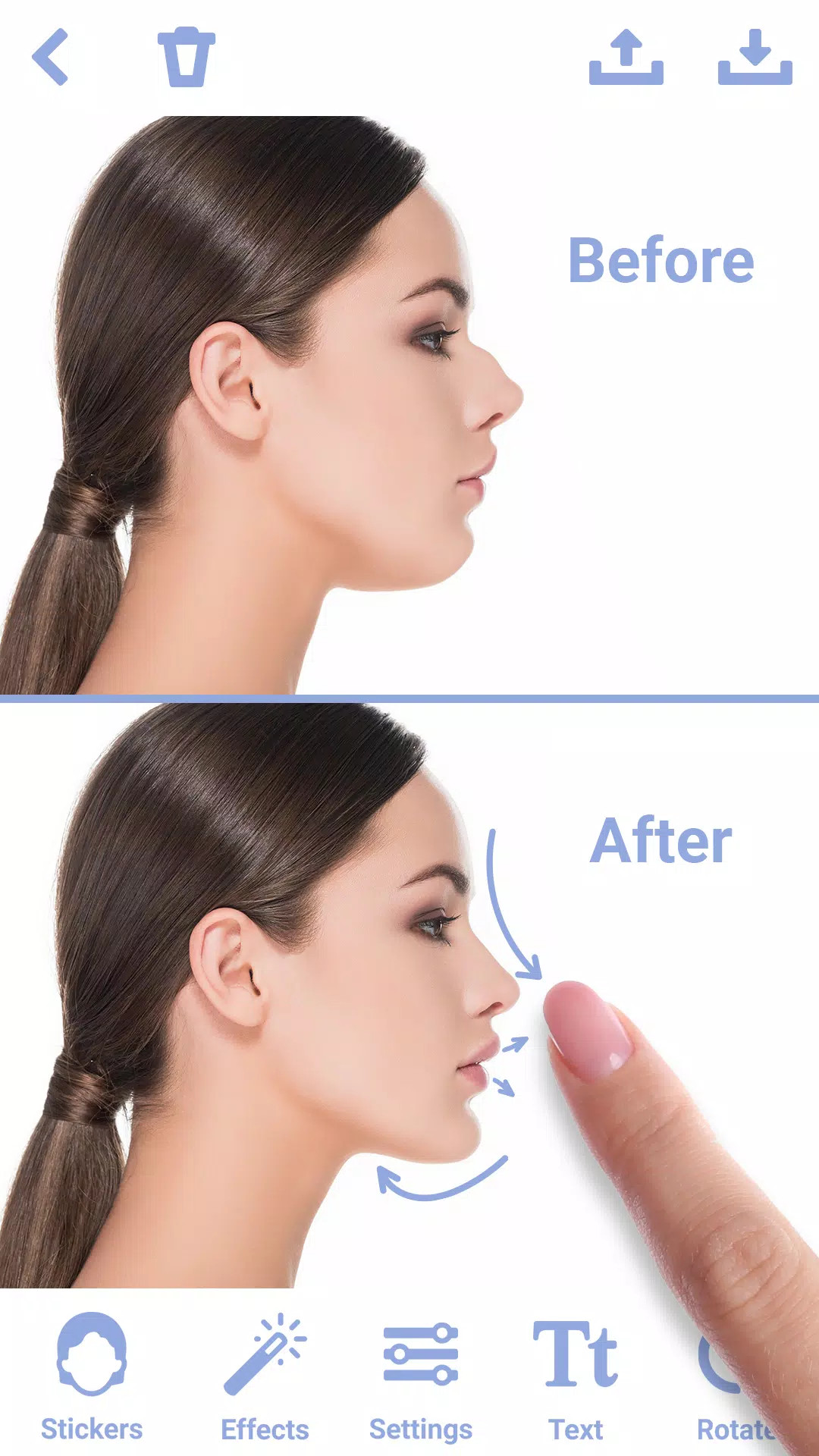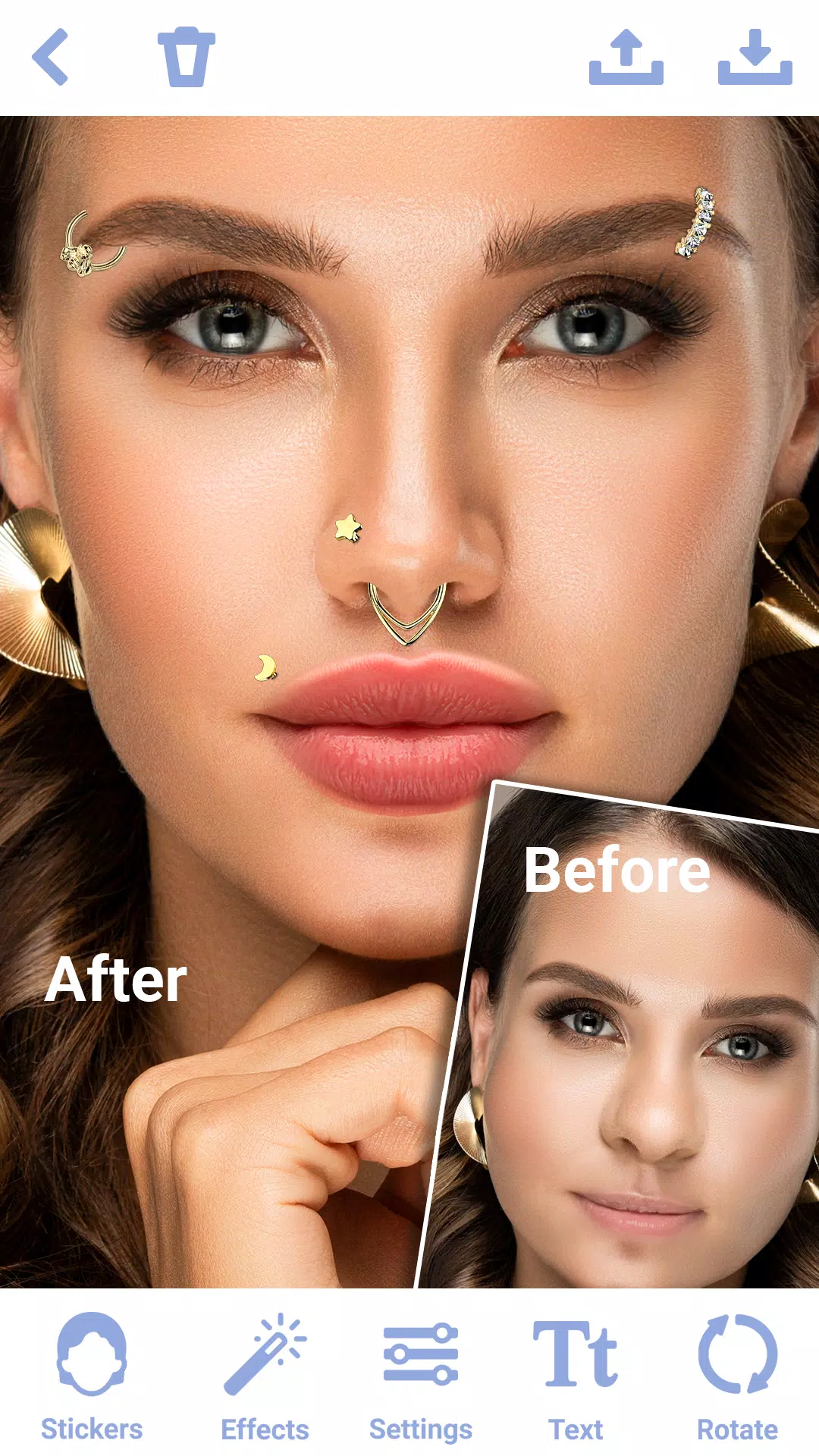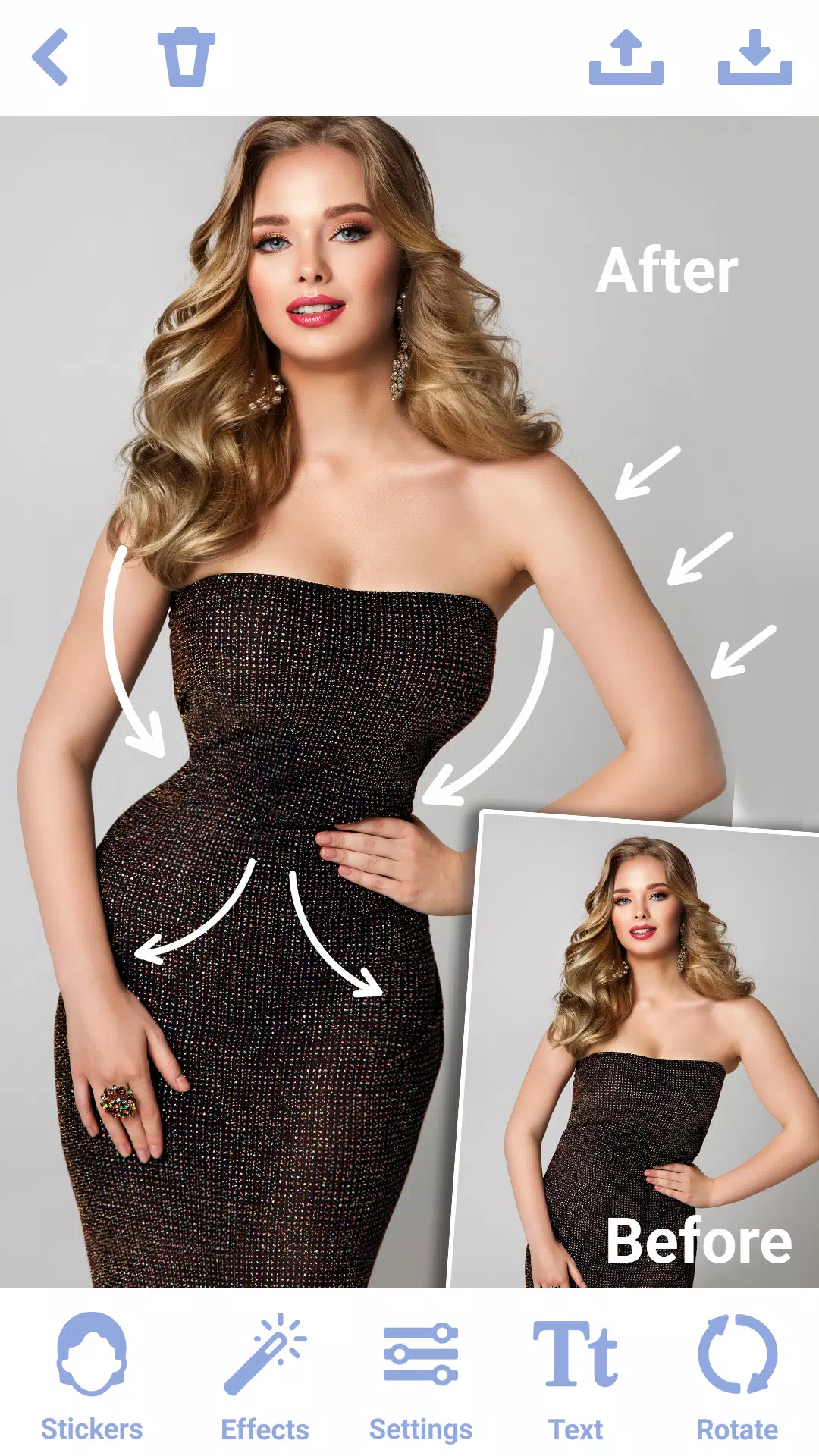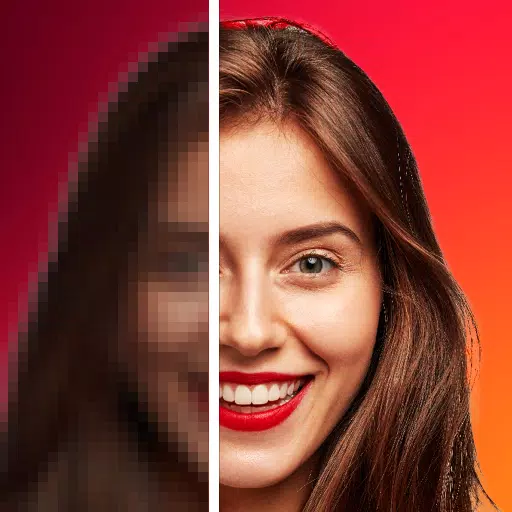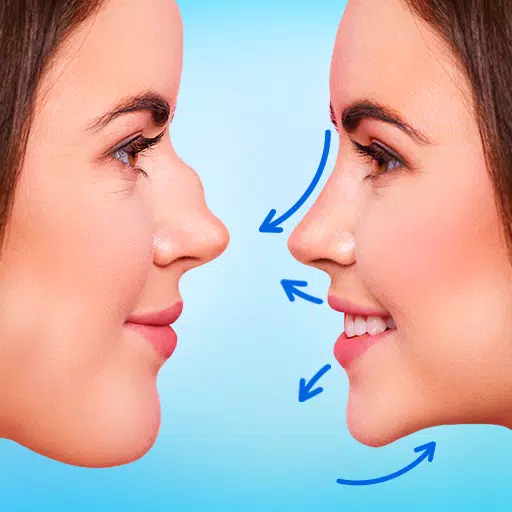
Transform your appearance seamlessly with the "Rhinoplasty App: Nose Editor," an innovative nose photo editor designed to help you achieve the perfect nose shape effortlessly. Whether you're looking for subtle enhancements or dramatic changes, this face editor app offers a variety of face filters and stickers to simulate a nose job, making it an essential tool for virtual plastic surgery.
Key Features:
1. Realistic Nose Shape Changer
- Precision Tools: With the nose photo editor, you can easily adjust the size, shape, and contour of your nose using our advanced stickers. The face editor app's face filters ensure your nose job looks natural and seamless.
- Symmetry Adjustment: Achieve a balanced and harmonious facial appearance by correcting asymmetrical features with the photo editor "Rhinoplasty: Nose Editor".
2. Easy-to-Use Interface
- Intuitive Controls: The nose shape changer boasts a user-friendly interface, making it simple for users of all experience levels to perform virtual plastic surgery on their photos.
3. Advanced Editing Options
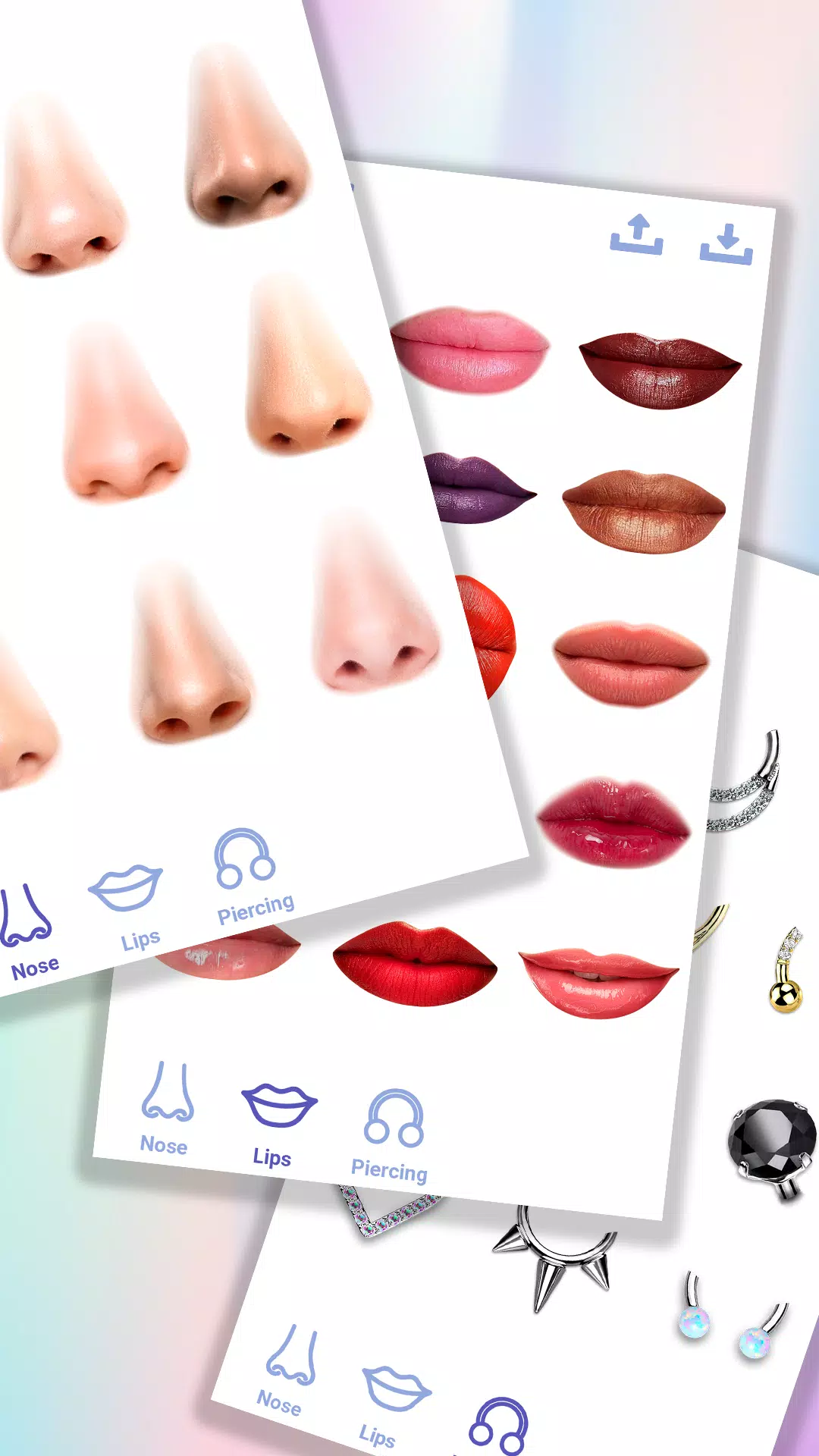
- Multiple Nose Shape Variants: The face editor app provides a range of preset nose shape templates. Experiment with the nose shape changer to preview different looks before making custom adjustments.
- Variety of Stickers: Explore diverse face stickers to achieve the perfect nose job with the photo editor "Rhinoplasty: Nose Editor".
- Zoom and Pan: Magnify specific areas for detailed plastic surgery while applying different stickers and face filters.
4. Sharing in High-Resolution
- High-Resolution Output: The nose editor allows you to export your edited photos in high resolution, ensuring your nose plastic surgery looks crisp and clear.
- Save and Share: Save your edited photos in the nose shape changer and share your rhinoplasty results with friends and family.
- No Watermarks: With the photo editor "Rhinoplasty: Nose Editor", save and share your photos without any intrusive watermarks.
Tips for Best Results:
- Use High-Quality Photos: Start with clear, high-resolution images for the best nose job outcome using the nose editor.
- Natural Lighting: Ensure your photo is well-lit with natural light to make virtual plastic surgery easier and more accurate.
- Take Your Time: Carefully explore stickers and face filters to select the perfect nose shape for your face.
- Explore Features: Make the most of your editing experience by trying out all the tools, face filters, and stickers the nose editor offers.
- Use Stickers: Enhance your photos by adding stickers for the nose job available in the face editor app, adding fun elements or additional enhancements.
Why Choose the Nose Photo Editor?
Whether you're looking to make subtle tweaks or dramatic changes, "Rhinoplasty: Nose Editor" offers stickers, face filters, and editing tools in a user-friendly package. This nose photo editor is perfect for virtual plastic surgery for personal use. Empower yourself to create stunning, natural-looking photos with ease using this nose shape changer.
Transform your selfies and portraits today with the photo editor "Rhinoplasty: Nose Editor" – your go-to nose shape changer for flawless nose job and photo enhancement. Download the photo editor "Rhinoplasty: Nose Editor" and experience the difference with face filters and stickers! Achieve the perfect nose job in the face editor app.