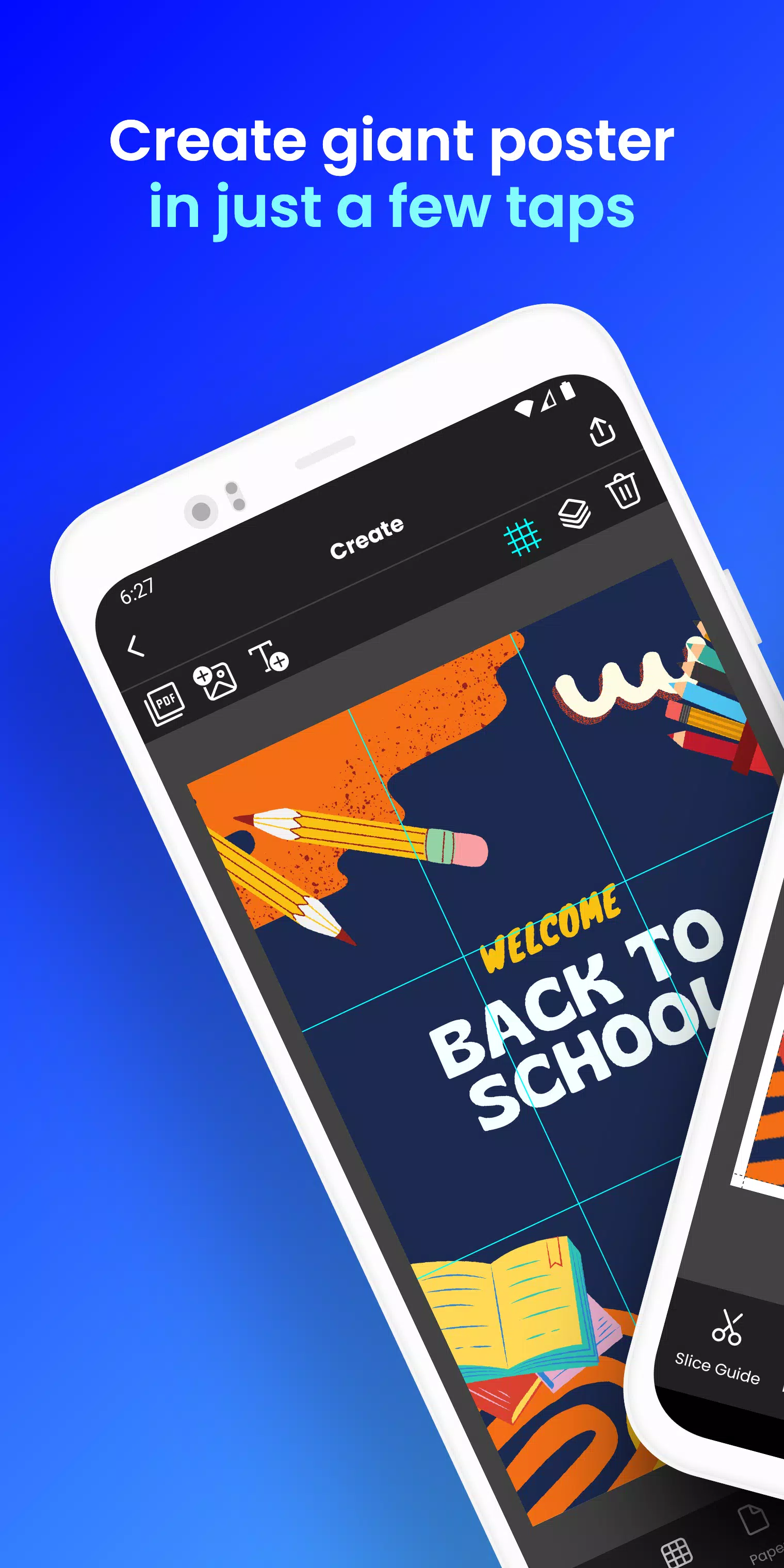
Transform your phone into a giant poster printer! Create stunning block posters in seconds!
Tired of expensive print shops for large posters, banners, or wall art? Docuslice lets you effortlessly create impressive, multi-page posters using your home printer! Tiled printing made simple!
Here's how it works:
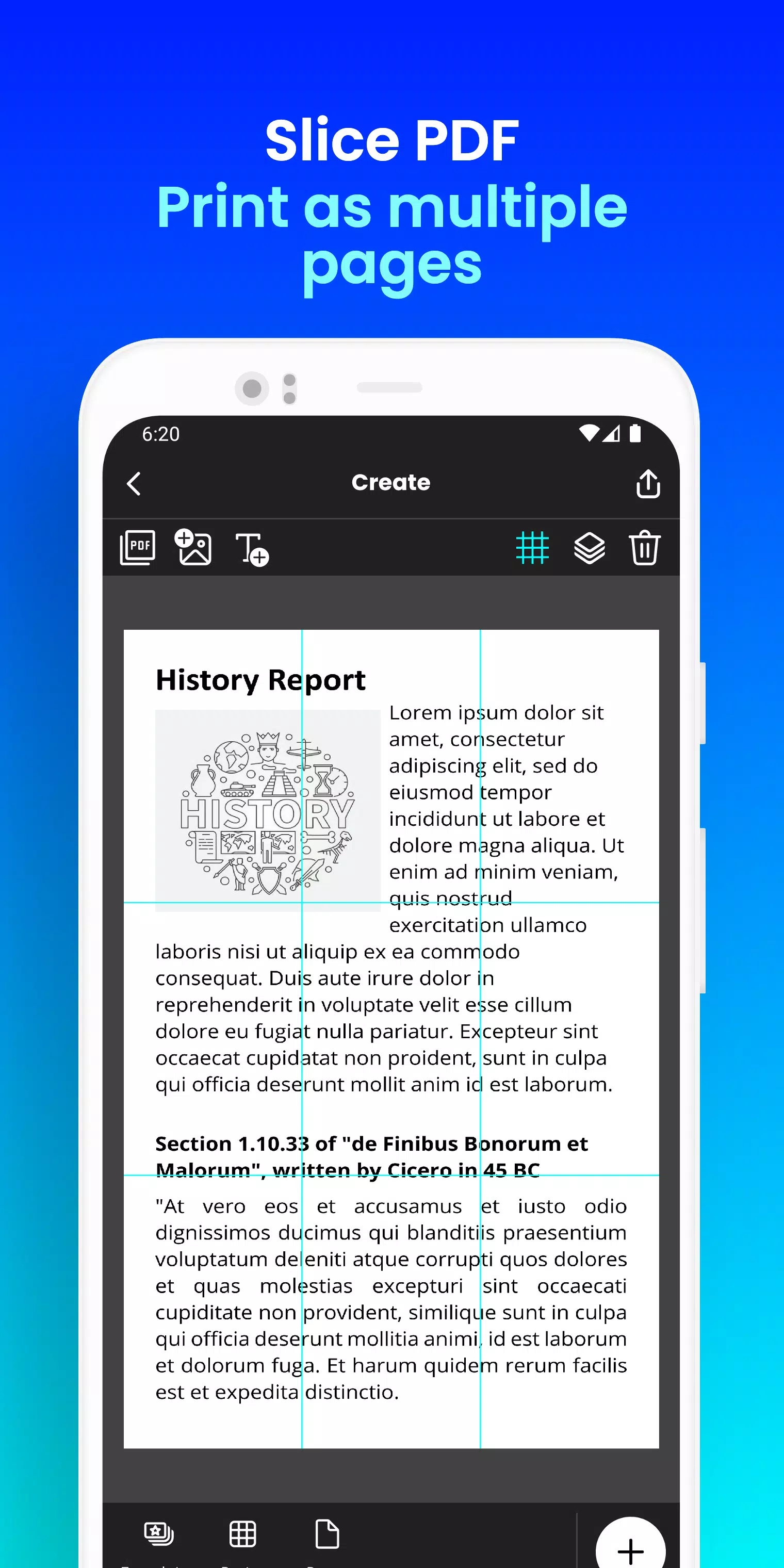
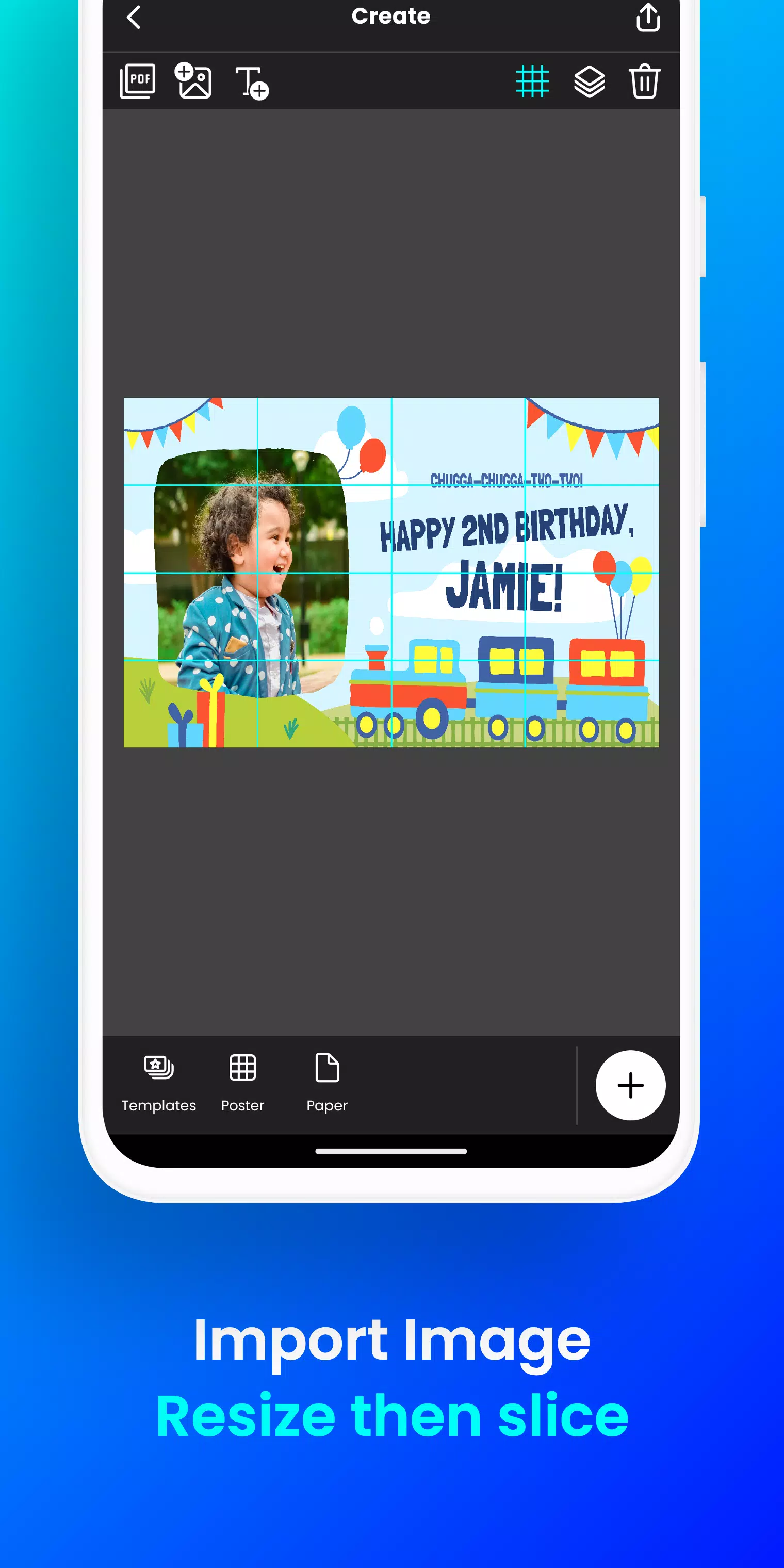
- Upload your image or PDF file.
- Easily resize and add text to personalize your design.
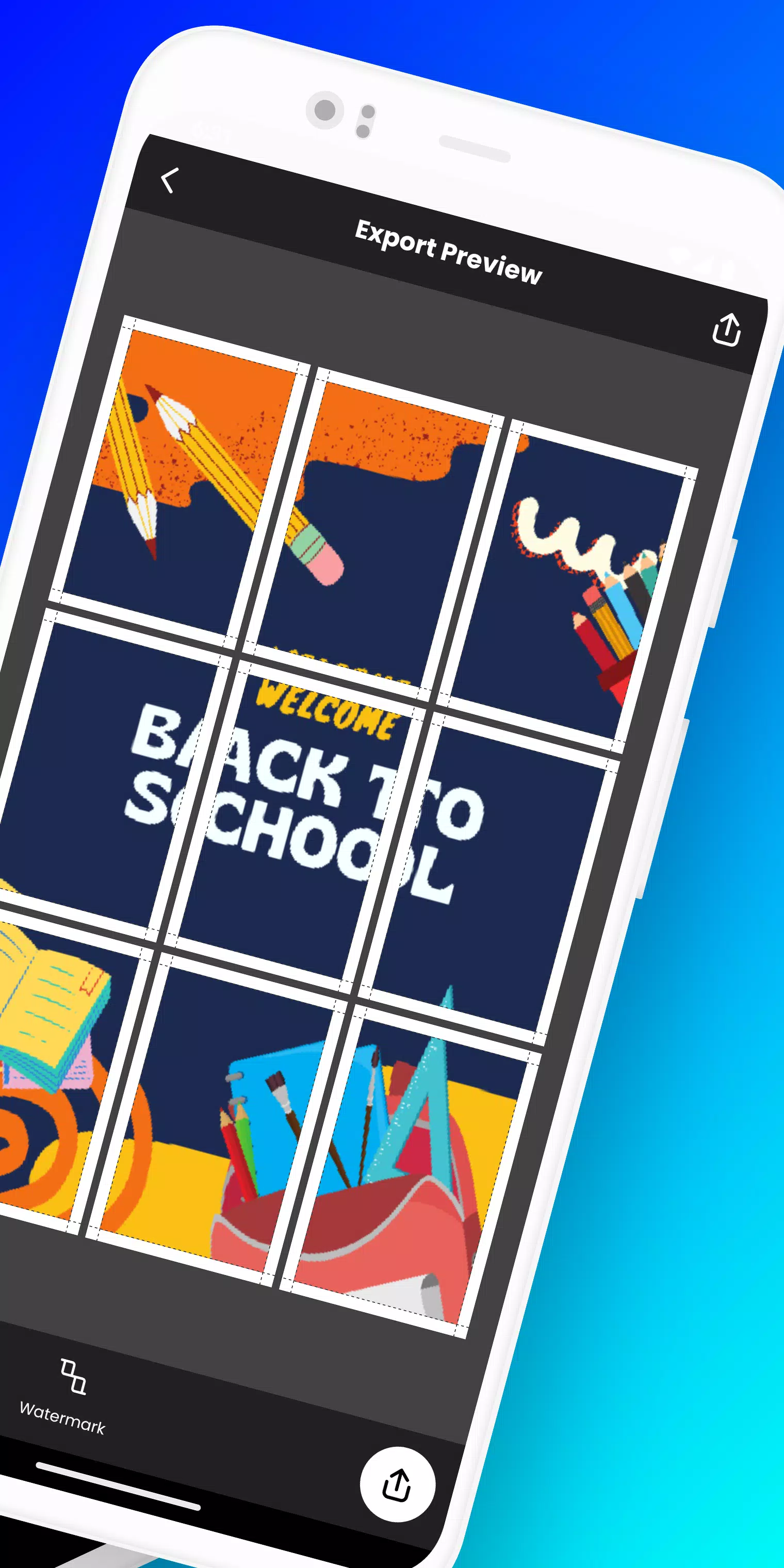
- Docuslice automatically divides your design into printable sections.
- Print the sections on any paper size and assemble your giant poster!
Ideal for:
- Striking event posters (birthdays, holidays, etc.)
- Educational charts and classroom decorations
- Unique wall art for home or office
- Bold campaign posters
- Large-scale banners for any event
- Powerful activism posters
Docuslice offers:
- FREE download and use!
- An incredibly intuitive and user-friendly interface.
- Compatibility with all images and PDFs.
- Significant cost savings on printing.
- An eco-friendly alternative to large-format printers!
Ready to unleash your creative potential and print massive posters with ease? Download Docuslice now!
What's New in Version 2.1
Last updated November 9, 2024
- Enhanced security with one-time password (OTP) authentication, eliminating password logins.
- Added support for A3+ / Super B paper size.
- Included optional scissor markings on the print preview for easy cutting. You can toggle these on or off.
- Now compatible with both phones and tablets!
- This update also includes numerous bug fixes and performance improvements for enhanced stability.
- Thank you for your continued feedback and support!