Diagnostics and Configuration of Ford Focus 2 and C-Max I Modules
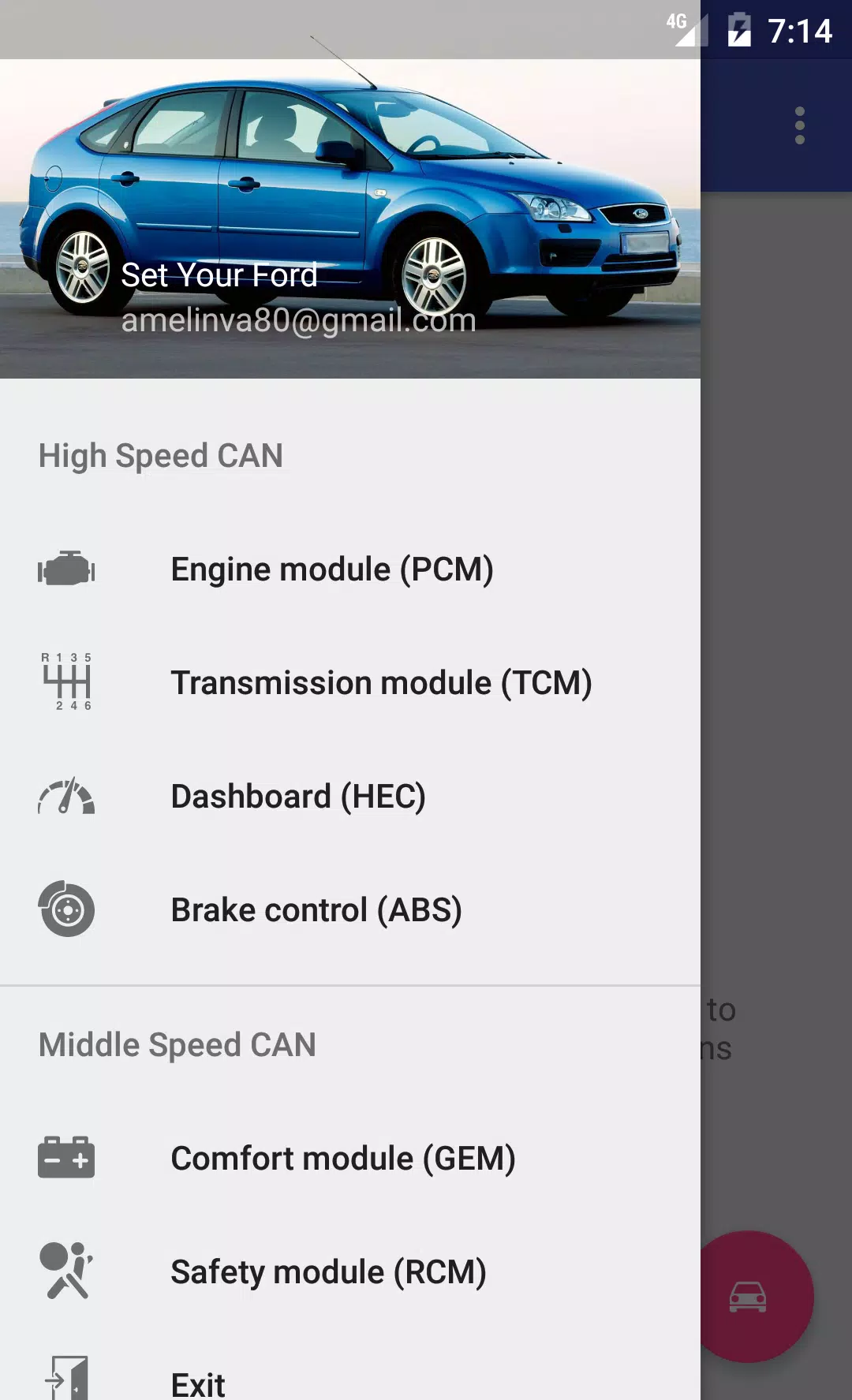
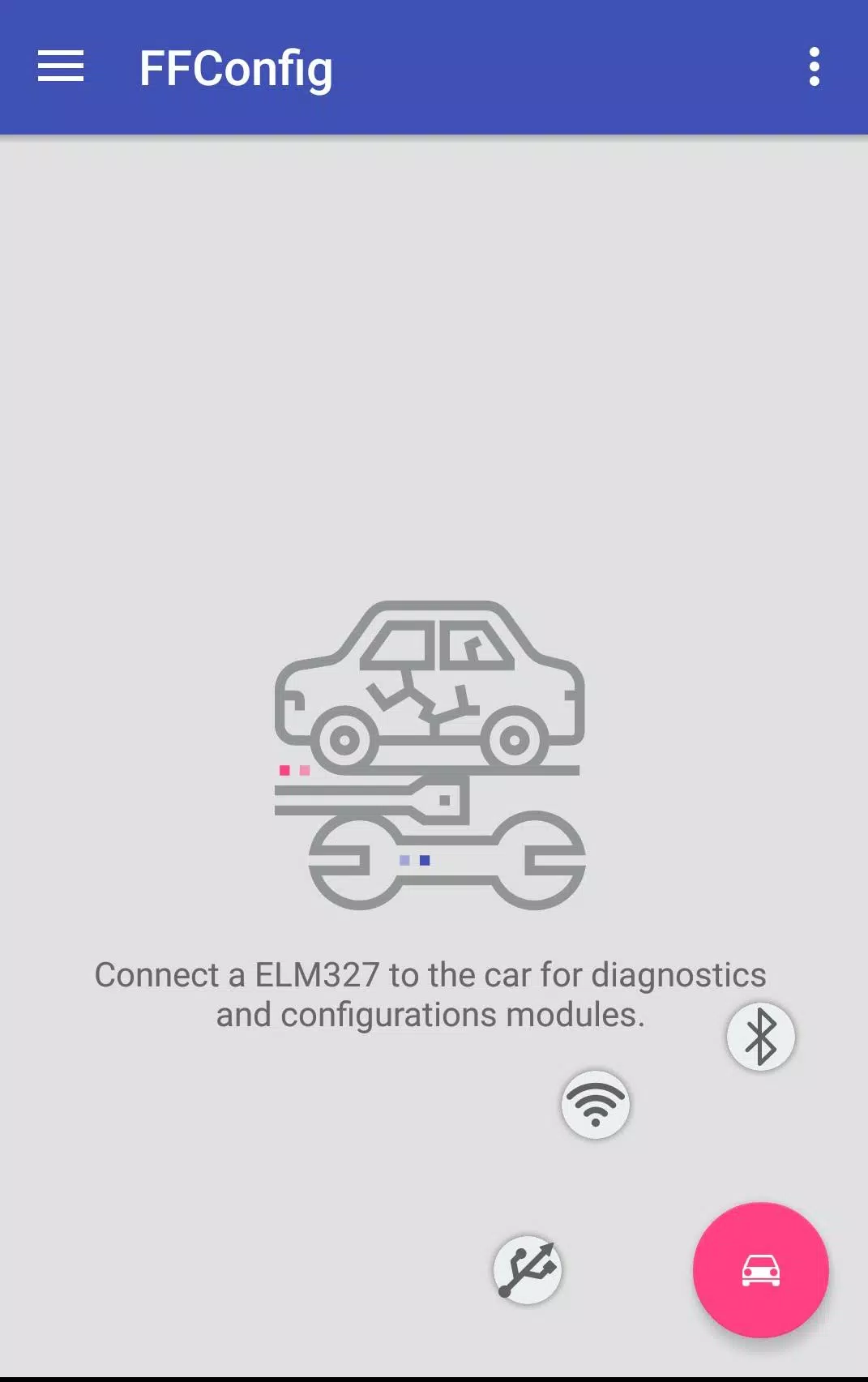
To access and configure the modules of Ford Focus 2 and C-Max I vehicles, you can connect using an ELM327 or ELS27 adapter to interact with the CAN-bus system. Below is a detailed guide on the modules you can work with and their respective functionalities:
Engine Block
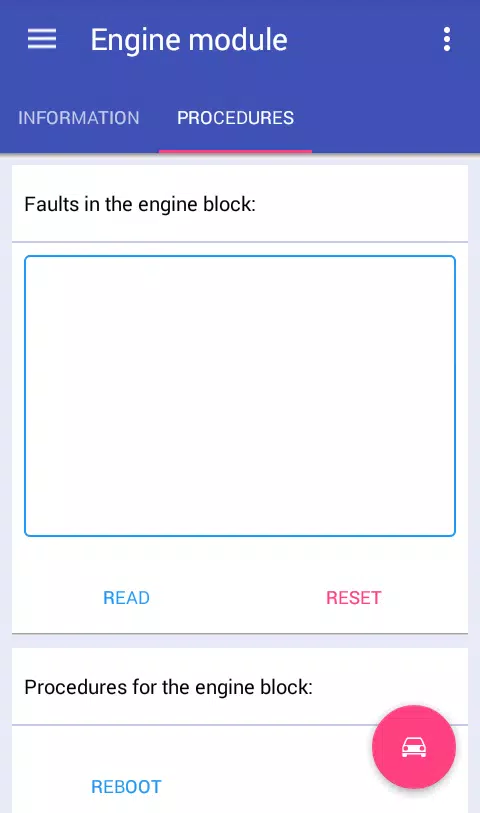
For the engine block, you can access information, read data, reset errors, reboot the module, and reset the long-term fuel adjustment (KAM) for the following engine types:
- ESU-411/418 (1.8 125/2.0 145)
- SIM28/29 (1.4 80/1.6 100/115)
- ESU-121/131 (1.8 120/2.0 145)
Dashboard
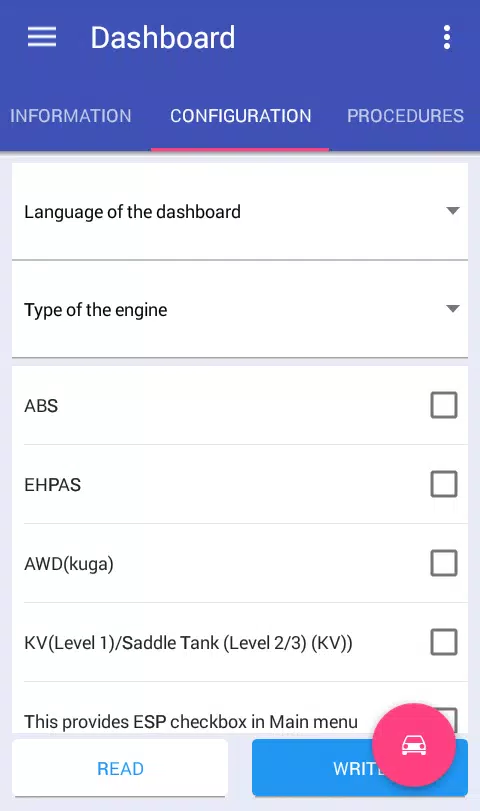
With the dashboard module, you can retrieve information, read data, reset errors, configure and reboot the module, change the unit for the total mileage, and correct the mileage. Some of these features may require the full version of the application.
Brake Control
The brake control module allows you to access information, read data, reset errors, configure and reboot the module, reset DDS calibration, and pump the brakes. Again, certain functionalities are only available in the full version.
Comfort Module
For the comfort module, you can access information, read data, reset errors, configure, and reboot the module. Some configurations may be exclusive to the full version.
Safety Module
The safety module provides access to information, reading data, error reset, configuration, rebooting, and resetting crash data. Note that some of these options might be available only in the full version.
Transmission Control Module
With the transmission control module, you can retrieve information, read data, reset errors, and reset KAM. Some features are restricted to the full version.
Climate Control Module
For the climate control module, you can access information, read data, and reset errors.
Audio Module
The audio module allows you to access information, read data, reset errors, and define the radio code for M series. Some features may require the full version of the application.
Enhancing Your Adapter for Full Access
To fully utilize the application and access more automotive modules, you will need to modify your ELM327 adapter. Follow the switch settings as described at Http://forffclub.narod.ru/index/0-2.
For those interested in using the ELS27 adapter, you can purchase it at https://els27.ru/. To use the application with ELS27USB, set the speed to 38400, and for ELS27BT, set it to 2,000,000 using the ELS27 Baudrate utility.