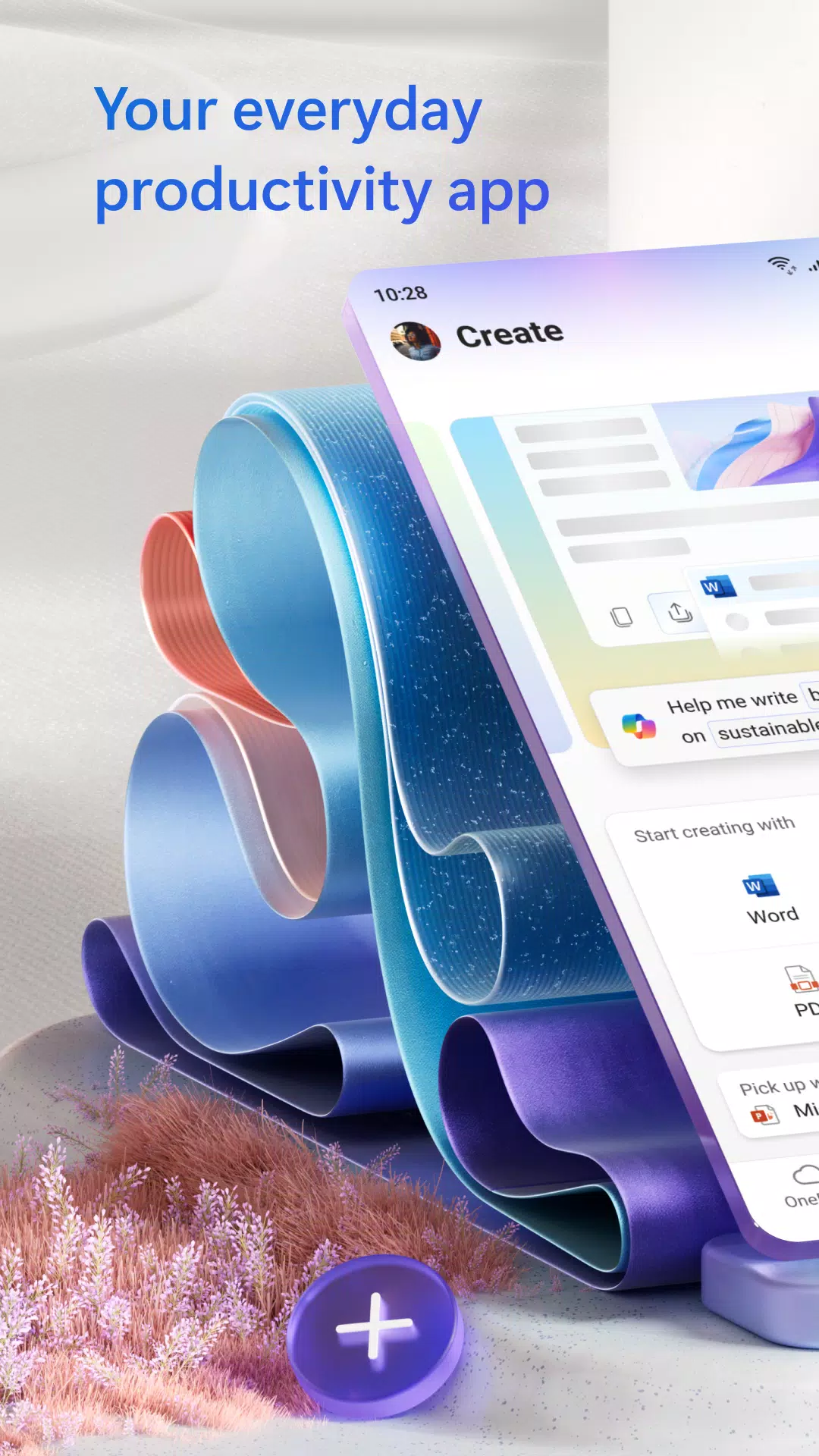
Microsoft 365 (Office) enables smooth editing of Word, Excel, and PowerPoint documents with seamless real-time collaboration.
Microsoft 365 (Office) is an all-in-one productivity suite that empowers users to create, edit, and share documents anywhere. Combining Word, Excel, and PowerPoint, it simplifies drafting blog posts, tracking budgets, and rehearsing presentations. With integrated editing tools, it acts as a full-fledged document editor, while intelligent cloud services and robust security boost efficiency for work and personal tasks.
Key features of Microsoft 365 (Office):
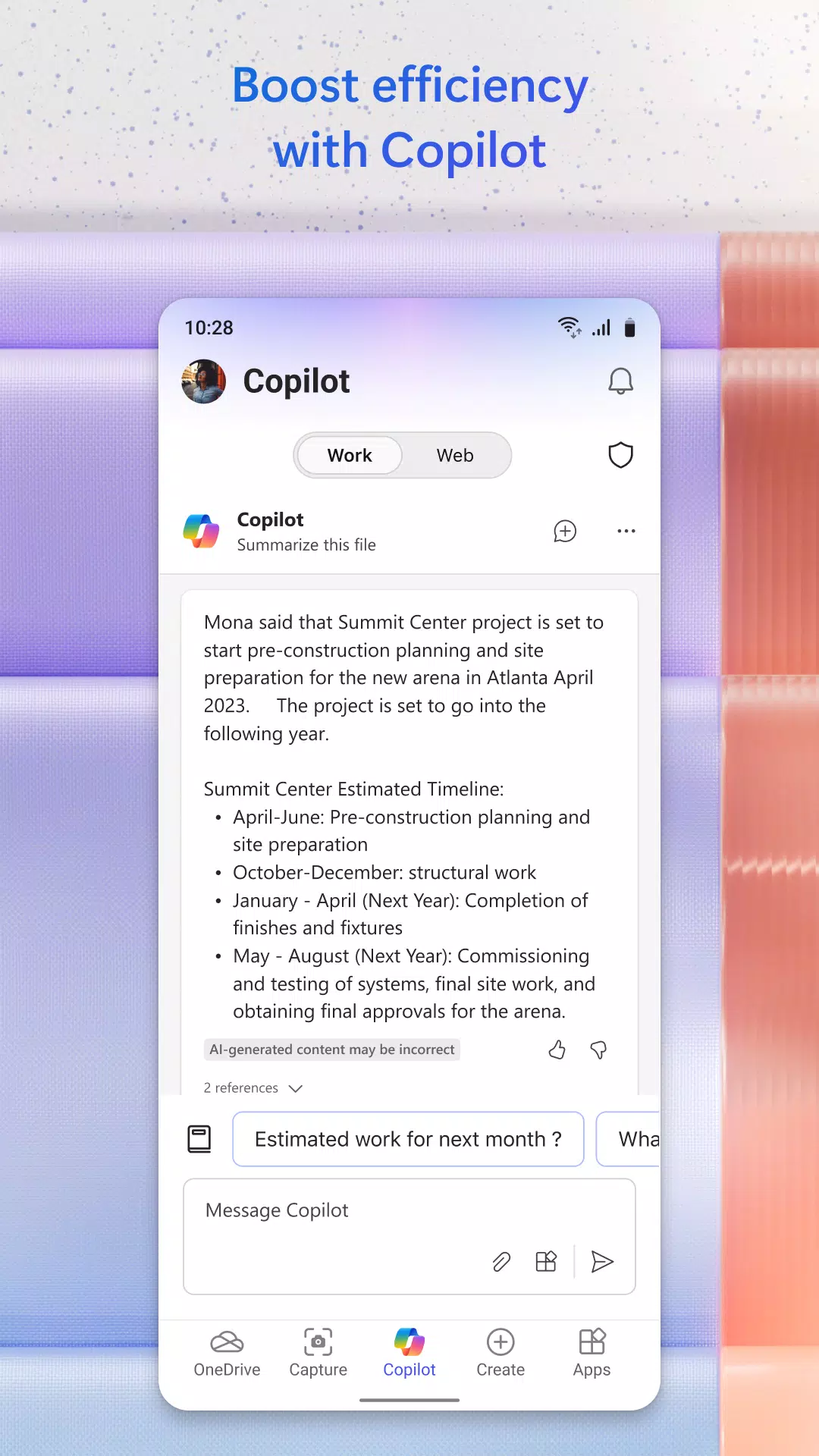
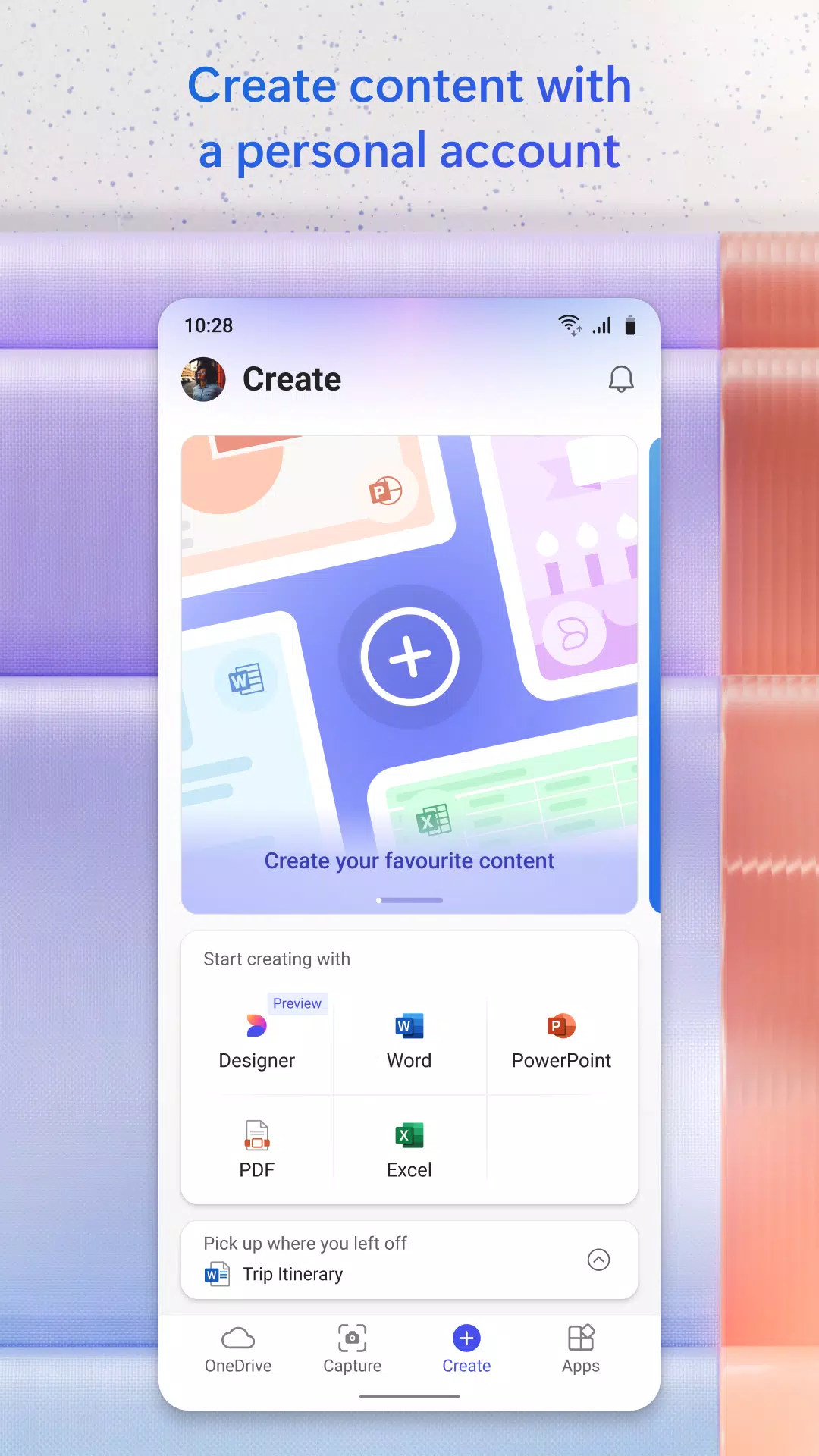
Word, Excel, and PowerPoint in one app: Microsoft 365 delivers a unified mobile productivity hub, integrating Word, Excel, and PowerPoint. Access professional templates for resumes and cover letters, securely store and retrieve files from the cloud, collaborate in real time, and refine presentations with Presenter Coach.
Convert Pictures and Documents: Transform printed material into digital files by capturing a photo. Turn a picture of a table into an editable Excel sheet and improve the clarity of digital images containing whiteboards, spreadsheets, or documents.
PDF Scanning and Editing: Scan PDFs and convert them into Word documents, or change Word files into PDFs using the built-in converter. Quickly edit PDFs on your mobile device and use the PDF Reader to view or sign documents.
Unique Office Mobile Functions: Enjoy features like Sticky Notes for capturing ideas, a QR Scanner to open links from codes, and instant document transfer to nearby devices.
Free Access and Premium Features: Download Microsoft 365 for free. Connect a Microsoft Account or link a third-party cloud storage to access your documents online. Sign in with a personal Microsoft account or an active Microsoft 365 subscription to unlock premium app features.
Subscription & Privacy Disclaimer: A qualifying Microsoft 365 subscription is required for the full experience across your phone, tablet, PC, and Mac. Monthly in-app subscriptions are billed to your App Store account and renew automatically 24 hours before each period ends, unless auto-renewal is turned off.
What's New in the Latest Version 16.0.18129.20078
Last updated on Oct 24, 2024
This update includes minor bug fixes and performance enhancements. Install or update to the latest version to experience the improvements.