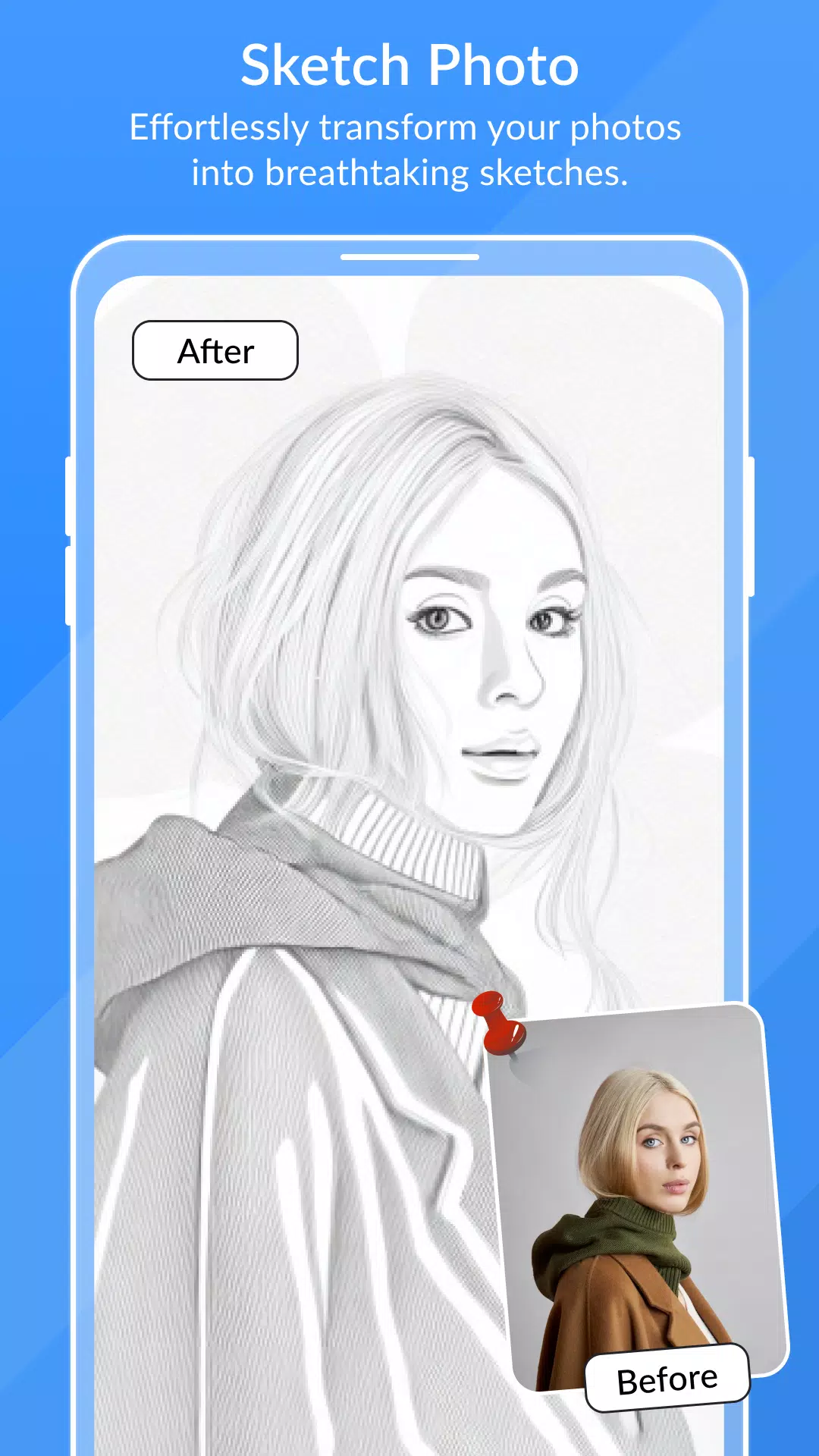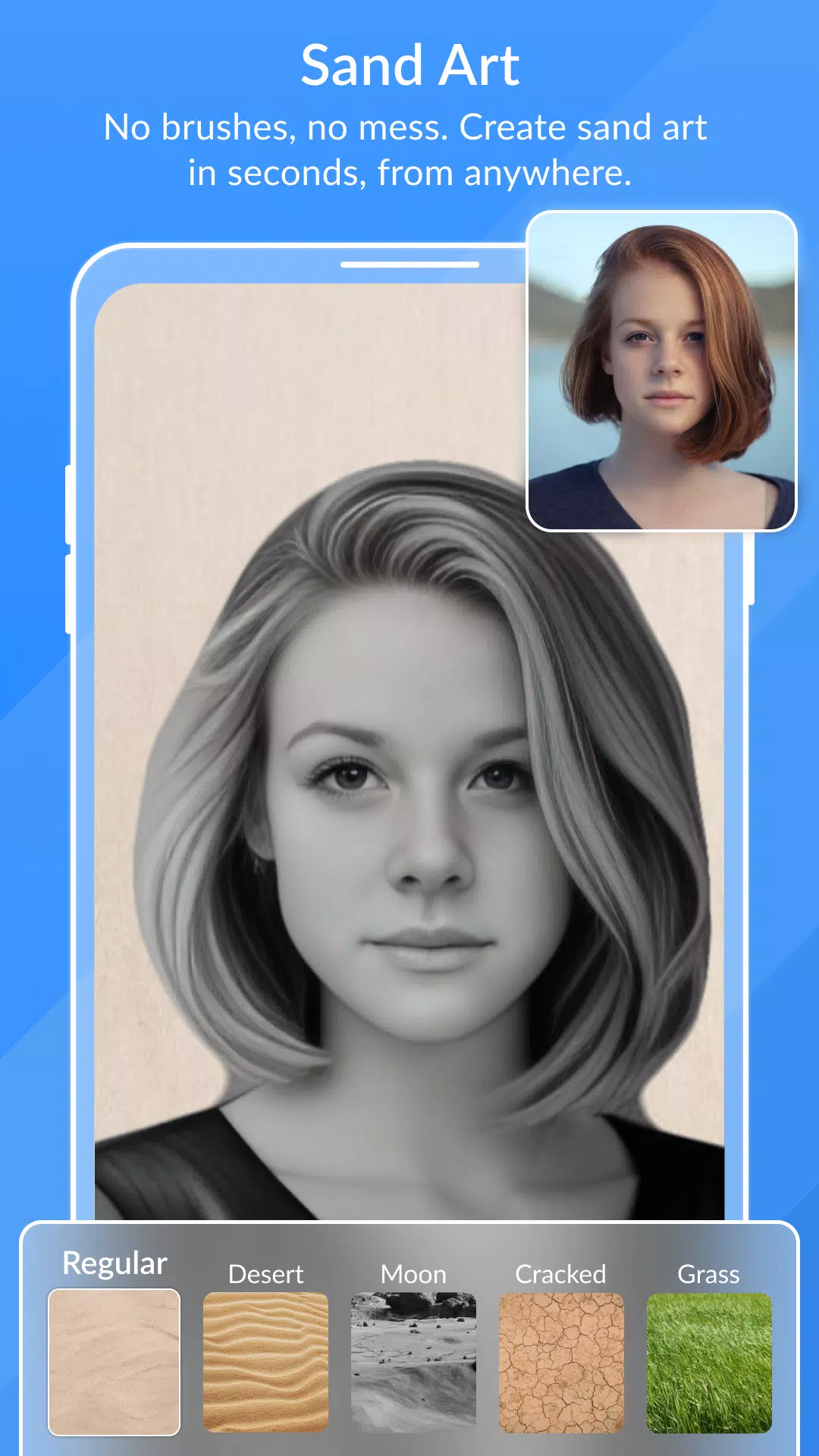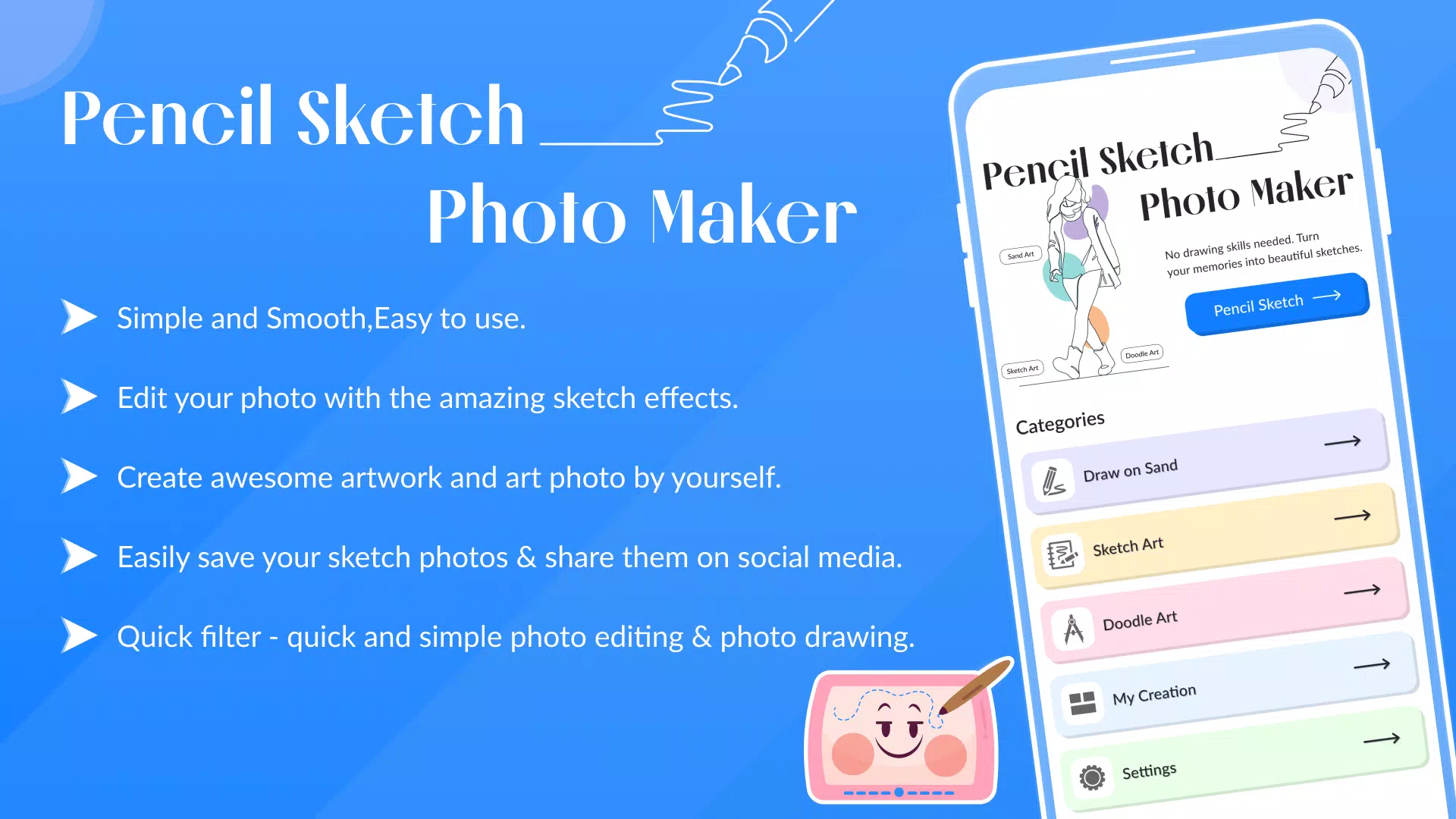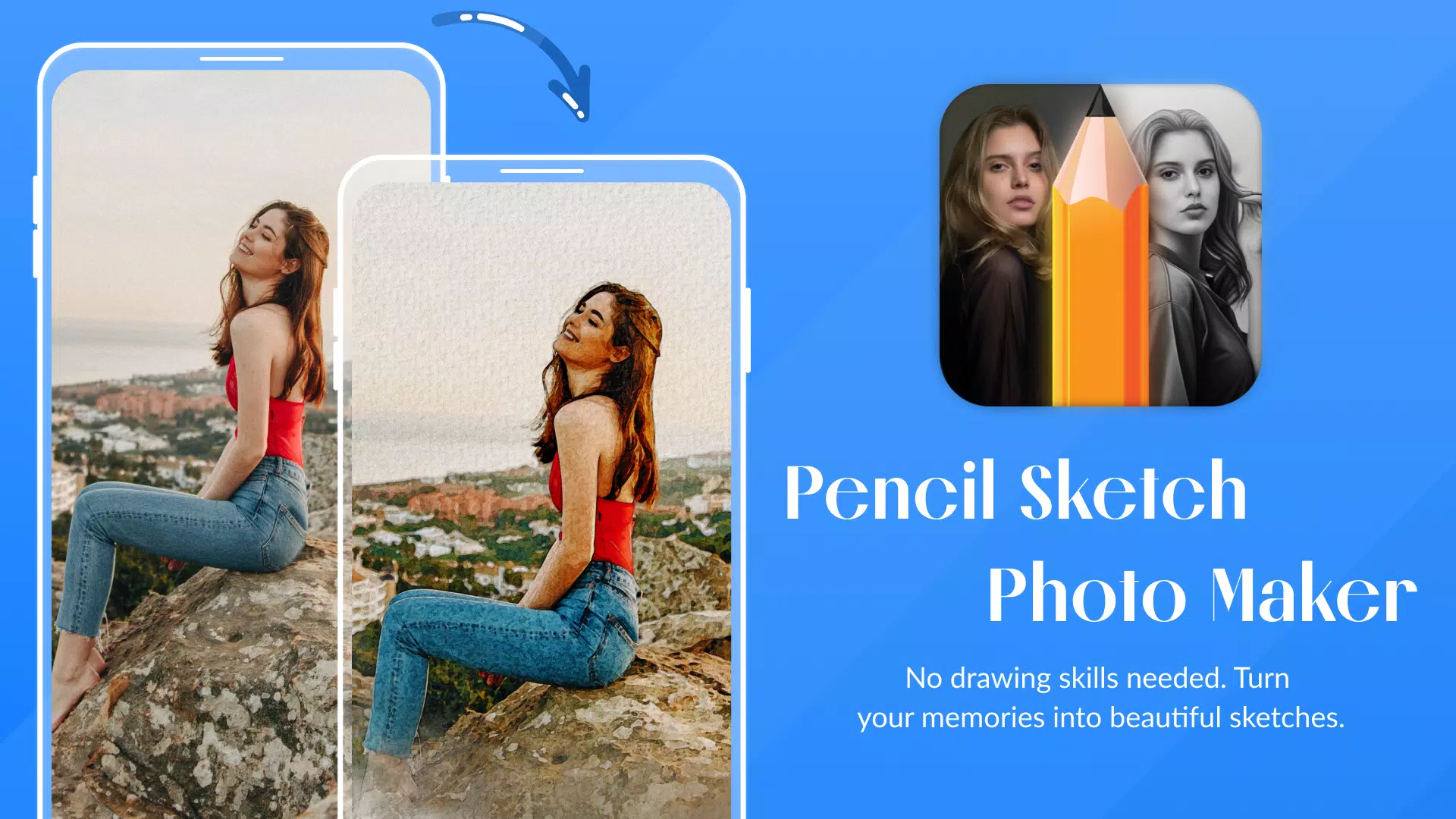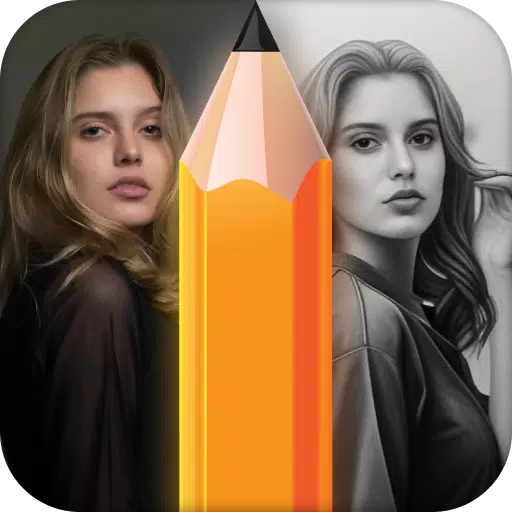
Transform your photos into stunning pencil sketches with ease using the Pencil Photo Sketch app. This professional photo editor app allows you to unleash your inner artist by converting your pictures into beautiful hand-drawn pencil sketches or colorful pencil drawings. With Pencil Sketch Photo Maker, you can effortlessly create amazing sketch effects that enhance your photos and make them stand out.
App Features:
- Diverse Drawing Effects: Choose from a variety of sketch effects to transform your photos into art pieces.
- Top-notch Drawing Photo Editor: Experience the best tools for drawing and editing your photos.
- Quick Filter: Enjoy swift and straightforward photo editing and drawing capabilities.
- Full Zoom Support: Zoom in and out on supported devices for detailed editing.
- Image Rotation: Rotate your images left or right to achieve the perfect angle.
- Customizable Effects: Edit your photos with a range of sketch effects, adjusting saturation, brightness, and colors.
- Photo Import Options: Import photos from your gallery or take new ones directly with the camera.
- Smooth Pencil Sketch: Create smooth and realistic pencil sketches with ease.
- Frame Application: Add beautiful frames to your pencil sketches for a polished look.
- Text Addition: Personalize your sketches by adding text.
- Social Sharing: Share your creations on social media platforms.
- User-Friendly Interface: The app is simple, smooth, and easy to navigate.
- Versatile Sketching Options: Explore color pencils, cartoon art, silhouettes, and more for a variety of pencil effects.
Pencil Photo Sketch offers a new way to add sketch and cartoon art effects, allowing you to capture moments in a unique artistic style. Transform your face or any photo from your gallery into a beautiful pencil sketch. With the app's intuitive features, you can easily create stunning sketches that look professionally drawn.
How to Use:
- Select an Image: Choose a photo from your gallery or take a new one with your camera.
- Start Sketching: Let the app work its magic as it begins to sketch your photo like a great artist.
- Automatic Sketch Creation: The app will automatically generate a real artistic sketch for you.
- Enhance with Effects: Apply different sketch effects to make your drawing look even more realistic.
What's New in Version 1.18:
Last updated on Oct 10, 2024, this version includes minor bug fixes and improvements. Install or update to the latest version to experience these enhancements!