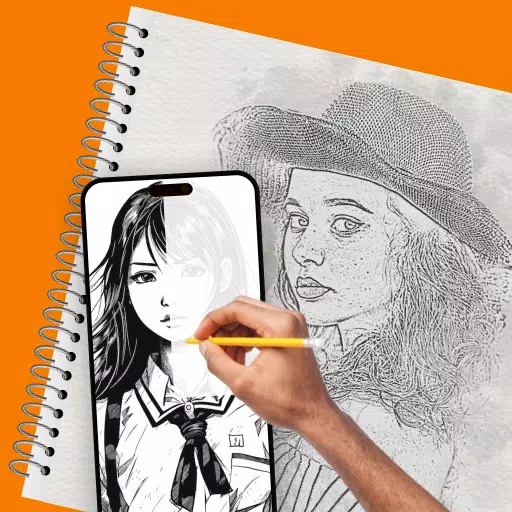
Unlock your artistic potential with Trace Drawing: The Sketch and Paint app, a powerful tool designed to enhance your drawing skills. This innovative app transforms your favorite photos or images into traceable sketches, making it easier than ever to bring your creative visions to life. Choose Draw Easy Trace & Sketch, and embark on a journey where art becomes accessible and enjoyable for everyone.
Trace Drawing: The Sketch and Paint app combines cutting-edge technology with user-friendly features, providing an intuitive platform where creativity flourishes. Whether you're tracing a portrait, a landscape, or a complex design, the app's precision tools ensure that your final sketch is a perfect reflection of your original image. With ar drawing sketch paint, you can dive into a new dimension of creativity.
Key Features of Trace Drawing: The Sketch and Paint
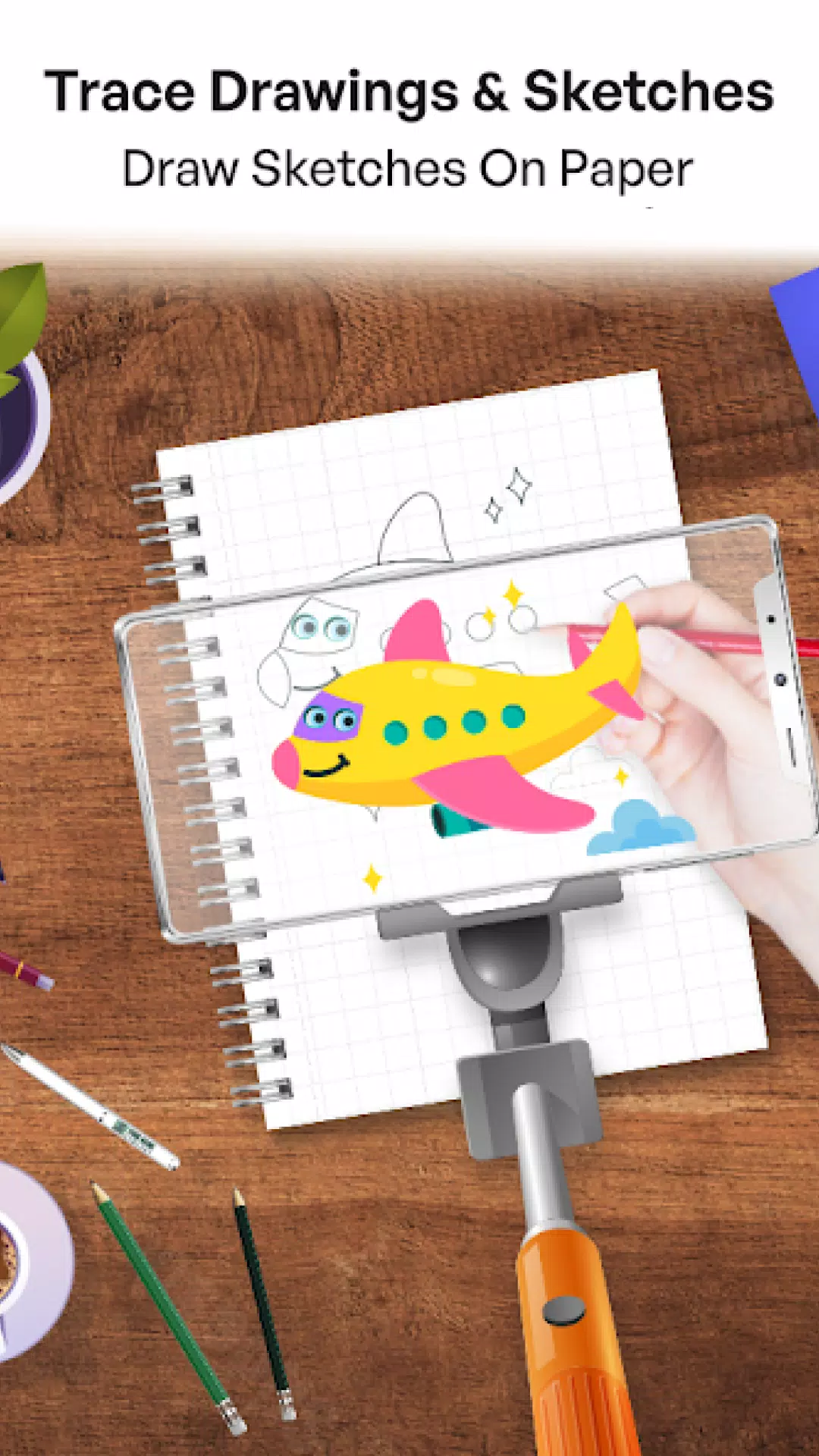
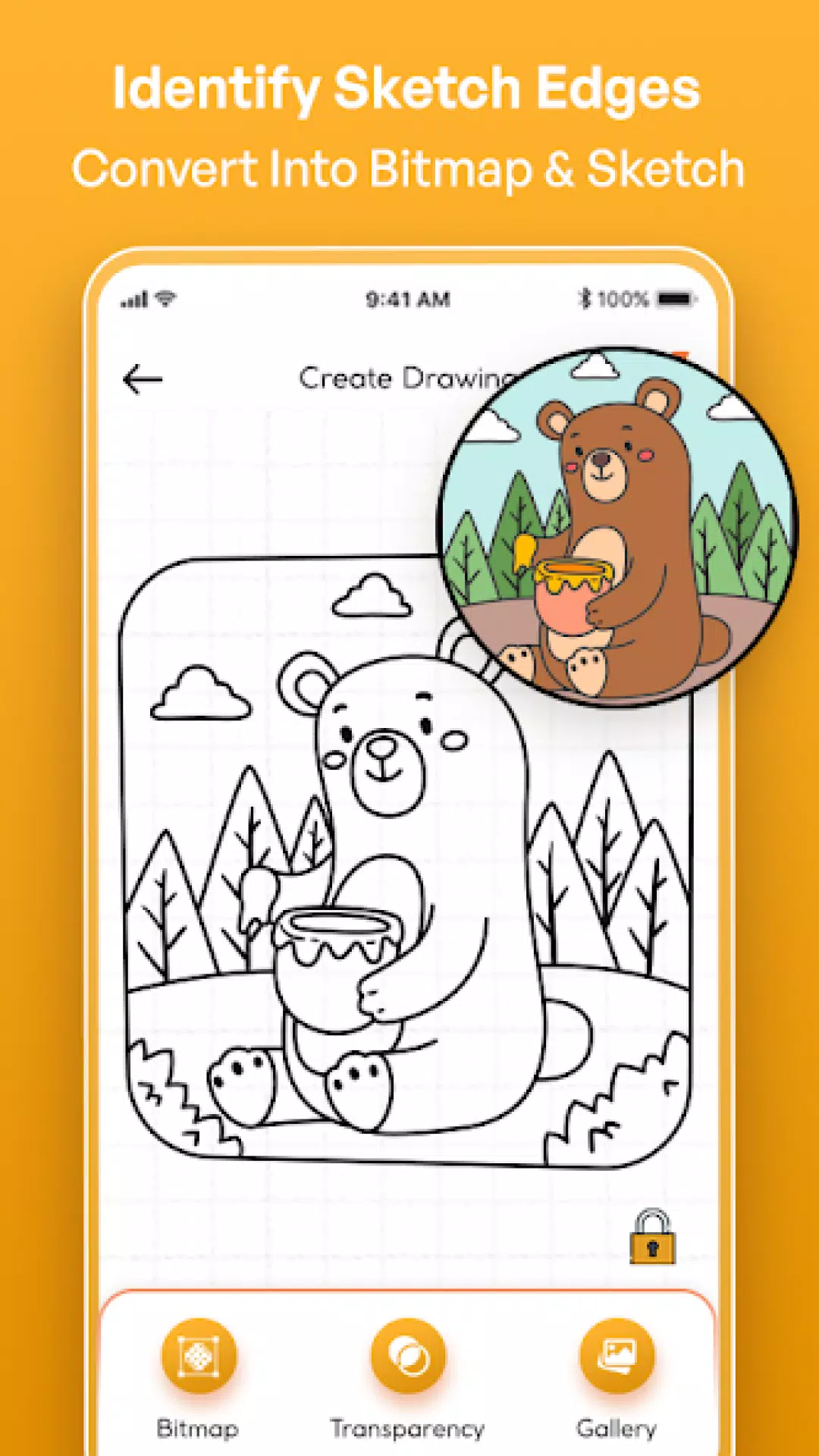
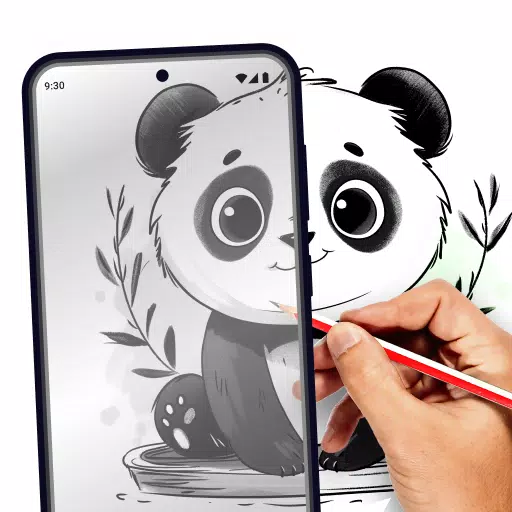
Easy Trace with Image Projector: The core of this app is its easy trace functionality, which lets you turn any image into a traceable outline. Simply select a photo from your gallery or take a new one with your camera, and watch as the app converts it into a sketch ready for tracing. The image projector app feature makes tracing a breeze, allowing you to project the image onto a screen while you draw.
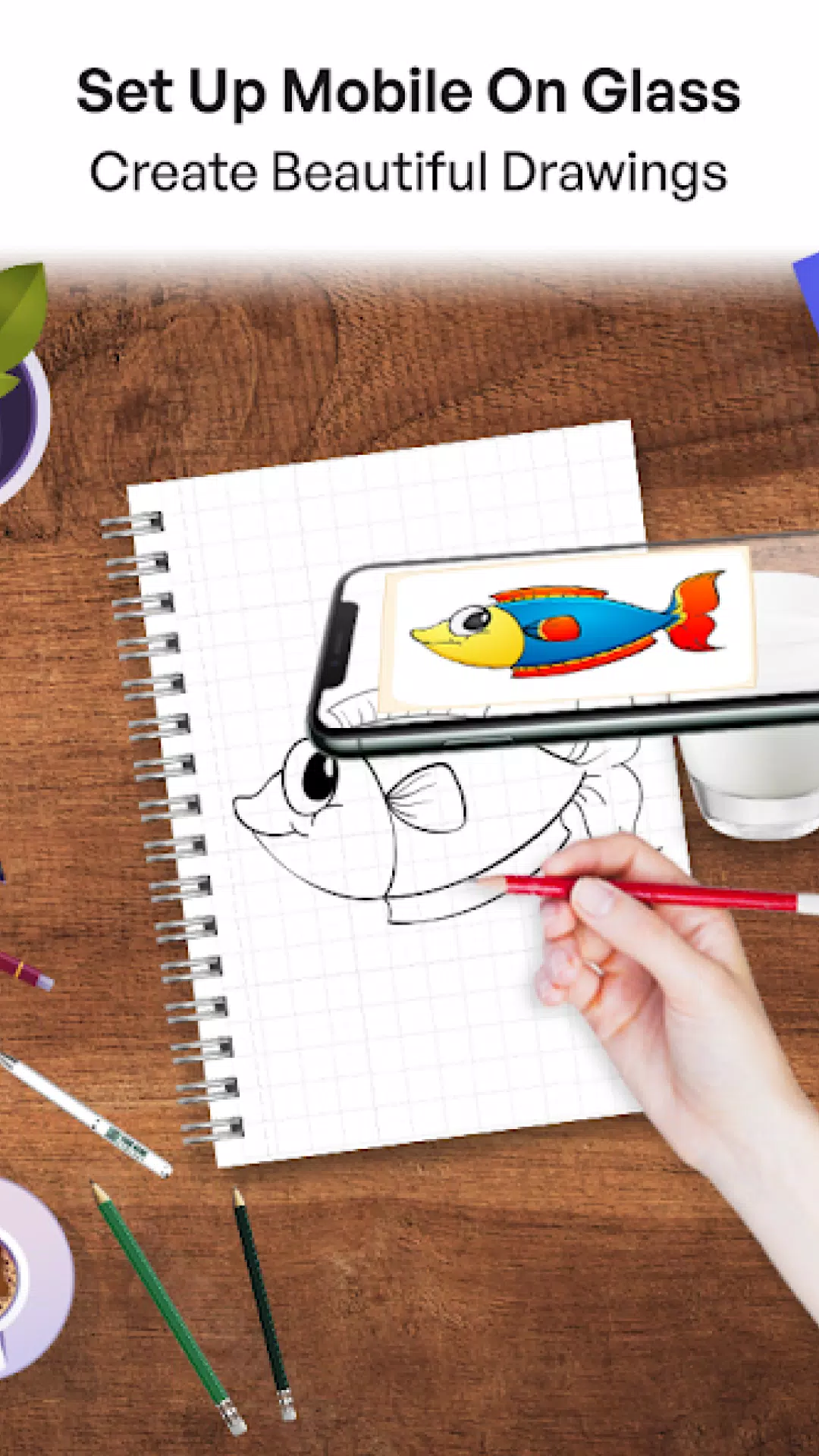
Trace Drawing on Any Surface: Whether you're working on paper, canvas, or any other medium, Trace Drawing: The Sketch and Paint helps you achieve professional results. The app allows you to place your phone over your drawing surface and trace the projected image directly onto it. This traced drawing method is perfect for artists who want to recreate detailed designs with accuracy. You can bring your artistic ideas to life on any surface using the tracing projector.
Adjustable Opacity for Precision: Control the opacity of your traced image to suit your needs. Whether you want a faint outline to guide your sketch or a bold template to follow closely, the adjustable opacity feature ensures that you have the perfect amount of guidance as you trace to sketch.
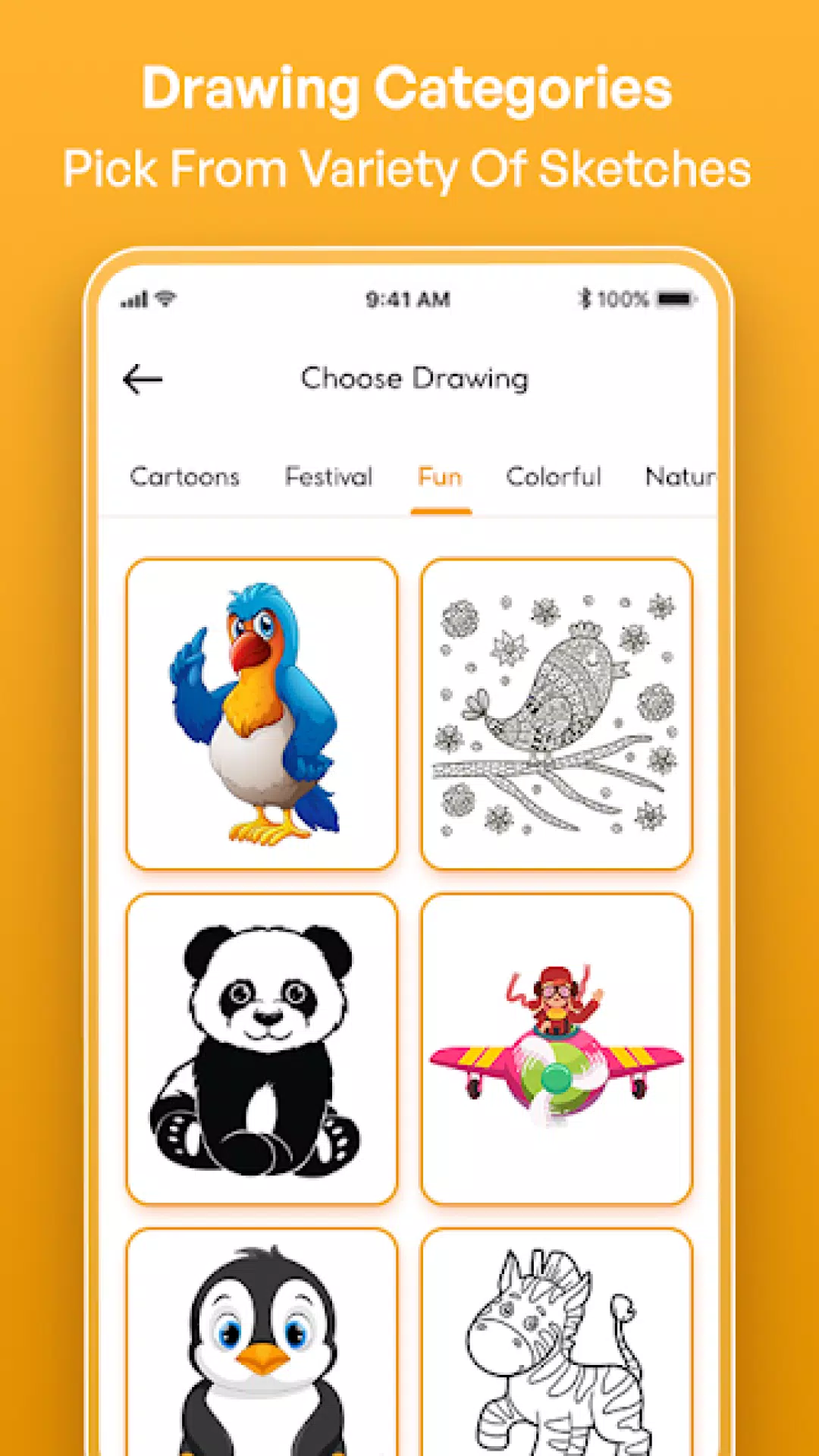
Vast Library of Traceable Images: Not sure what to draw? Explore the app's extensive library of traceable images. With categories ranging from animals and nature to complex geometric patterns, there's always something new to inspire your next masterpiece. Use the tracing projector to bring these images to life, or use them as a starting point to create something entirely unique.
Step-by-Step Drawing Guides: For those looking to improve their skills, Trace Drawing: The Sketch and Paint offers step-by-step guides that walk you through the process of creating detailed sketches. These tutorials are perfect for beginners who want to learn the basics of sketching and tracing or for more advanced artists looking to refine their technique using ar drawing sketch paint.
How It Works:
Select an Image: Choose an image from your gallery or take a new photo using the camera.
Adjust the Image: Use the app's easy trace tools to adjust the size, position, and opacity of the image.
Start Tracing: Place your phone over your drawing surface, fix the image, and start tracing with the help of the image projector app.
Finish and Save: Complete your traced drawing, then save your work or share it directly from the app.
Get Started Today!
Download Trace Drawing: The Sketch and Paint today and start exploring the endless possibilities of trace drawing. With its powerful tracing projector and user-friendly design, this image projector app is your gateway to creating stunning artwork with ease.
What's New in the Latest Version 4.0.0
Last updated on Dec 9, 2024: Fixed bugs and crashes.