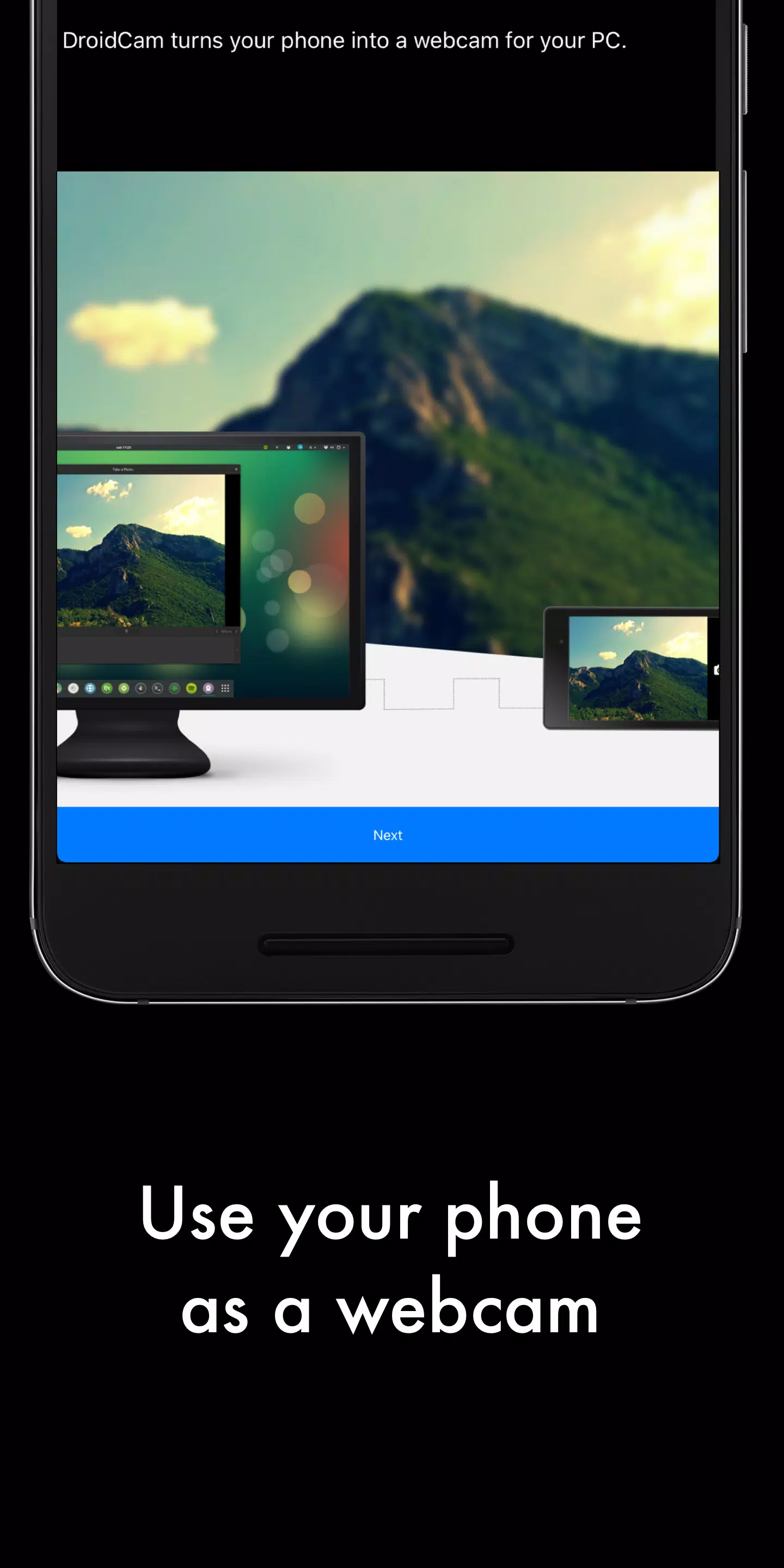
Turn your phone into a webcam for your computer, connecting seamlessly over WiFi or USB.
DroidCam transforms your Android device into a high-quality webcam.
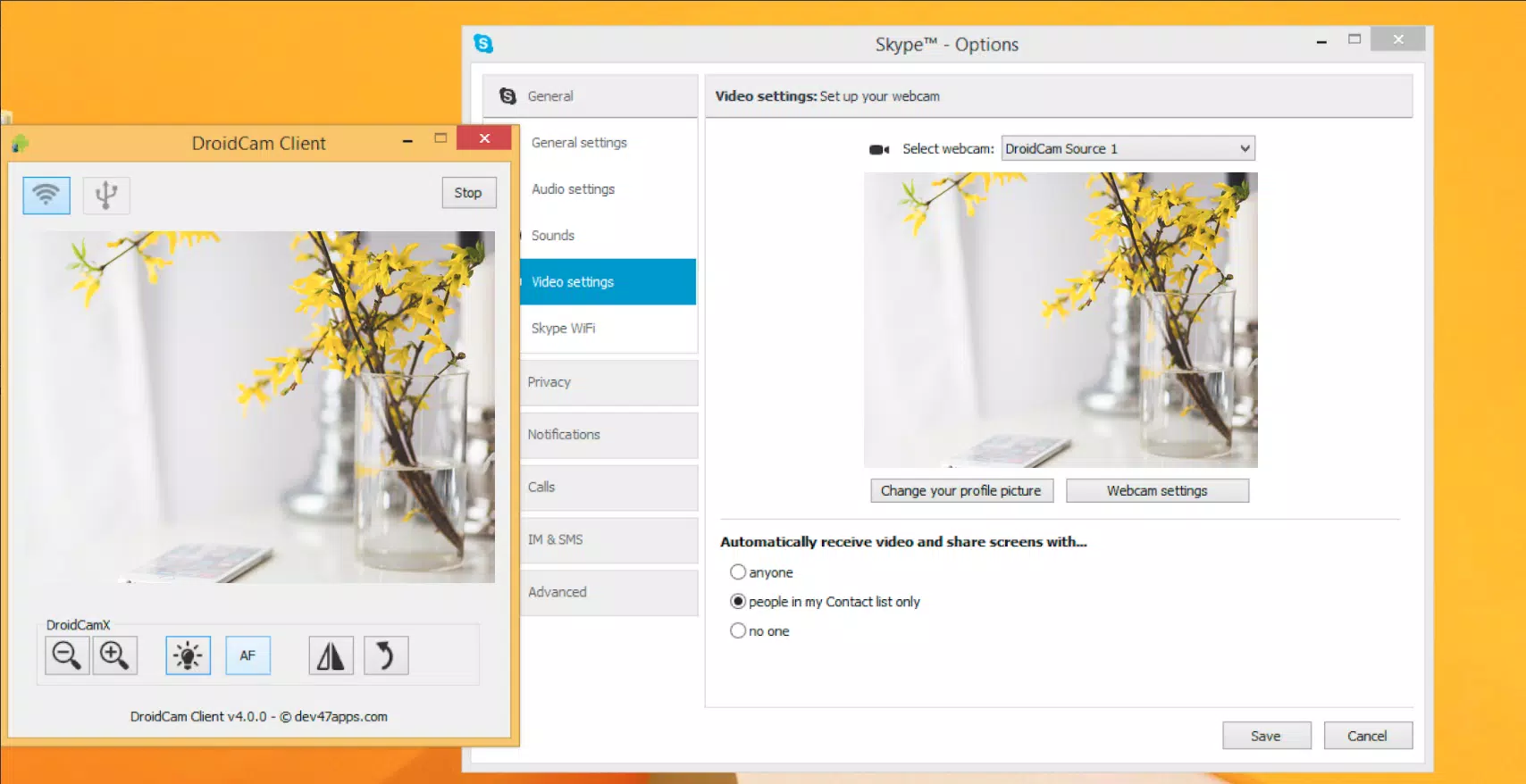
The app pairs with a PC client to link your computer and phone. Available for Windows and Linux, you can visit www.dev47apps.com on your computer to download, install, and find detailed usage information.
Key Features:
- Chat using the "DroidCam Webcam" on your computer with full audio and video.
- Completely free with no usage limits or watermarks.
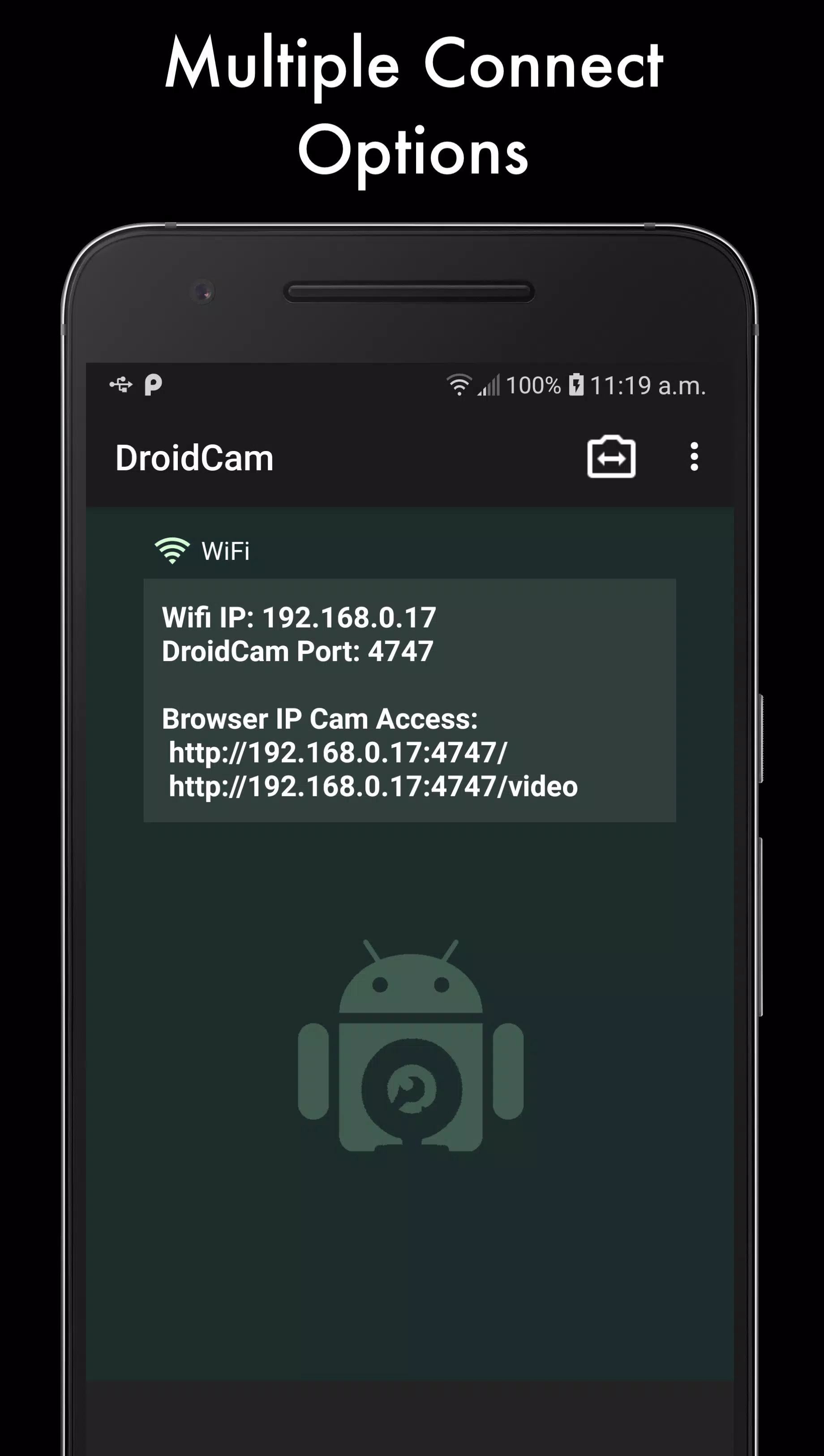
- Connect over WiFi or USB*.
- Background noise cancellation for the microphone.
- Use other apps on your phone while DroidCam runs in the background.
- Continues working with the screen off to save battery life.
- IP webcam MJPEG access (view your camera feed from a browser or other devices).
If you enjoy the app, consider upgrading to the Pro version, DroidCamX, which includes:
- An ad-free experience.
- USB-Only mode for enhanced privacy and security.
- Automatic phone call muting.
- 720p/1080p video support via HD Mode.
- A 'Smooth FPS' option for more stable video streaming.
- Advanced features in the Windows client like video mirror, flip, rotate, and controls for contrast and brightness.
It's an incredible value compared to buying a traditional webcam!
* USB connection may require additional setup.