Home News DirectX 11 vs. DirectX 12: Which is Superior?

DirectX 11 vs. DirectX 12: Which is Superior?

Author : Finn Apr 21,2025

Every modern game, including *Ready or Not*, offers options for DirectX 11 and DirectX 12, which can be confusing if you're not tech-savvy. DirectX 12 is newer and might offer better performance, but DirectX 11 is more stable. So, which should you choose?

DirectX 11 and DirectX 12, Explained

In simple terms, both DirectX 11 and DirectX 12 act as translators between your computer and games, helping your GPU render visuals and scenes. DirectX 11 is older and easier for developers to use and implement, but it doesn't fully utilize your CPU and GPU resources, potentially limiting system performance. Despite this, it's popular because it's quicker and simpler for developers to work with.

DirectX 12, being newer, is more efficient at using your CPU and GPU resources. It offers developers more optimization options, allowing for better game performance. However, it's more complex and requires more effort from developers to fully leverage its advantages.

Should You Use DirectX 11 or DirectX 12 for Ready or Not?
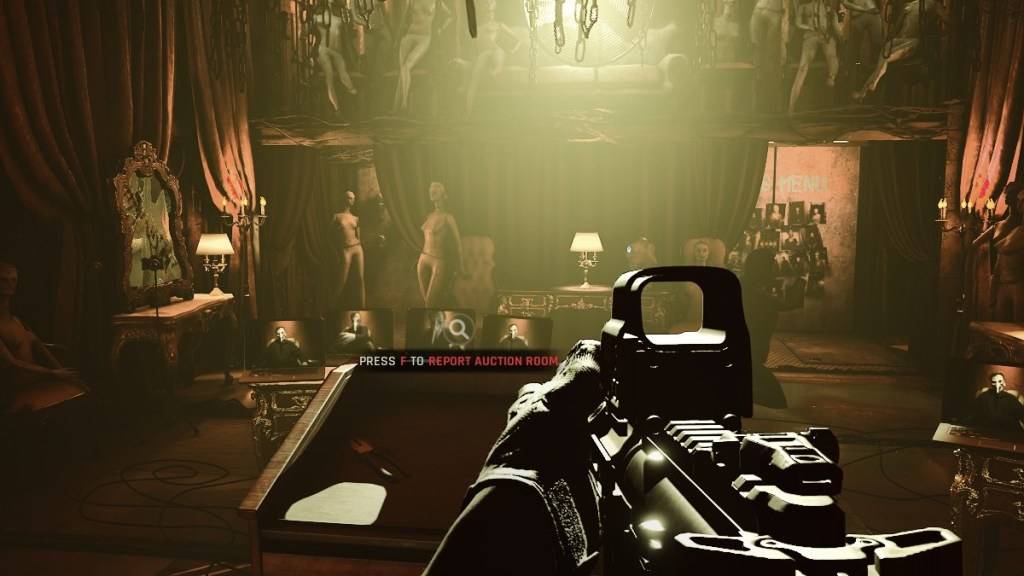
A photo of the Soft Objectives in Hide and Seek in Ready or Not as part of an article about the DirectX 11 and DirectX 12.

Screenshot via The Escapist
The choice depends on your system. If you have a modern, high-end system with a graphics card that supports DirectX 12 well, DirectX 12 could be the better option. It efficiently uses GPU and CPU resources, distributing the workload across different CPU cores for better performance, smoother gameplay, and potentially improved graphics. With higher frame rates, you might even survive longer in the game.

However, DirectX 12 can be problematic on older systems, causing more harm than good. If you're using an older system, sticking with DirectX 11 is wiser as it's more stable on such hardware. While DirectX 12 can enhance performance, it may not work well with older PCs, leading to performance issues.

In summary, if you have a modern system, opt for DirectX 12 for better resource utilization and performance. For older systems, DirectX 11 is the more stable and reliable choice.

Related: All Soft Objectives in Ready or Not, Listed

How to Set Your Rendering Mode in Ready or Not

When launching *Ready or Not* on Steam, you'll be prompted to choose your Rendering Mode (DX11 or DX12). If you have a newer PC, select DX12; for an older PC, stick with DX11.

If the window doesn't appear, follow these steps to set your rendering mode:

  • In your Steam Library, right-click on *Ready or Not* and select Properties.
  • A new window will open. Click on the General tab, then the Launch Options drop-down menu.
  • From the drop-down menu, select your desired Rendering Mode.

That's how you choose between DX11 and DX12 for *Ready or Not*.

Ready or Not is available now for PC.

Latest Articles More
  • June's Journey Launches Nature Trails for Green Game Jam

    Rescue a baby hippo and help identify 16 million animal tracksAchieving this goal will protect 800,000 square feet of habitat and plant 25,000 treesComplete the challenge to earn the exclusive Curious Onlooker pangolin decorationJune's Journey return

    Dec 18,2025
  • EA Mandates Office Return, Cuts Remote Hiring

    Electronic Arts has informed employees that it will permanently discontinue remote work policies, requiring full-time office attendance. In an internal email obtained by IGN, CEO Andrew Wilson stated that office collaboration generates "a dynamic en

    Dec 18,2025
  • Nikke Update: Wisdom Spring Event, SSR Mana Debut

    Wisdom Spring Event Kicks Off New Year UpdateGoddess of Victory: Nikke launches its first major update of the year with the Wisdom Spring story event, running from January 16th to 30th. This content-packed update introduces new features and exciting

    Dec 17,2025
  • Rust Mobile Gameplay Revealed in New Trailer

    Level Infinite has officially launched Rust Mobile, the highly anticipated mobile version of Facepunch Studios' intense survival title. The game will make its public debut with a playable demo at gamescom 2025 in Cologne, running from August 20th to

    Dec 17,2025
  • Silent Hill f Unveiled for March 2025

    Konami's highly anticipated Silent Hill Transmission has arrived, shining the spotlight entirely on Silent Hill f – the next chapter in the acclaimed horror series transporting players to 1960s Japan.Initially unveiled in 2022, Silent Hill f promises

    Dec 17,2025
  • Pokémon Go Sets Dates for Season's Community Day Events

    Five exciting Community Days are lined up for the upcoming seasonDon't miss out on exclusive seasonal eventsRaid battles will take center stage this seasonAs Pokémon Go's Dual Destiny season draws to a close, trainers eagerly anticipate what's coming

    Dec 17,2025