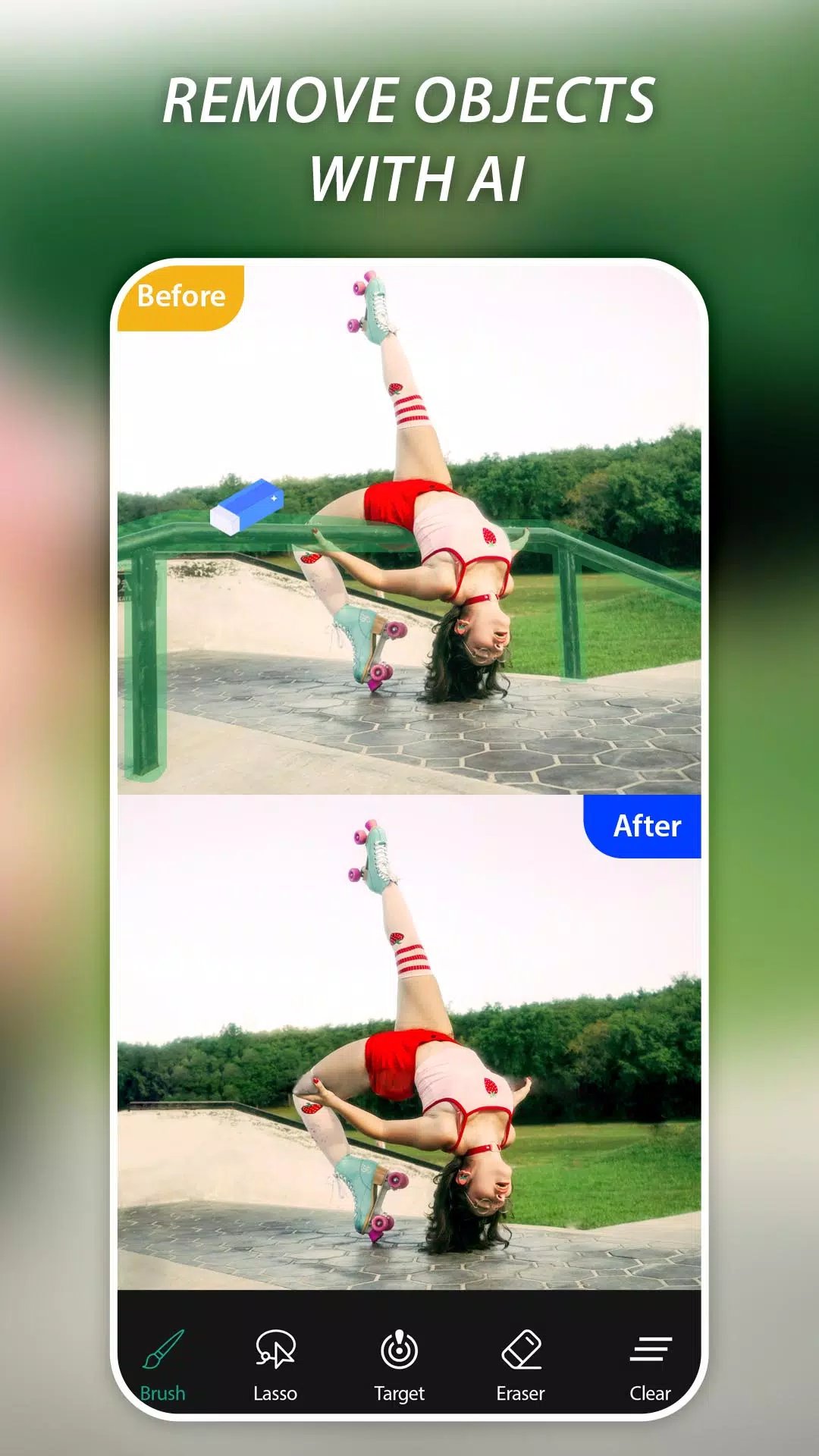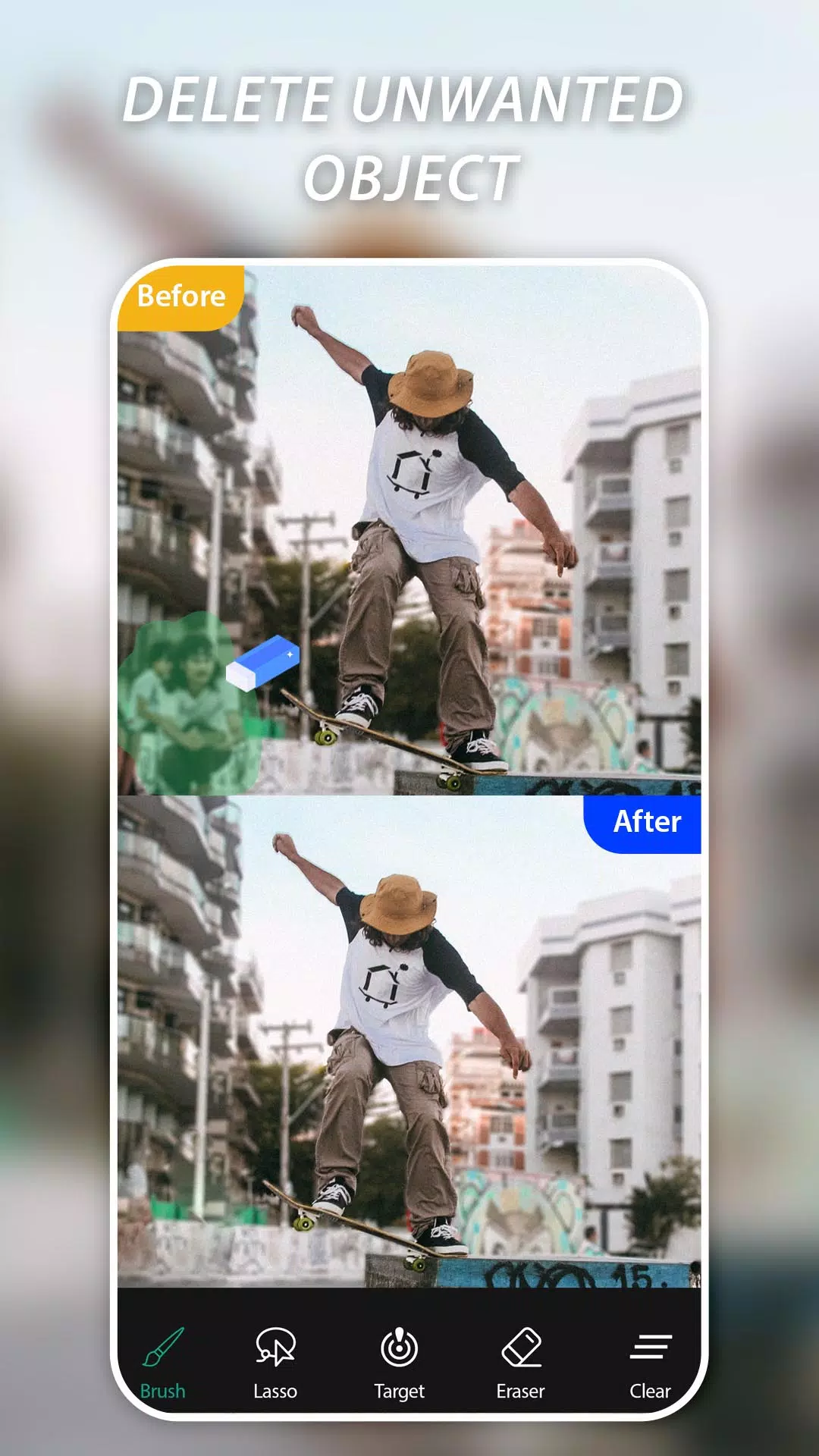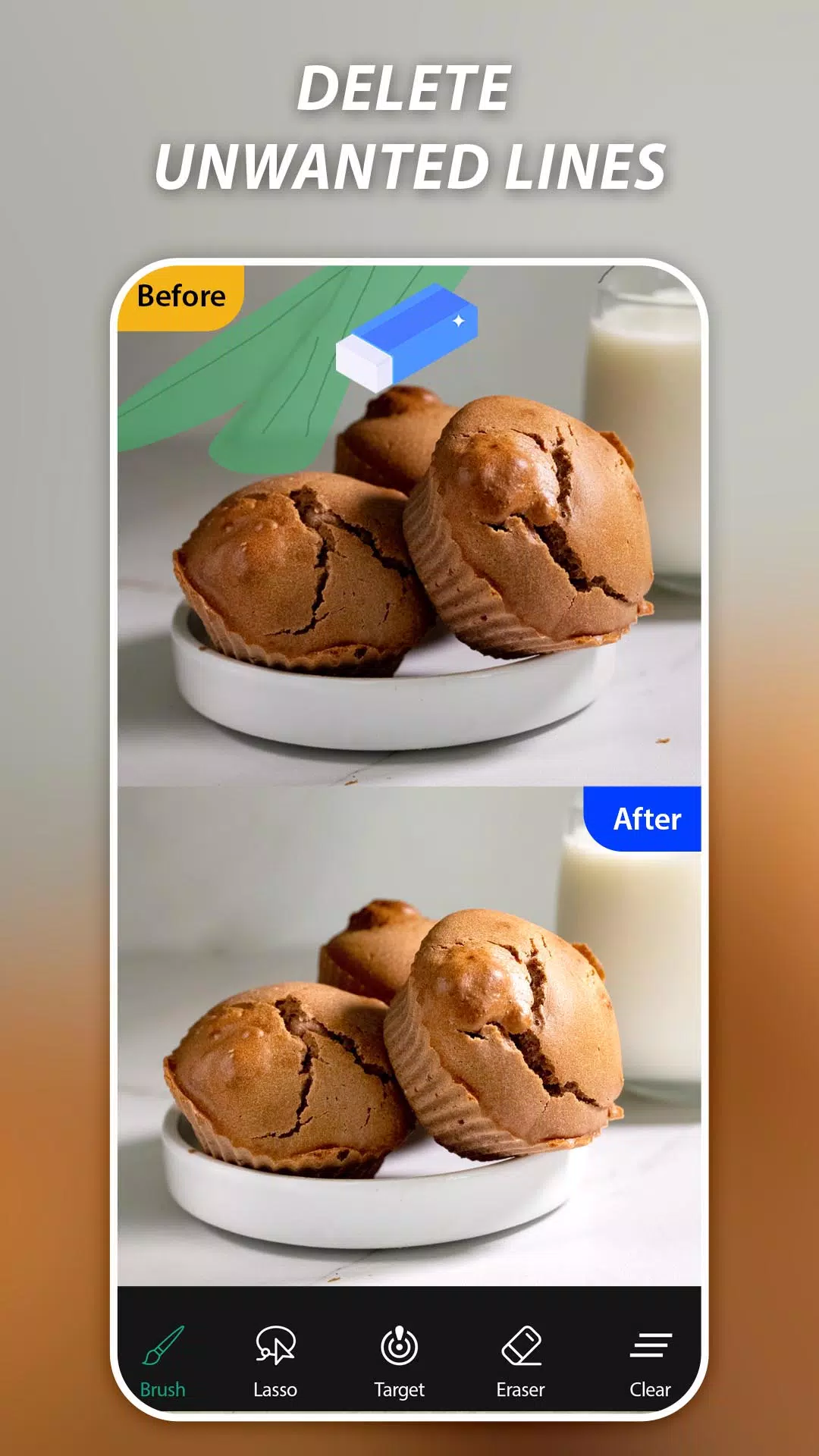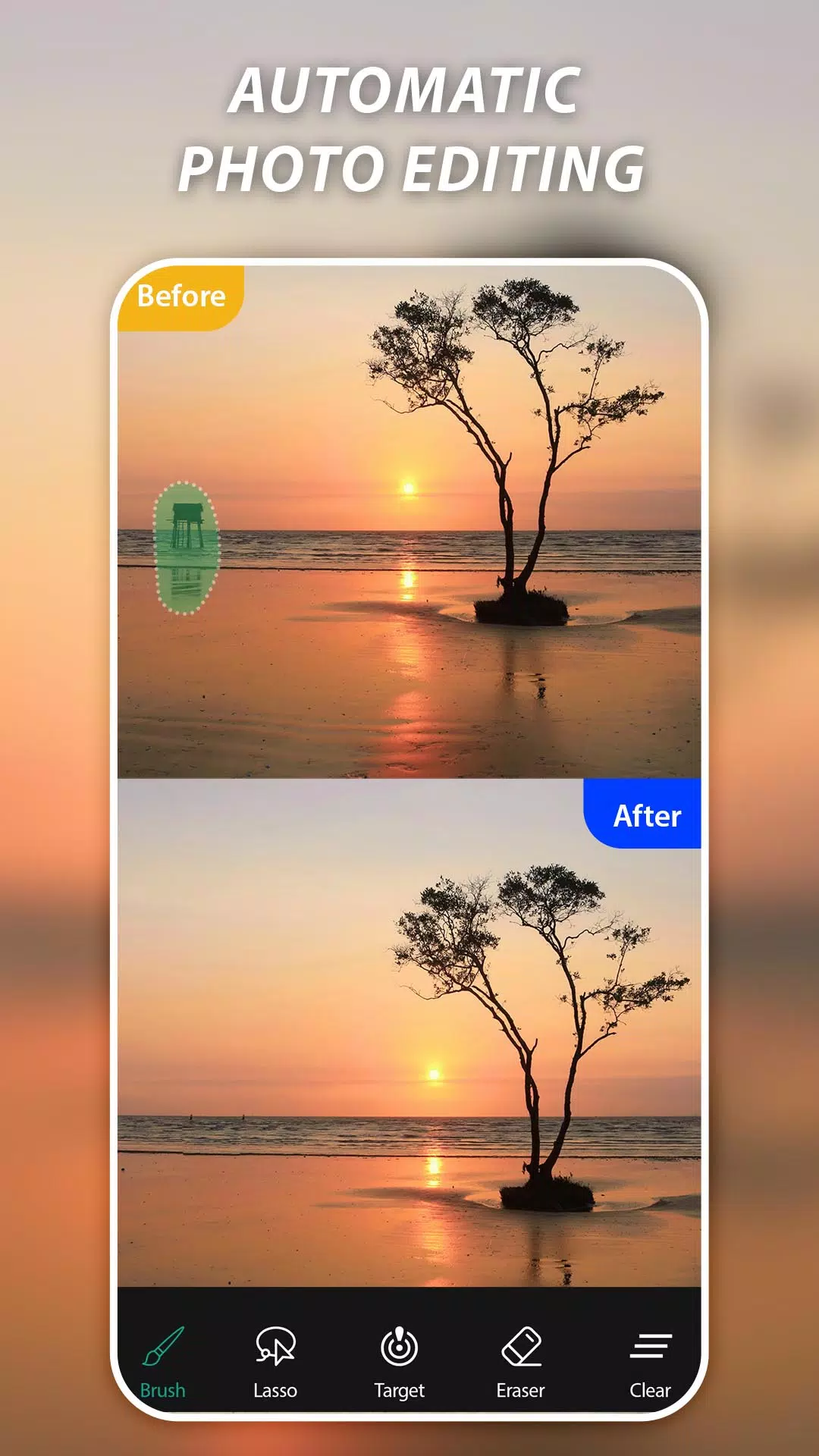
AI Remove Objects and Magic Eraser or BG Remover app stands out as one of the top applications for effortlessly eliminating unwanted elements from your photos with just a finger swipe. Whether it's removing an unwanted object or a pesky watermark, this professional photo editor harnesses AI technology to ensure your photos are picture-perfect, free from photo bombers, unwanted watermarks, logos, and text.
✨ Key Features:
✓ Effortlessly remove unwanted individuals from your photos
✓ Swiftly eliminate watermarks, text, captions, logos, and unwanted stickers
✓ Utilize the magic eraser to erase telephone wires, posts, and power lines
✓ Leverage AI processing to remove objects from photos quickly and smoothly
✓ Erase human-made objects such as stop lights, street signs, trash cans, cloth, and watermarks
✓ Mend surface breaks and scratches, whether they're straight or curved
✓ Clear pimples, acne, and other blemishes to let your true self shine in every shot
✓ Remove any element that you feel detracts from your photos with the magic of retouching
How to Use AI Retouch Photo and Magic Eraser:
Select a photo from your gallery
Mark the objects you wish to remove in green
Press the Process button for an easy retouch
Save or share your enhanced photos with friends
Magic Eraser & Remove Objects empowers you to remove unwanted objects and people, erase watermarks, remove texts or logos from images, and retouch your photos. Simply mark and remove unwanted content in your pictures, and with just one touch, it's gone!
What's New in the Latest Version 45
Last updated on Oct 28, 2024
Minor bug fixes and improvements. Install or update to the newest version to experience these enhancements!