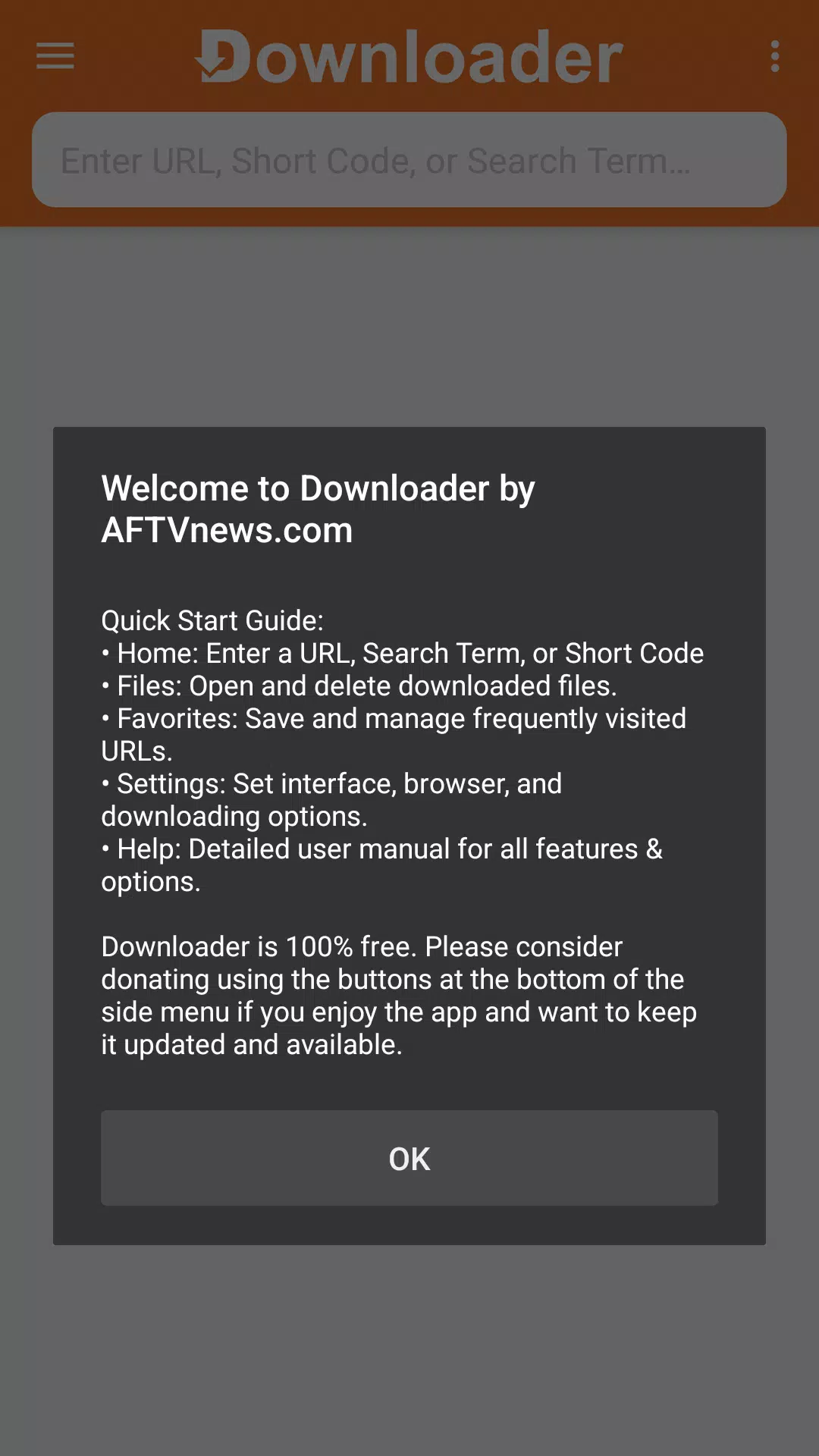
Effortlessly download files from the web. Simply install, manage, and remove any file with this easy-to-use tool.
Downloader by AFTVnews is a completely free, donation-supported application. It enables you to download files from web pages directly to your Fire TV, Android TV, or Google TV by simply entering a URL.
Features:
-- Download files to your device by entering the direct URL of the file.
-- Browse websites using the built-in browser and download files directly.
-- Download, manage, install, or delete files with just a few simple clicks.
-- Navigate websites using a Fire TV remote or game controller—no mouse or keyboard required.
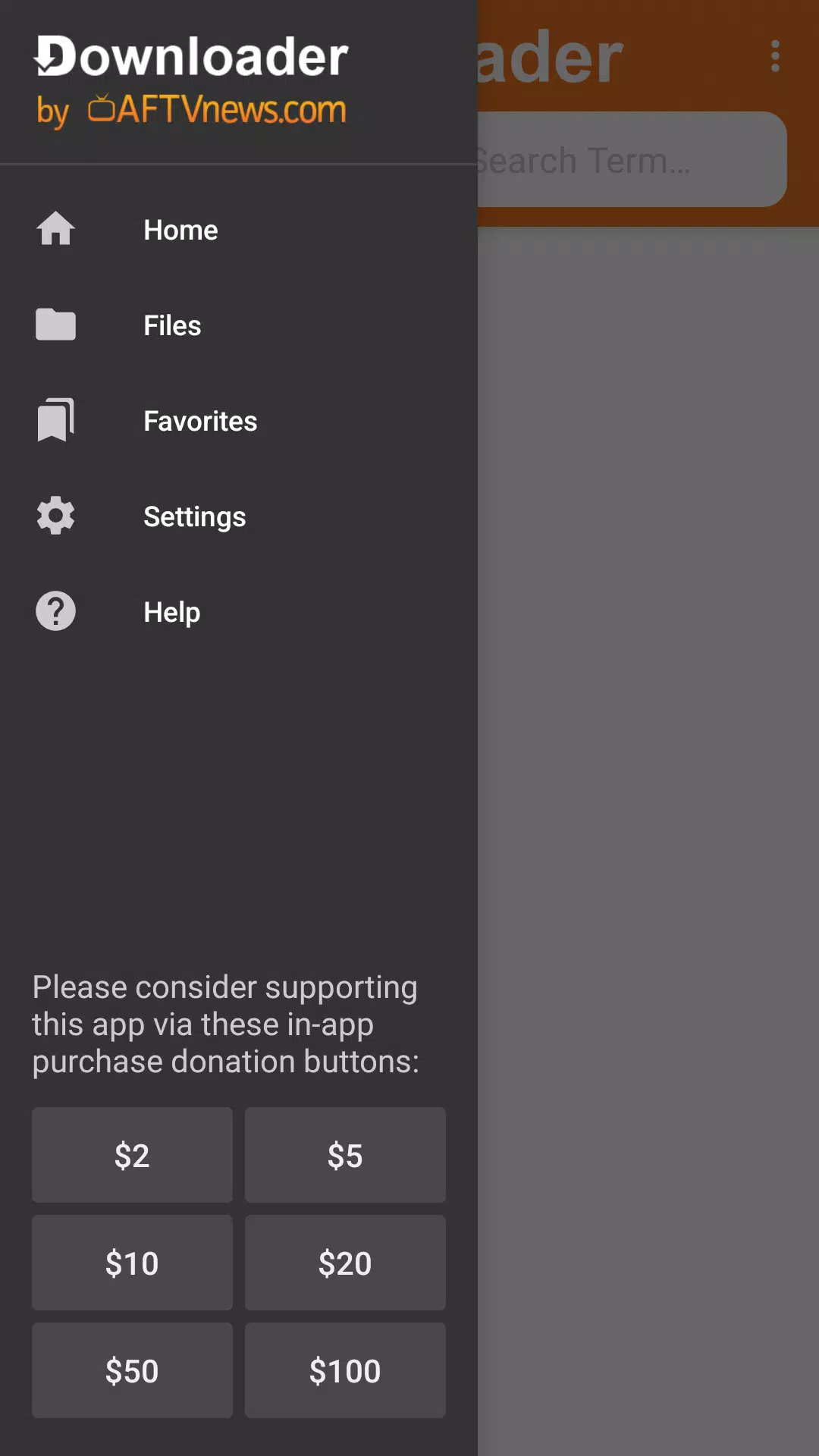
-- Access your favorites and bookmarks to easily save and revisit frequently used URLs.
-- Completely free to use with no hidden costs.
How to Use Downloader by AFTVnews?
Once you open the app, you can enter a direct file URL on the home screen or use the built-in browser to surf the web and download files.
-- Home Screen: Download files by entering the direct URL of the file.
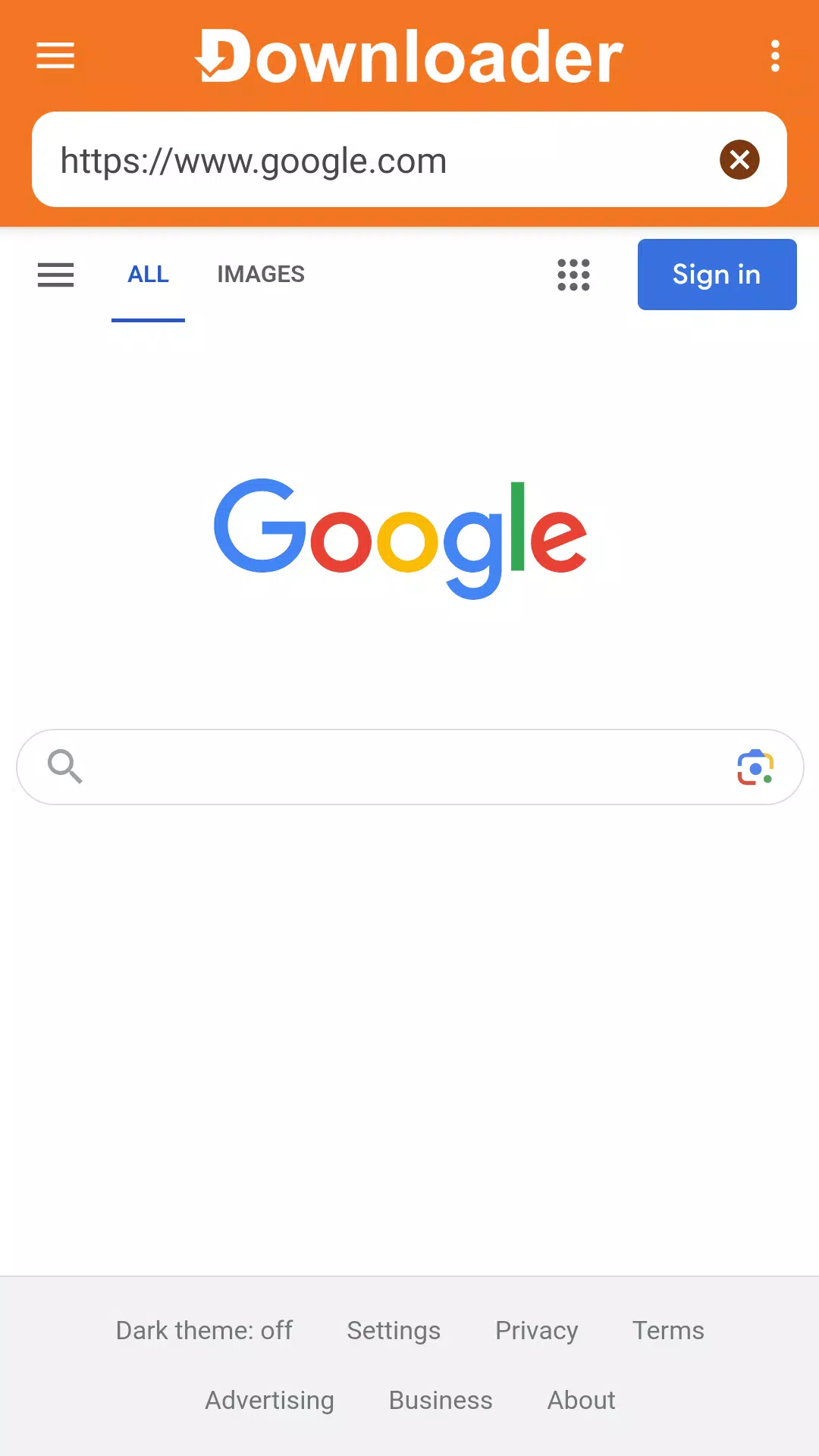
-- Built-in Browser: The app includes a built-in browser for visiting websites and downloading files. To use it, you must first install the Downloader Browser Plugin. Simply enter browser.aftvnews.com into the URL field on the Home screen to download and install the Browser Plugin.
Downloader makes it simple for Android TV owners to get files from the internet. You can input a direct file URL or install the web browser plugin to download files from any website. The browser plugin is fully compatible with remotes and game controllers, eliminating the need for a mouse and keyboard. You can also use it for general web browsing with features like full-screen mode, zoom, and quick access to your favorites and bookmarks. Favorites let you save and quickly open your most-visited URLs. After downloading, use the app's built-in file manager to open files, install APK applications, or delete them.
What's New in the Latest Version 1.5.1-ForGoogleAndroidDevices
Last updated on Aug 14, 2024
This release includes minor bug fixes and performance improvements. Install or update to the latest version to experience the enhancements!