A handy text-to-speech reader - Transform PDFs, documents, webpages, and ebooks into spoken audio.
Speech Services by Google enhances your mobile device with advanced text-to-speech and speech-to-text capabilities.
-- Turn your voice into written text or hear on-screen content read aloud.
-- Control daily tasks on your mobile device using voice commands via Speech-to-Text.
-- Listen to books, articles, or translations through the Text-to-Speech feature.
Unlock the power of Google’s speech technology for both speaking and listening. Google Speech-to-Text capabilities
Speech Services enables Google and third-party apps to convert spoken words into text. For instance:
• Google Maps uses voice search to find locations.
• The Recorder App transcribes audio recordings directly on your device.
• Phone Call Screen provides real-time transcription of callers.
• Accessibility tools like Voice Access allow full device control via voice.
• Keyboard and dictation apps let you send messages hands-free.
• Search-enabled apps help you quickly find shows or music using your voice.
• Language learning apps listen to your pronunciation for practice.
• …and countless other Play Store applications.
To enable Google Speech-to-Text on Android, navigate to Settings > Apps & notifications > Default apps > Assist App. Choose Speech Services by Google as your default voice input engine. Google Text-to-Speech capabilities
Speech Services allows apps to read displayed text aloud. Examples include:
• Google Play Books offers a “Read Aloud” feature for selected titles.
• Google Translate speaks translations so you can hear correct pronunciation.
• TalkBack and other accessibility tools provide audio feedback across your device.
• …and many more applications available on the Play Store.
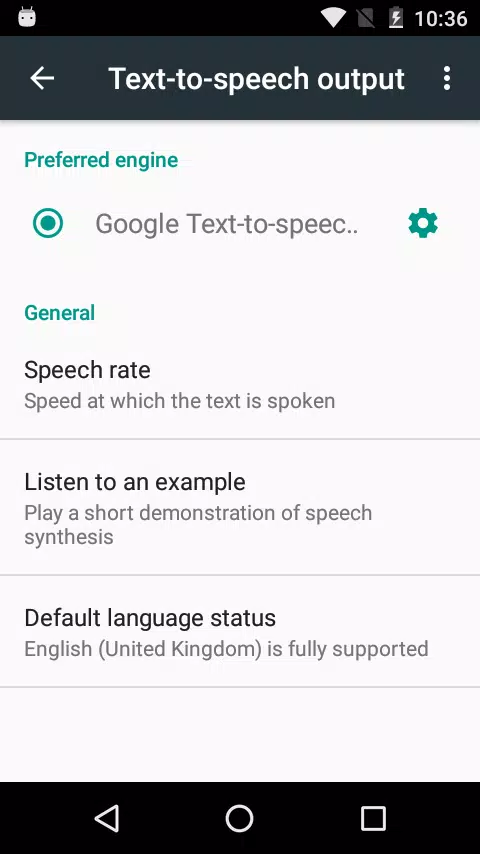
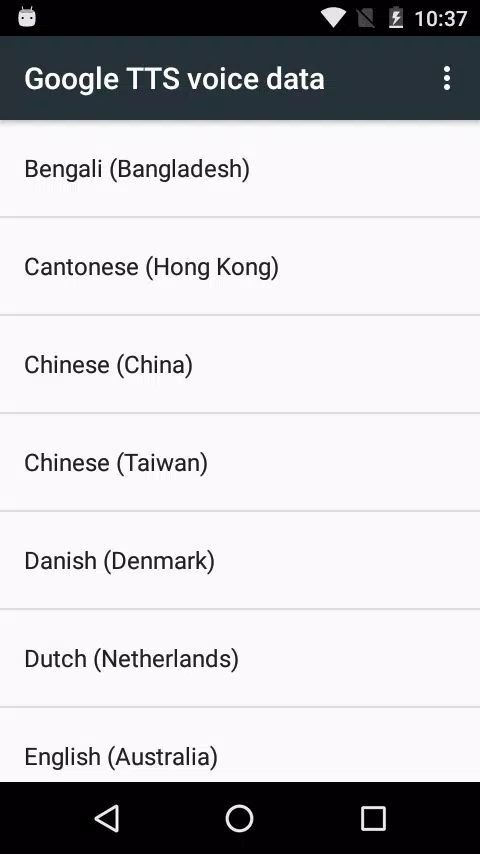
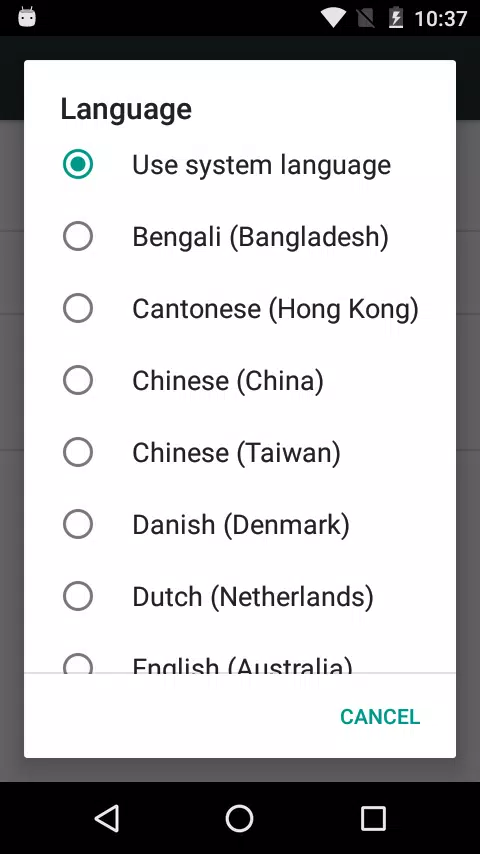
To activate Google Text-to-Speech on Android, go to Settings > Languages & Input > Text-to-Speech output. Select Speech Services by Google as your preferred engine.
Note: While pre-installed on most Android devices, you can download the latest version here for updates.