Testing, tools, and comprehensive hardware & OS details
Monitor your device's health in real time with complete specs on model, CPU, GPU, memory, battery, camera, storage, network, sensors, and operating system. DevCheck organizes all essential hardware and software data into a clear, accurate, and user-friendly interface.
Get the most detailed CPU and System-on-a-Chip (SoC) specifications available. Explore Bluetooth, GPU, RAM, storage, and other hardware details for your phone or tablet. View Wi-Fi and mobile network specifics, including dual SIM data. Access real-time sensor readings, OS architecture, and kernel info. Fully rooted devices unlock even deeper insights.
Dashboard:
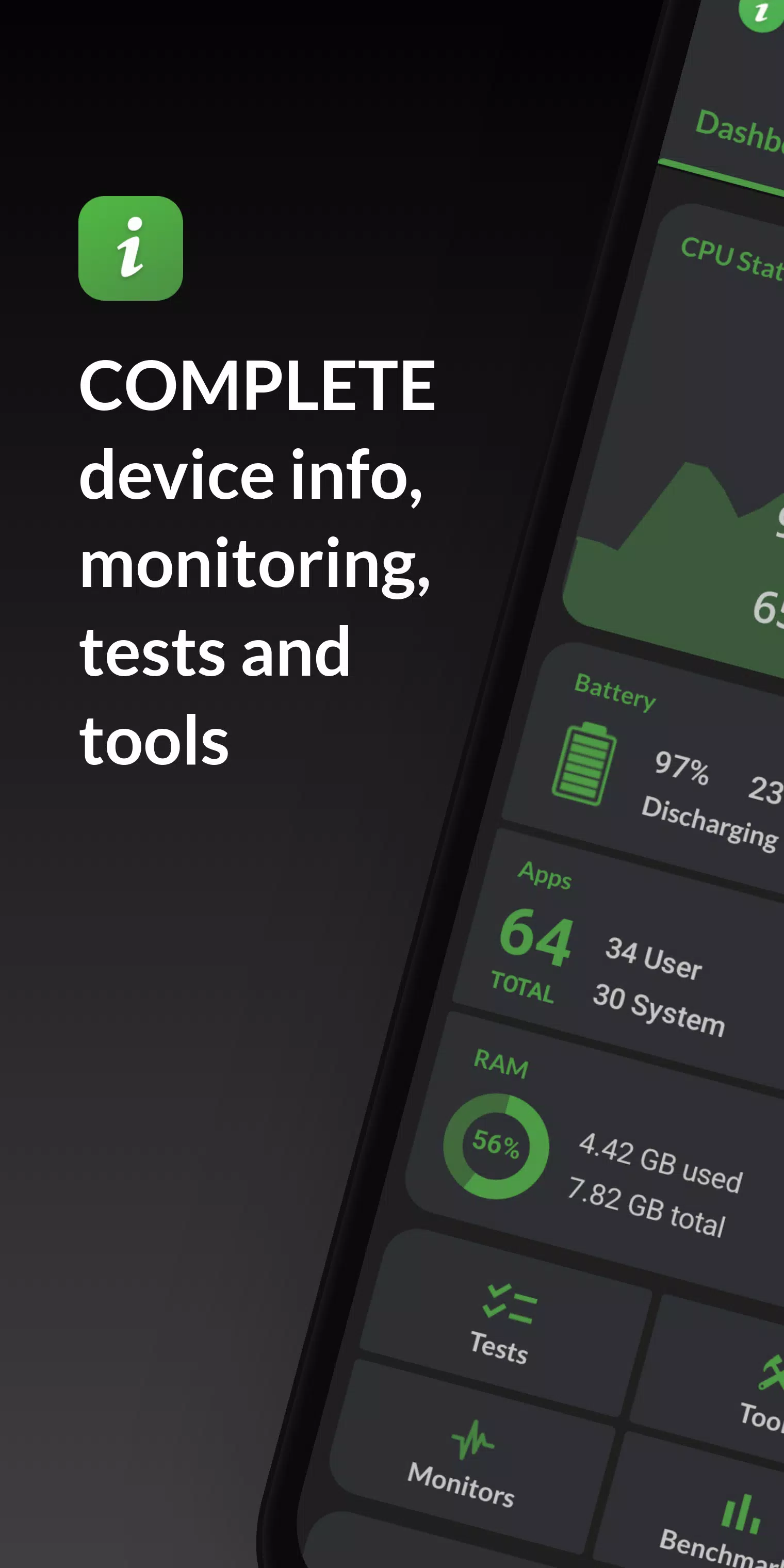
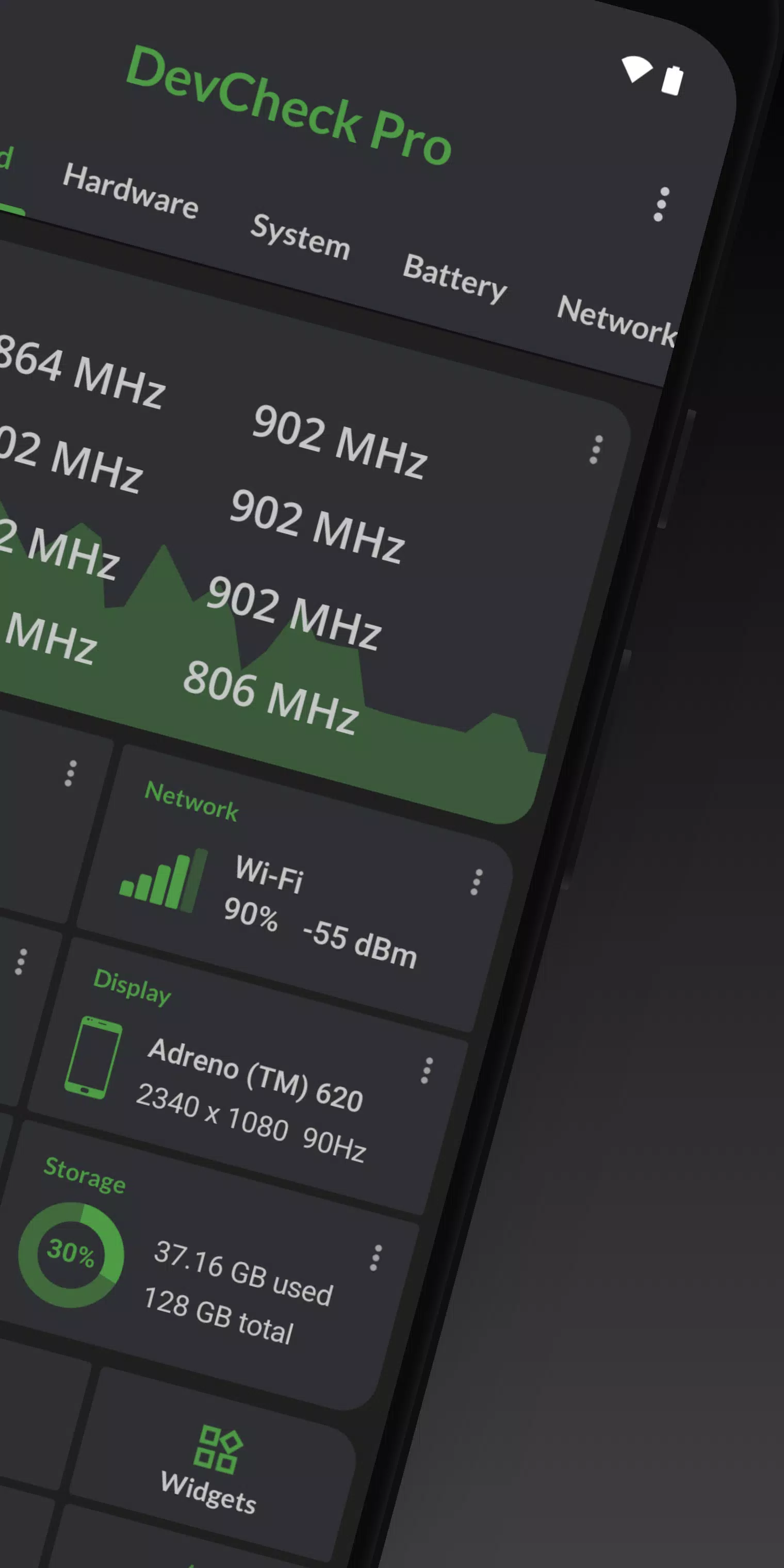
A comprehensive overview of critical device metrics, featuring real-time monitoring for CPU frequencies, memory usage, battery stats, deep sleep status, and uptime. Includes quick shortcuts to essential system settings.
Hardware:
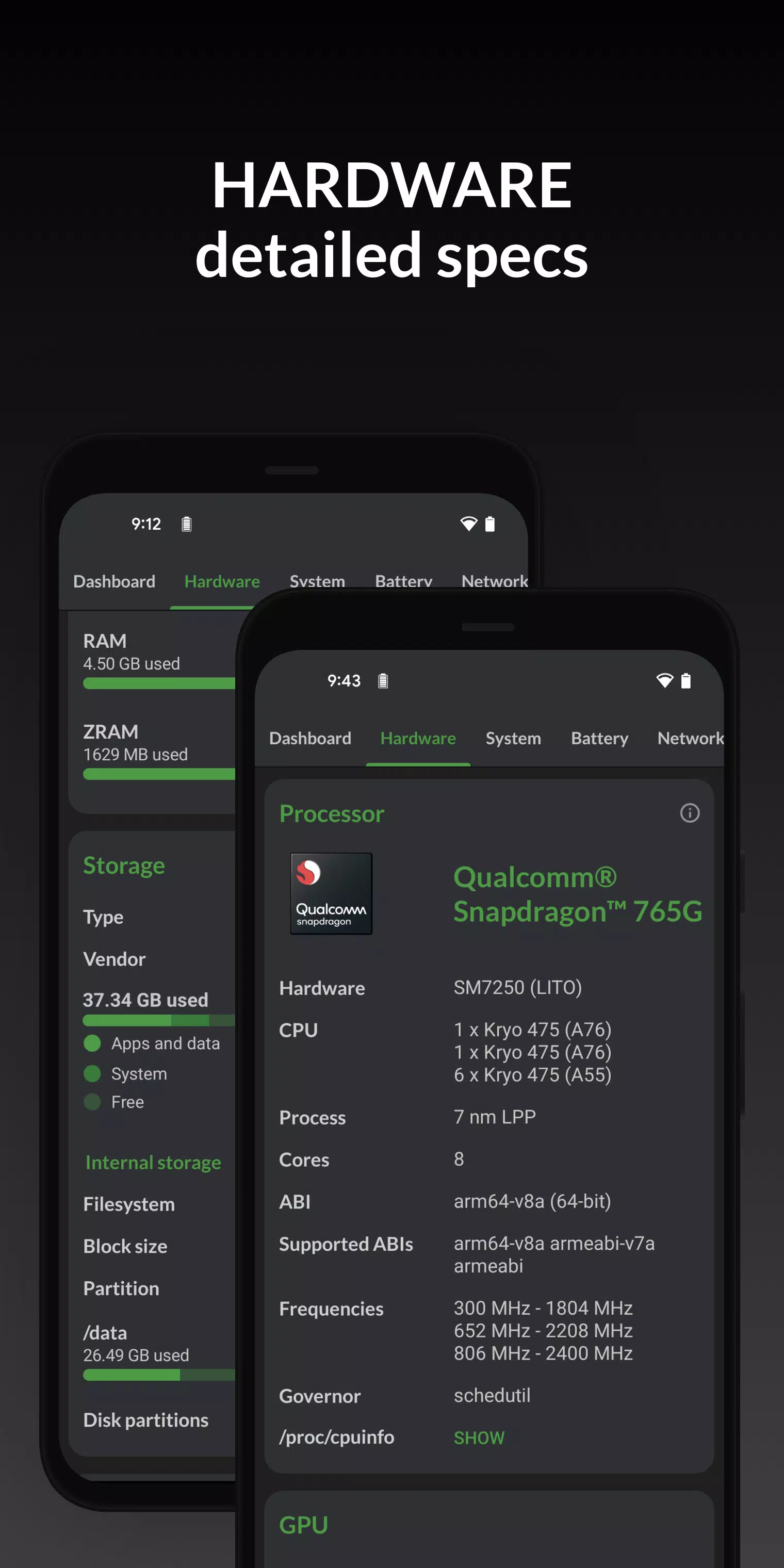
Detailed breakdowns of your SoC, CPU, GPU, memory, storage, Bluetooth, and other components. View chip names, manufacturers, architecture, core configurations, manufacturing process nodes, clock speeds, governors, storage capacity, input devices, and display specifications.
System:
Complete device information including codename, brand, manufacturer, bootloader status, radio firmware, Android version, security patch level, and kernel details. DevCheck also verifies root access, BusyBox presence, KNOX state, and other software-related attributes.
Battery:
Real-time battery metrics including status, temperature, charge level, technology type, health, voltage, current draw, power consumption, and total capacity. With the Pro version, track detailed usage stats for screen-on versus screen-off states via the Battery Monitor service.
Network:
Detailed Wi-Fi and mobile/cellular connection data, including IPv4/IPv6 addresses, operator info, phone/network type, public IP address, and more. Features the most comprehensive dual SIM information available on the market.
Apps:
In-depth management and details for all installed applications. The Running Apps section lists active apps and background services with current memory consumption. Note: Memory usage data is restricted to rooted devices on Android Nougat and later versions.
DevCheck reveals advanced camera specifications such as aperture, focal length, ISO range, RAW support, 35mm equivalent focal lengths, resolution (megapixels), crop factor, field of view, focus modes, flash settings, JPEG quality, image formats, face detection capabilities, and more.
Sensors:
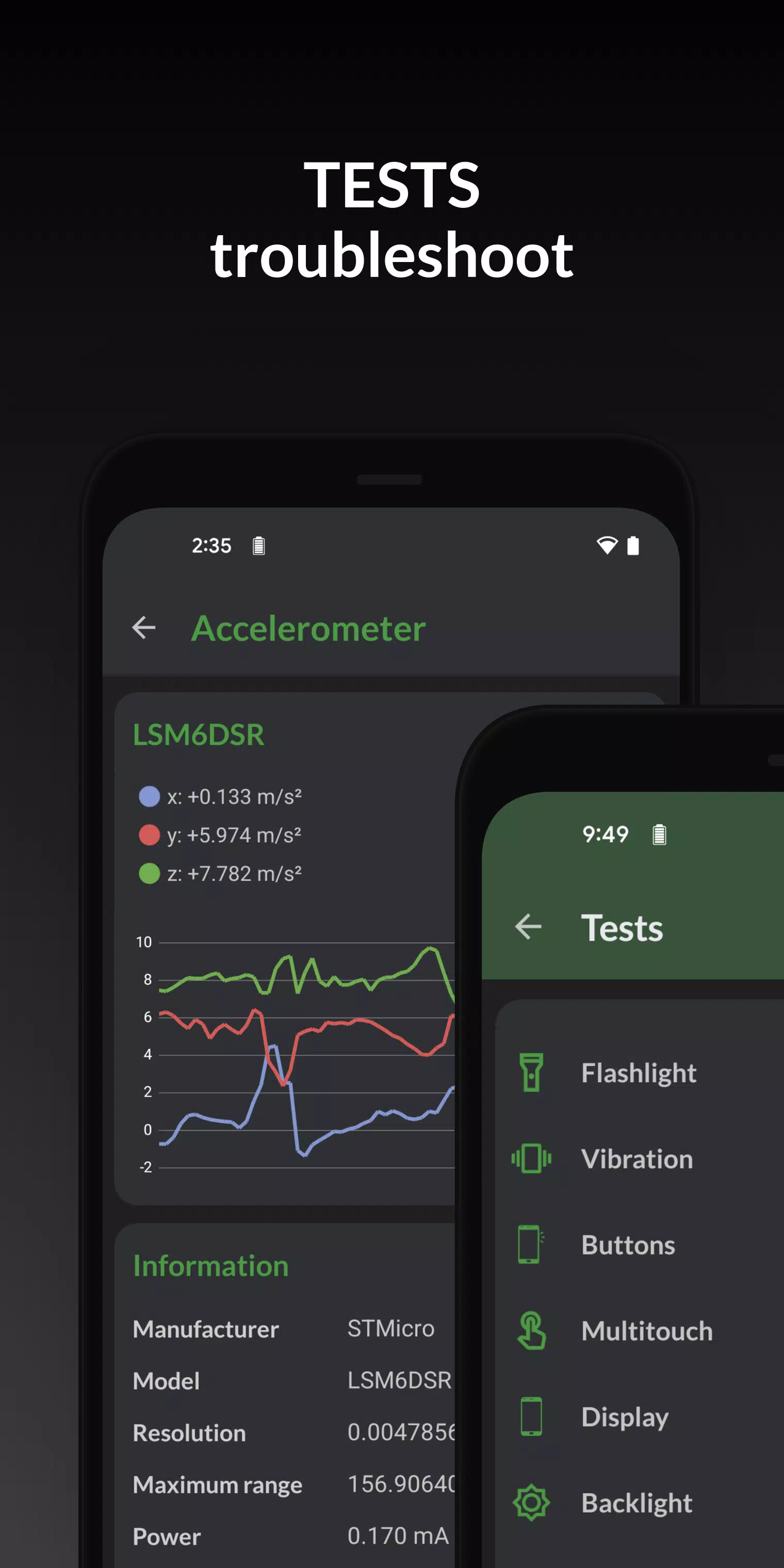
A complete list of all device sensors with type, manufacturer, power consumption, and resolution data. Includes real-time graphical displays for accelerometers, step detectors, gyroscopes, proximity sensors, light sensors, and others.
Tests:
Diagnostic tests for flashlight, vibrator, buttons, multitouch, display quality, backlight, charging circuitry, speakers, headset jack, earpiece, microphone, and biometric scanners. The last six tests require the PRO version.
Tools:
Utility tools including root verification, Bluetooth manager, SafetyNet check, Permissions browser, Wi-Fi scanner, GPS location tester, and USB accessory detector. Permissions, SafetyNet, Wi-Fi, GPS, and USB tools are exclusive to the PRO version.
PRO VERSION
The Pro edition is available via in-app purchase.
An upgrade unlocks all tests and tools, benchmarking features, battery monitoring widgets, floating monitors, and additional utilities.
DevCheck Pro offers several modern widgets to personalize your home screen. Display real-time stats for battery life, RAM usage, storage capacity, and other critical metrics directly on your launcher.
Floating monitors:
Customizable, draggable, always-on-top transparent overlays that let you monitor CPU frequencies, temperatures, battery levels, network activity, and more in real time while using other applications.
The Pro version also allows users to select from various custom color themes.
PERMISSIONS
DevCheck requires multiple permissions to gather detailed device information. No personal data is collected or shared, ensuring your privacy remains intact. The app is completely ad-free.
What's New in the Latest Version 5.32
Last updated on Oct 2, 2024
Versions 5.22/5.23/5.30/5.32:
- Support for new devices and hardware components
- Bug fixes and performance optimizations
- Updated translations
Versions 5.20:
- Fixed language display issues
- Corrected installer type detection for applications
Prior Updates:
- Enhanced Ethernet, sensor, and battery data reporting
- Added support for multiple displays
- Included CPU Analysis tool
- Improved overall battery information accuracy
- Advised GPU memory size probing for Adreno chips
- Added core count, L2 cache size, and architecture detection for Mali GPUs
- Introduced Widgets (PRO version)
- Brought Permissions explorer to PRO users