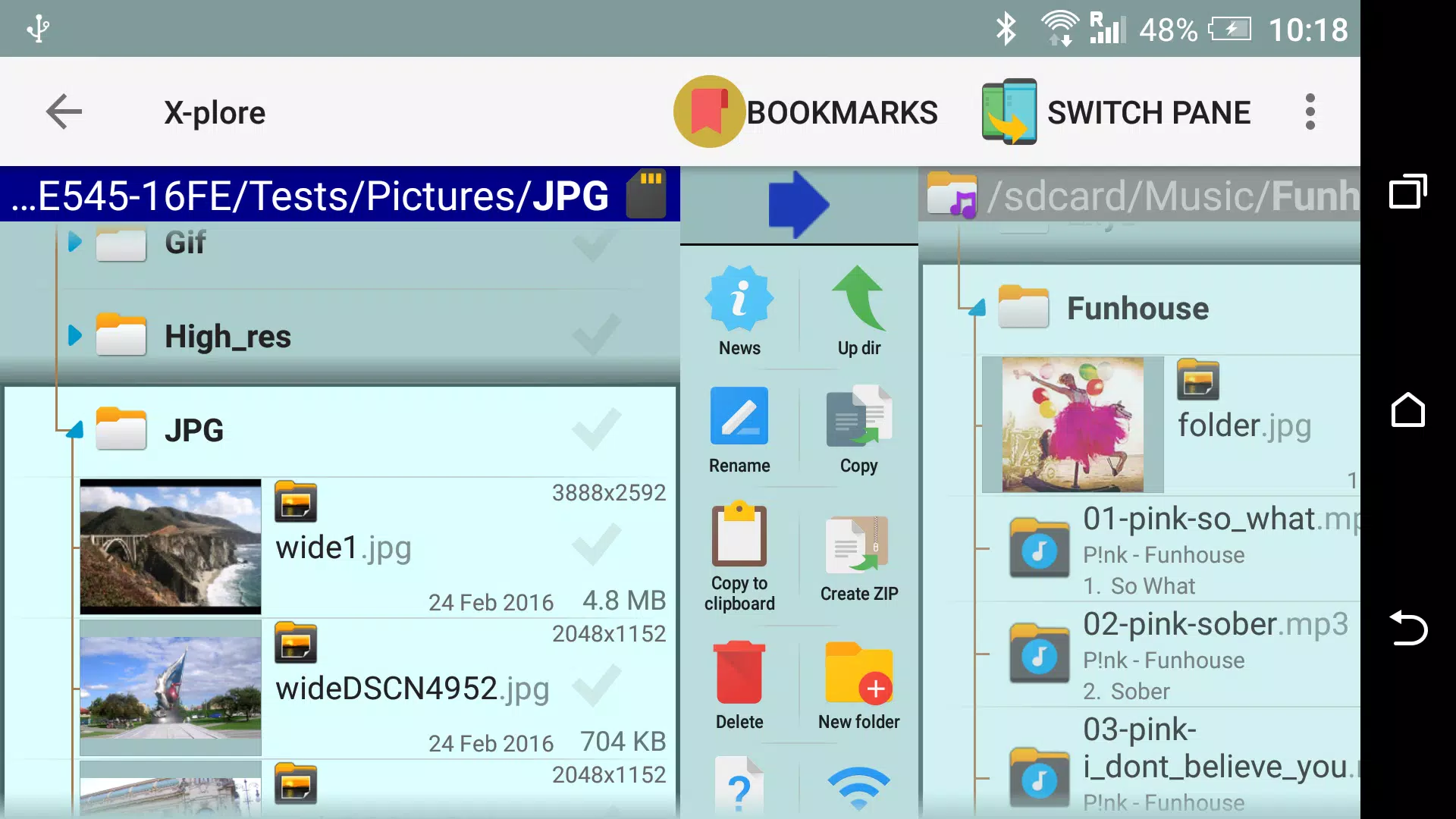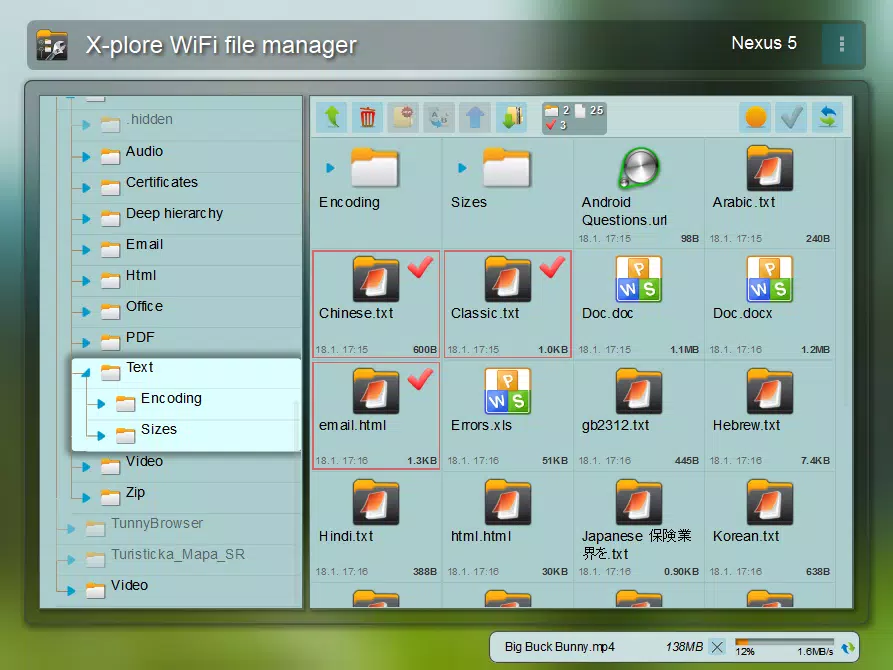
X-plore is a dual-pane file manager featuring a tree view, plus support for LAN, Root access, Cloud storage, and more.
Application manual: www.lonelycatgames.com/docs/xplore
Highlights:
● Dual-pane tree view
● Explore Root, FTP, SMB1/SMB2, Sqlite, Zip, Rar, 7zip, DLNA/UPnP
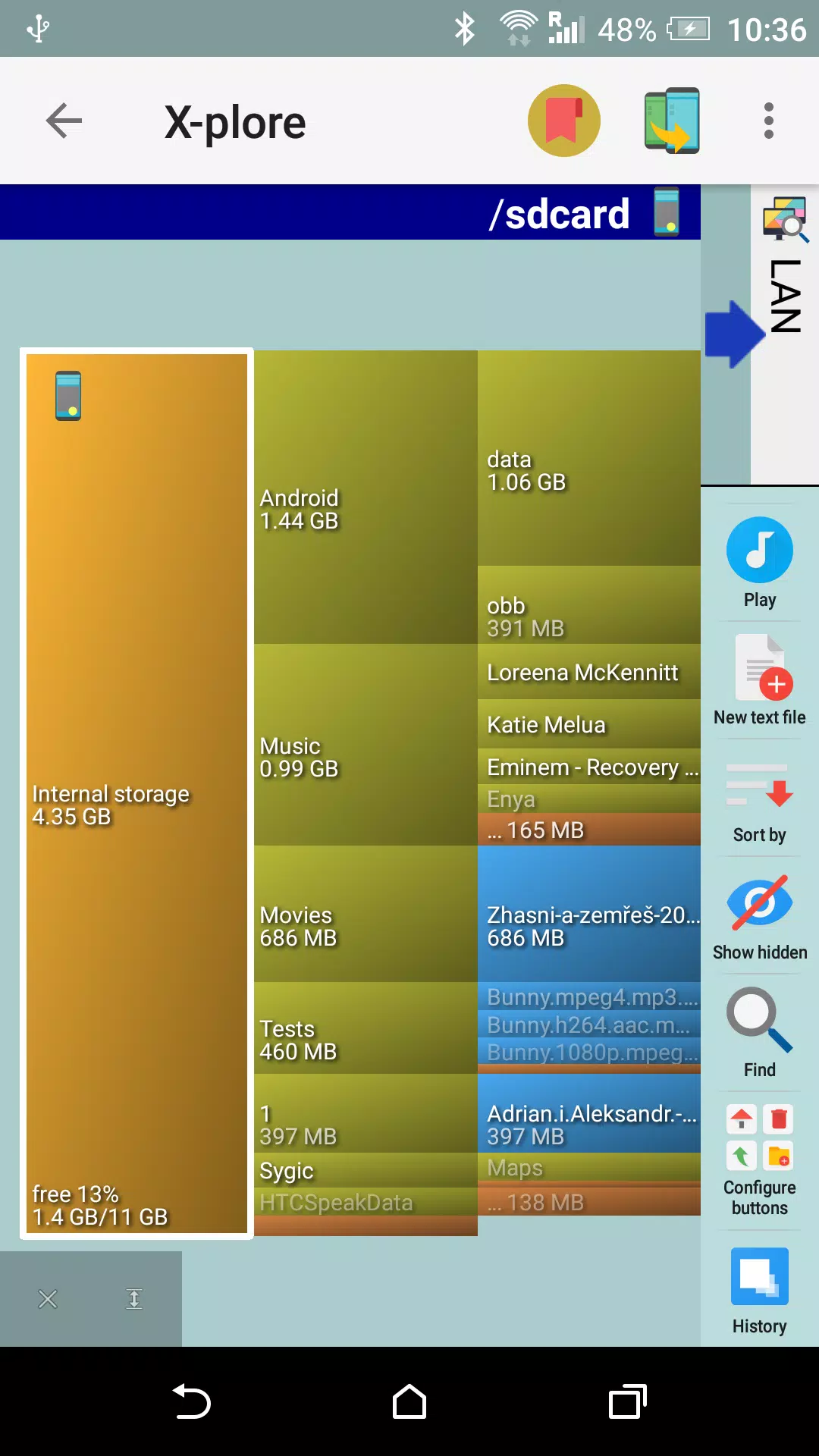
● Disk Map - visualize which files use the most storage space - http://bit.ly/xp-disk-map
● Access cloud storage: Google Drive, OneDrive, Dropbox, Box, Webdav, and others
● SSH File Transfer (SFTP) and SSH Shell - http://bit.ly/xp-sftp ***
● Music player ***
● App manager
● USB OTG support
● PDF viewer
● WiFi file sharing *** - http://bit.ly/xp-wifi-share
● Manage files from a PC web browser *** - http://bit.ly/xp-wifi-web
● Favorite folders
● Built-in viewers for images, audio, and text
● Video player with subtitle support ***
● Batch rename tool
● Hex viewer
● Fast image viewer with zoom and swipe navigation
● Thumbnails for images, videos, and various other file types
● Always-available, non-intrusive multi-selection
● View APK files as ZIP archives
● Share files via Bluetooth, email, or any device-supported method from anywhere
● Configurable buttons and keyboard shortcuts
● Seamless Zip archive handling (like a normal folder)
● Vault for encrypting sensitive files - http://bit.ly/xp-vault ***
*** Marked features are paid and require a donation.
X-plore lets you explore both the inside and outside of your Android device.
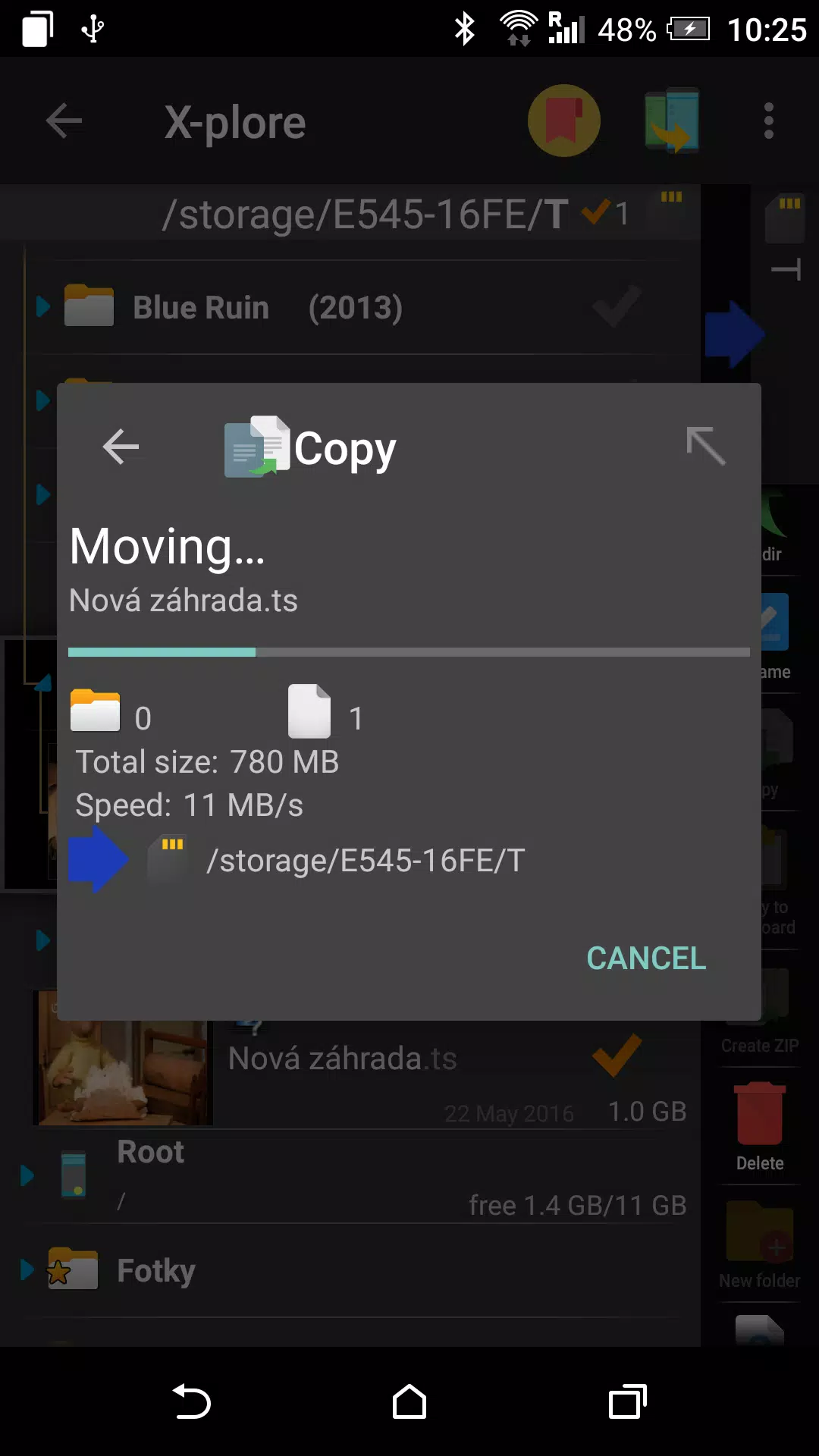
As a dual-pane explorer, it shows two folders simultaneously, making operations like file copying straightforward between panes.
A tree view shows your folder hierarchy for clear navigation and quick location switching.
Power users with rooted devices can explore and modify system data—backup files, remove apps, etc.
Standard users can hide the internal memory from view to avoid accidental system changes.
Easily browse the contents of your device's storage or attached USB drives.
A simple app manager lets you view, run, copy, share, uninstall, and explore your installed applications.
WiFi file sharing
Access files on your Android device from other devices over WiFi.
Access from a PC web browser
Manage your Android device's files directly from your PC's browser.
Access to FTP and FTPS (secure FTP) servers is supported.
You can configure multiple servers.
X-plore can display shared folders from other computers on your LAN.
Access various web storage "Cloud" servers directly through X-plore.
With an account for a supported service, you can manage your online files.
Also supports SSH File Transfer (SFTP) and a Terminal shell emulator.
X-plore includes a music player that can play tracks from any accessible location.
The Vault function lets you encrypt sensitive files, even using your fingerprint.
Core operations cover all standard file and folder management: view, copy, move, delete, compress to Zip, extract, rename, share, and more.
SQLite database viewer
X-plore can open SQLite database files (.db) as expandable table lists, showing rows and columns of data.
Navigate primarily via touch: tap to open, or long-press for a context menu of actions for the selected item(s).
Multi-selection allows you to perform actions on multiple files at once.
Opening a file uses a built-in viewer for common types like images, audio, video, and text.
You can also configure X-plore to use your system's default app for opening files.
Archives (Zip, Rar, and 7zip) are displayed like standard folders.