Google Authenticator adds an extra layer of security to your phone with a secondary lock.
Google Authenticator enhances the security of your online accounts by requiring a second verification step during sign-in.
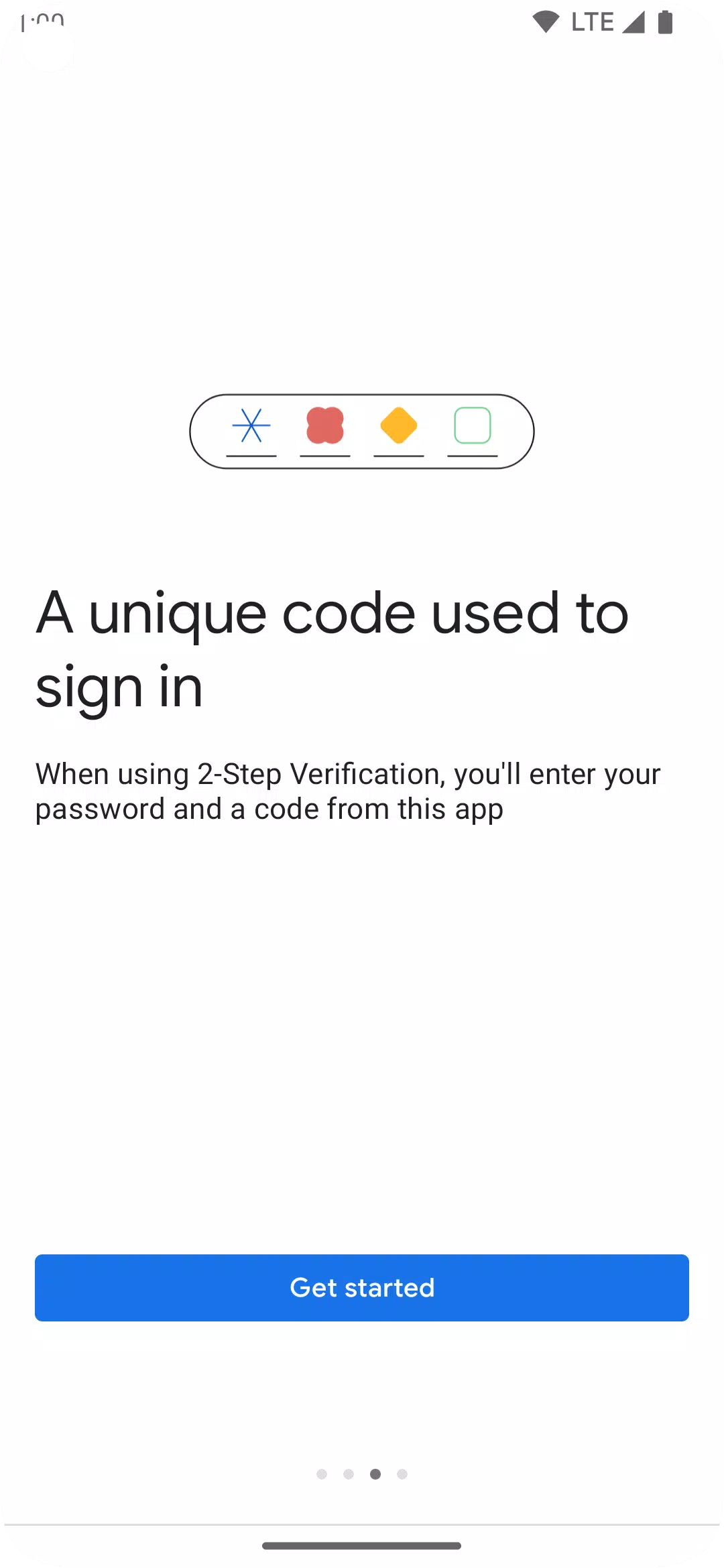
This means that alongside your password, you'll need to enter a code generated by the Google Authenticator app on your phone.
The verification code is generated by the app on your phone, even without an internet or cellular connection.
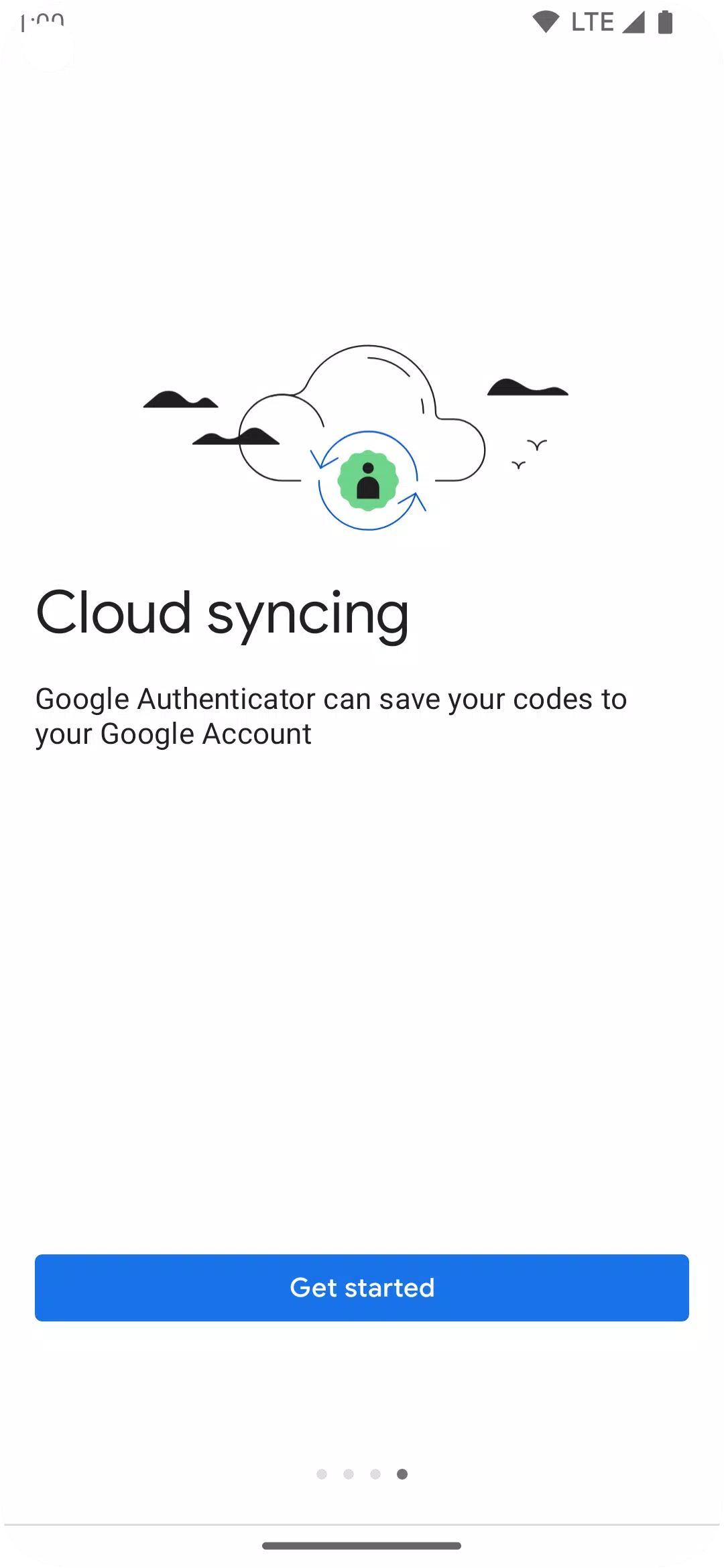
* Sync your Authenticator codes to your Google Account and across devices, ensuring access even if you lose your phone.
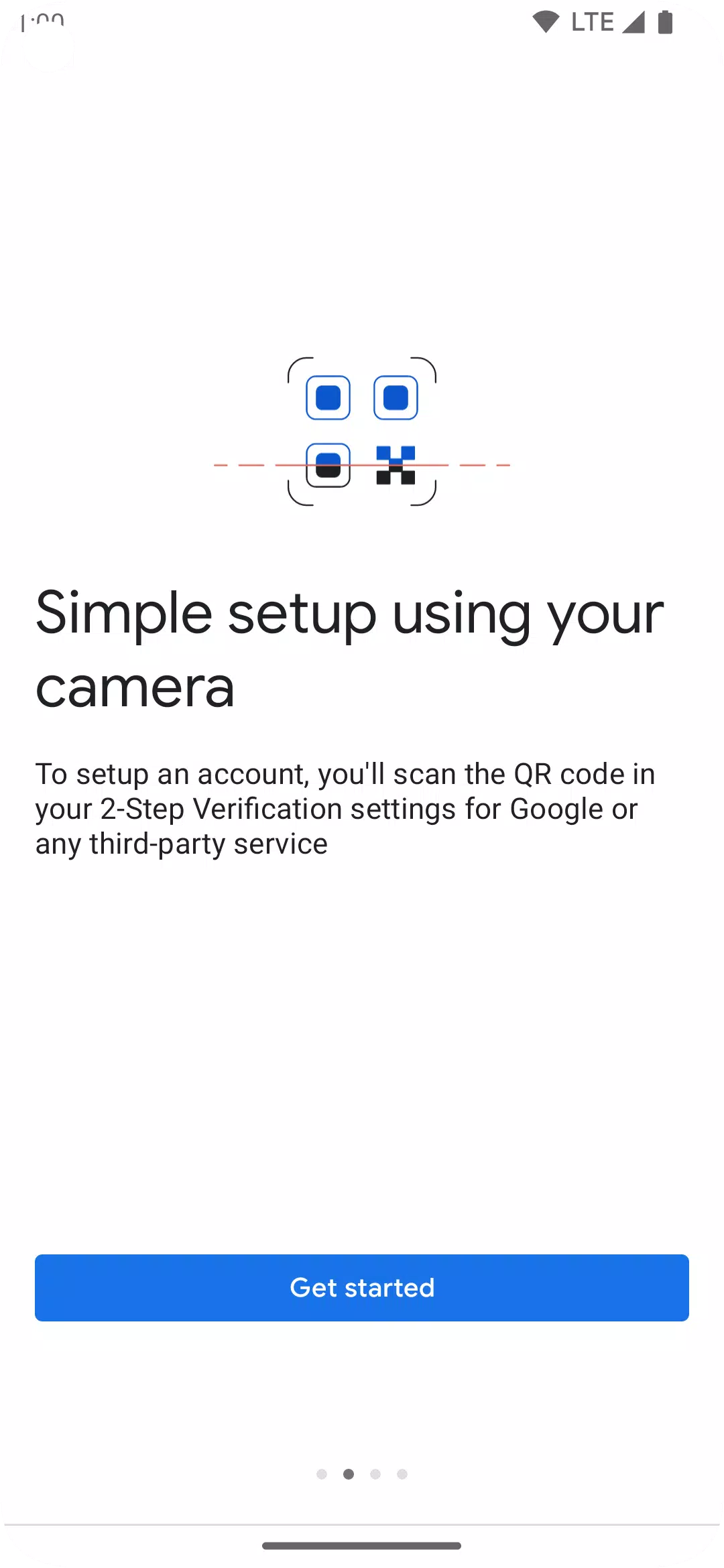
* Set up Authenticator accounts automatically using a QR code. This quick, easy process helps ensure correct setup.
* Support for multiple accounts. Manage all your accounts within the Authenticator app, eliminating the need to switch between apps when signing in.
* Support for both time-based and counter-based code generation. Choose the method that best fits your needs.
* Transfer accounts between devices using a QR code, a convenient way to move your accounts to a new device.
* To use Google Authenticator with Google, you must first enable 2-Step Verification on your Google Account. Get started at http://www.google.com/2step
Permission notice:
Camera: Required to add accounts via QR codes
What's New in the Latest Version 7.0
Last updated on Aug 29, 2024
* Cloud syncing: Your Authenticator codes can now be synced to your Google Account and across your devices, ensuring access even if you lose your phone.
* New icon and illustrations: The app features an updated, more modern and user-friendly icon and illustrations.
* Improved UX and visuals: We've enhanced the app to be easier to use and more visually appealing.