Stay connected during remote work with our active mouse solution :)
Keep your computer screen awake using Mouse Jiggler !
Description :
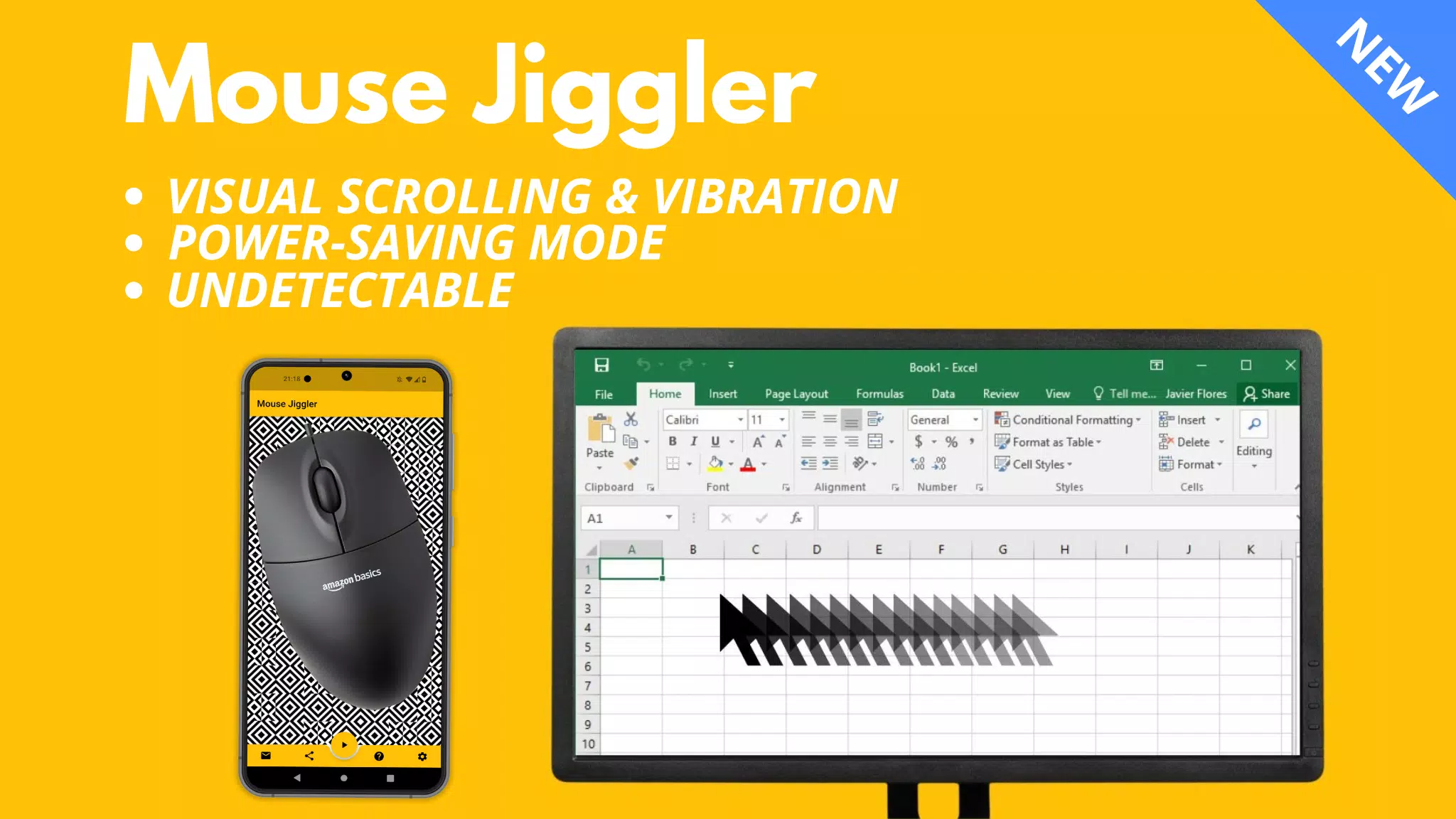
Compatible with Windows and Mac OS computers, this application prevents your computer from locking by periodically moving the mouse cursor a few millimeters.
⚠️ Compatibility:
Mouse Jiggler works best with most mice that use a red light.
However, the app performs less effectively for mice that rely on invisible light.
This is not an application bug but rather depends on the sensitivity of your mouse sensor as well as the maximum brightness and vibration level of your phone.
If you encounter difficulties, I recommend trying another mouse that uses a red light. You can also try my new "Bluetooth Mouse Jiggler" app here (no physical mouse needed) :
https://play.google.com/store/apps/details?id=be.mm.mousejiggler2
Main Features:
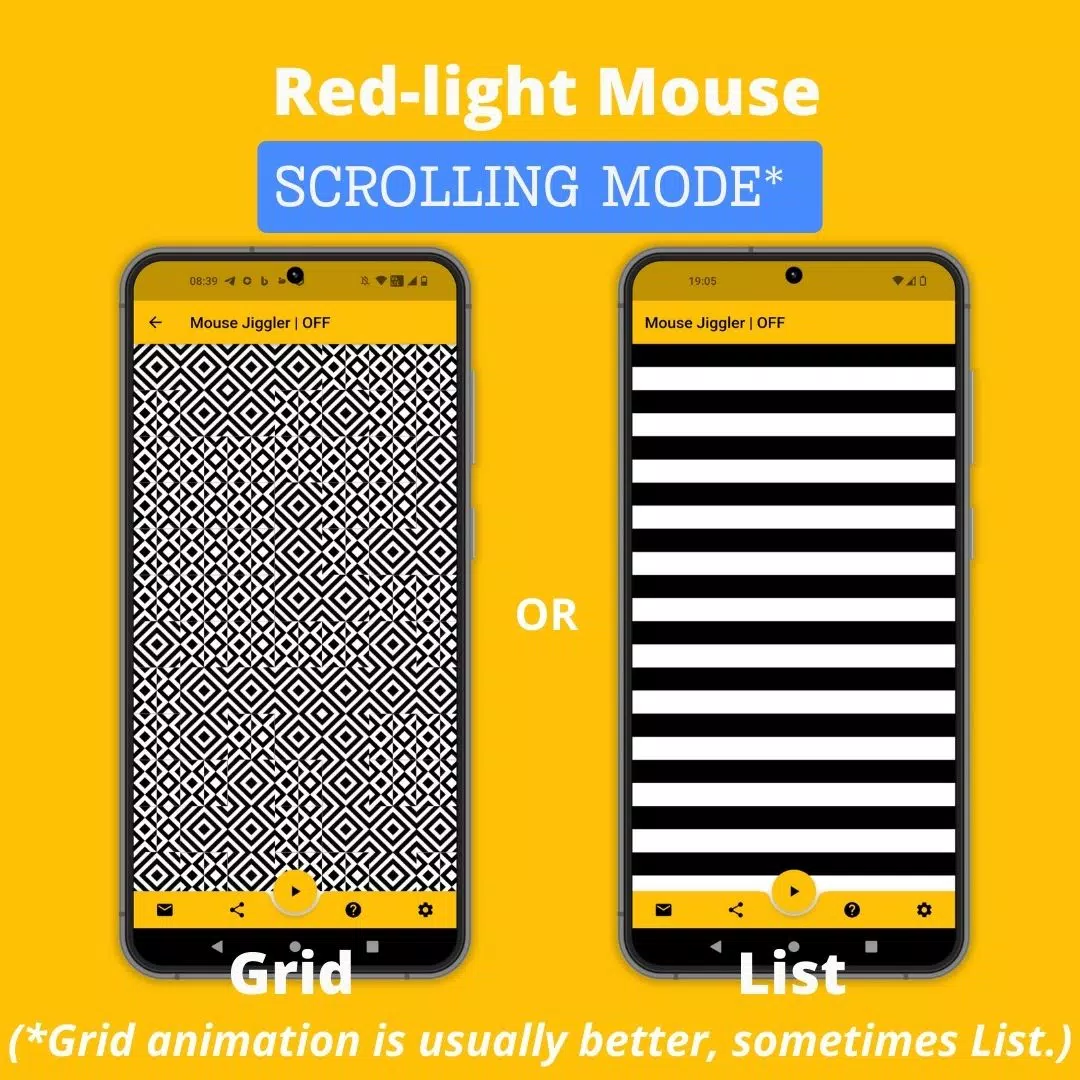
Scrolling Mode: For mice with a red light, the application scrolls an image at regular intervals to move your cursor.
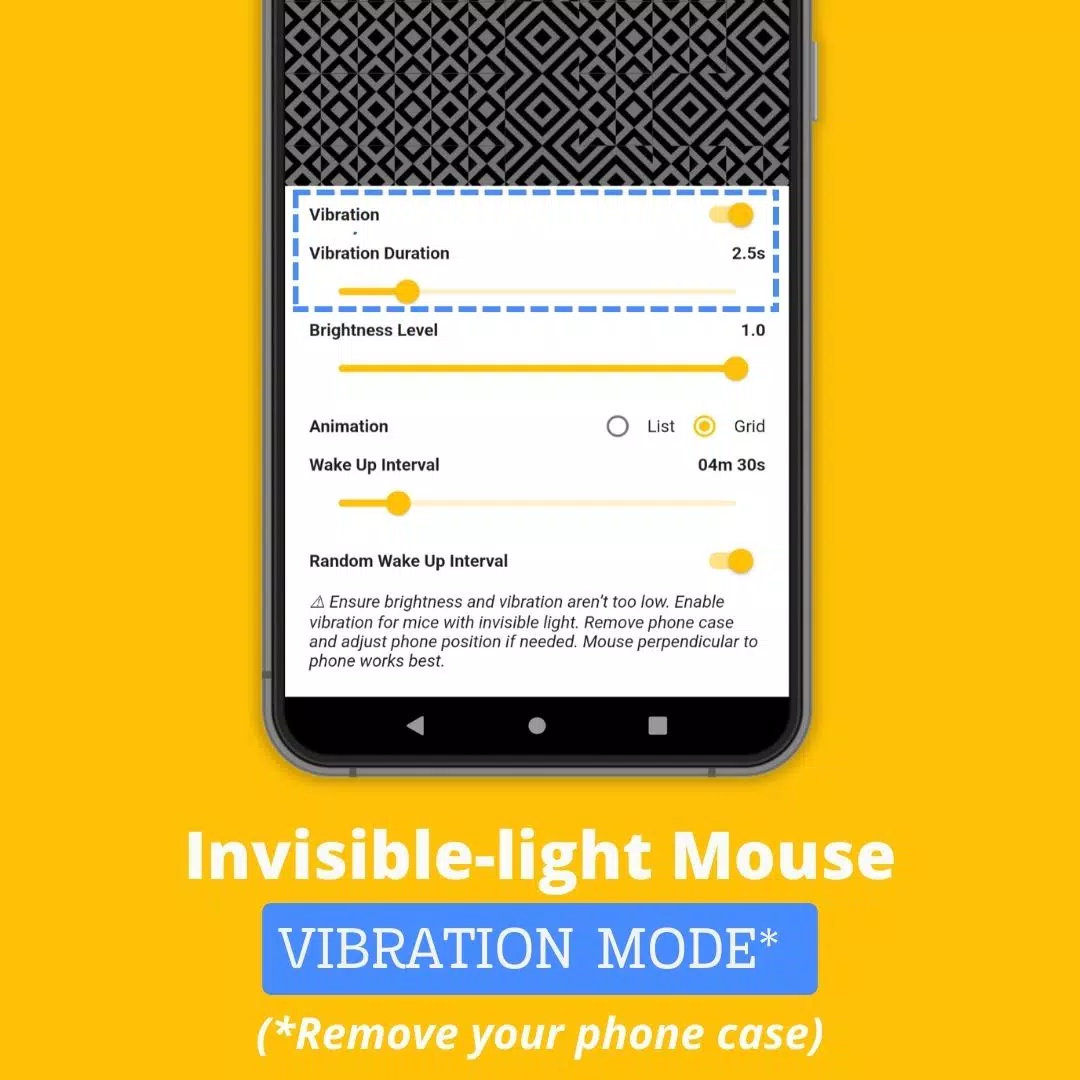
Vibration Mode: For mice using invisible light, the app vibrates your phone at set intervals to simulate mouse movement.
How to use Mouse Jiggler ?
1. Identify whether your mouse uses a red or invisible light.
2. If your mouse uses an invisible light, activate “Vibration” mode in the settings. For stronger vibrations, remove your phone case.
3. Place your mouse on top of your smartphone.
4. Start scrolling or vibrating by pressing the ► icon
Advanced Settings:
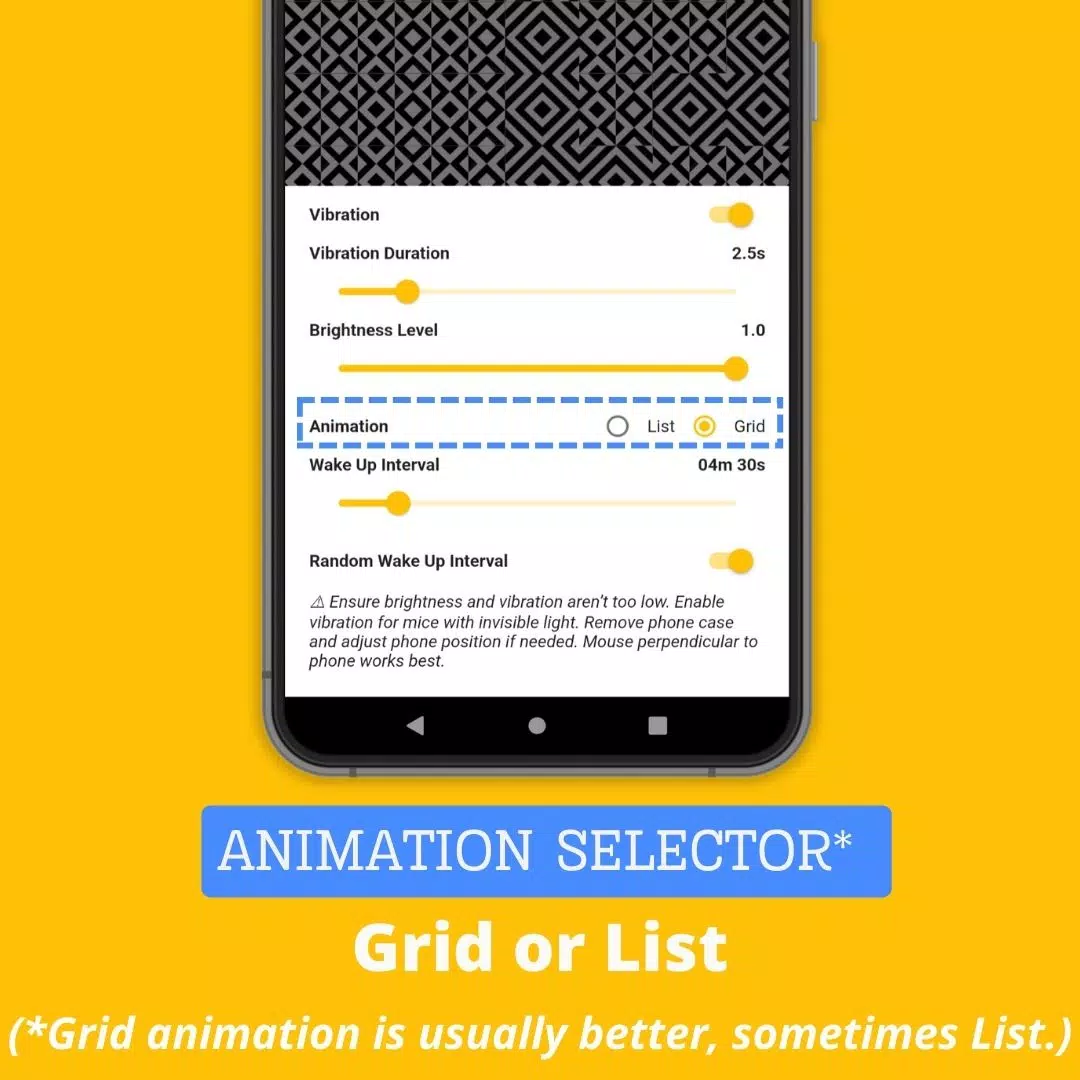
* Vibration: Toggle vibration mode on or off.
* Vibration Duration: Set how long each vibration lasts (avoid setting it too low, or the app may not work).
* Wake up interval: Define the delay between two scrollings or vibrations.
* Brightness Level: Adjust the maximum brightness when the app activates (lower values may prevent proper functionality).
* Random Wake Up Interval: Enable a random delay between actions, ranging from 0 to your set “Wake up interval.” This helps avoid detection by monitoring software.
Why Choose Mouse Jiggler Mobile App?
While other solutions exist to keep your screen awake, the Mouse Jiggler Mobile App offers distinct advantages:
* Convenience: Unlike physical jiggling platforms or USB dongles, our app requires no extra hardware—just your smartphone and existing mouse.
* Undetectability: As a mobile app, it leaves no digital footprint on your computer that IT departments can detect, making it safer for company laptops compared to software or USB devices.
* Cost-effective: Mouse Jiggler Mobile App is free, offering significant savings over physical jiggling platforms or dongles that can cost up to $30.
Website: https://mousejiggler.lol/