Updating Stm32 CPU Firmware via USB Using the DFU Protocol
This application enables firmware updates for Stm32 microcontrollers through a USB connection utilizing the USB Device Firmware Upgrade (DFU) protocol.
The software implementation is based on the following STMicroelectronics documentation:
- AN2606: STM32 Microcontroller System Memory Boot Mode
- AN3156: USB DFU Protocol Used in the STM32 Bootloader
How to Use the Application
Prerequisite
Your mobile device must support USB On-The-Go (USB-OTG).
Preparation
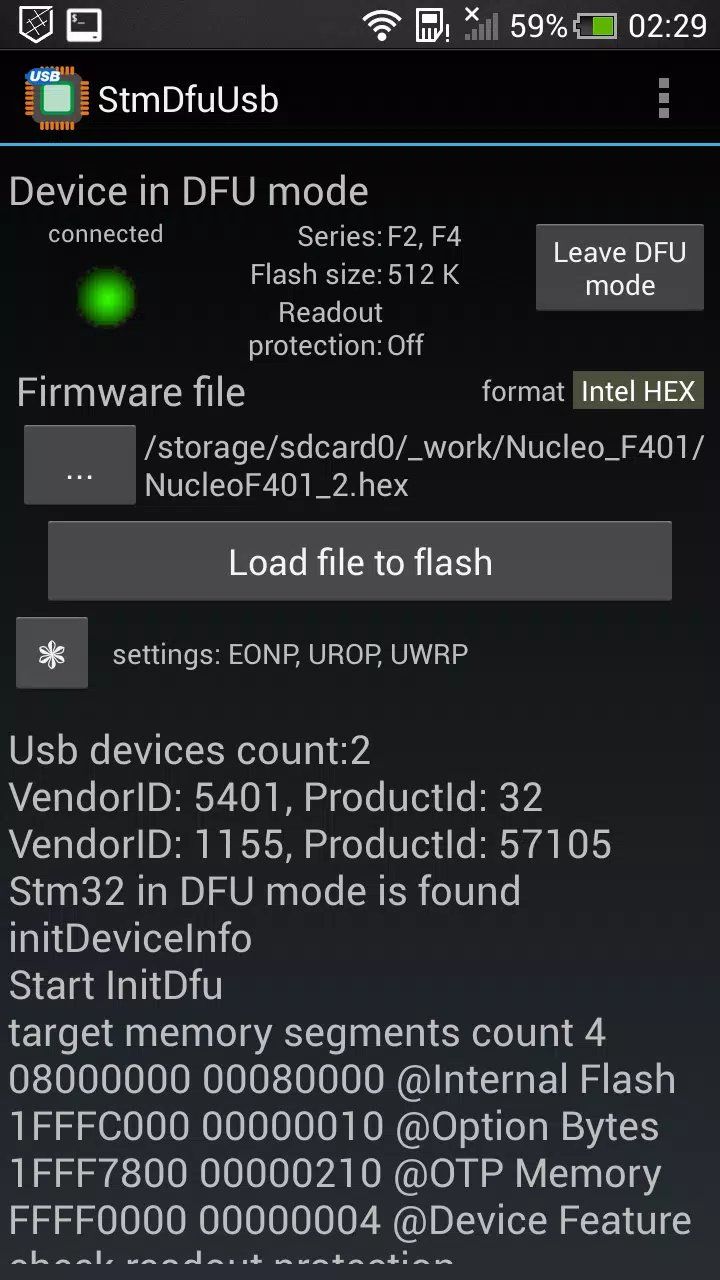
- Connect your Stm32 development board to your mobile device using a USB-OTG cable.
- Enter bootloader mode on the Stm32. Refer to AN2606 for details. Typically, you must configure the BOOT0 and BOOT1 pins according to your specific CPU model.
Programming
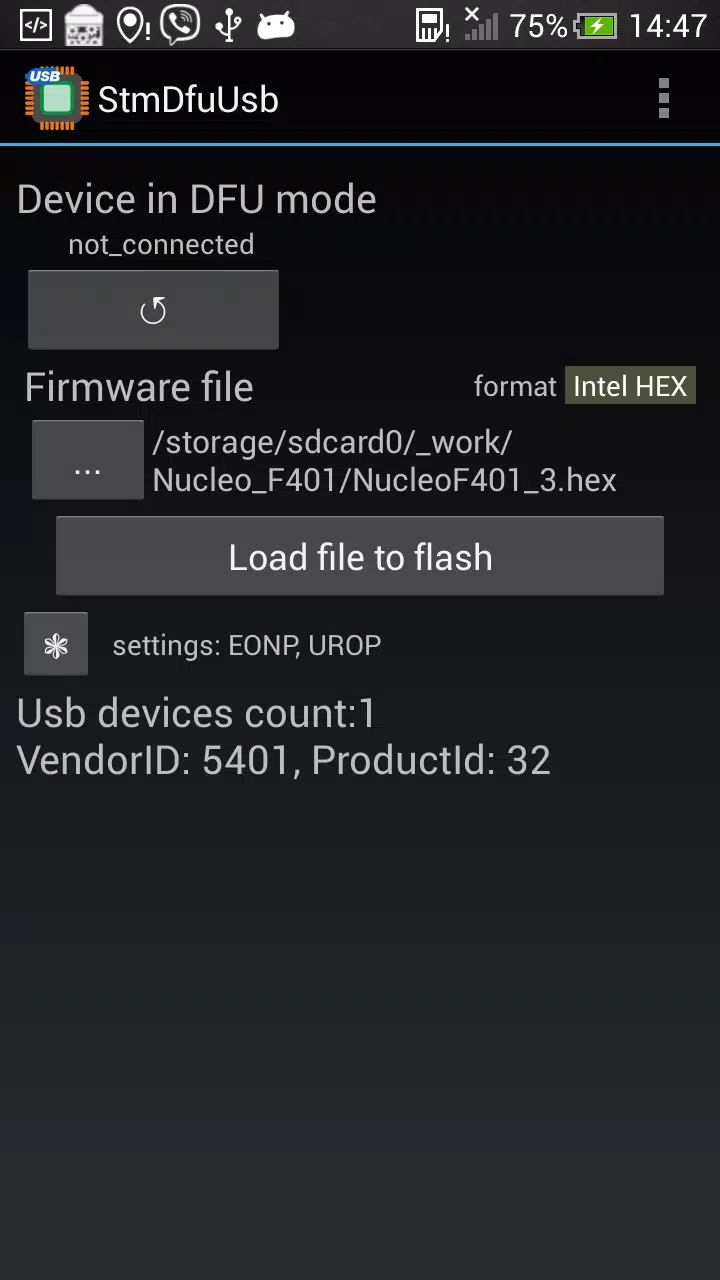
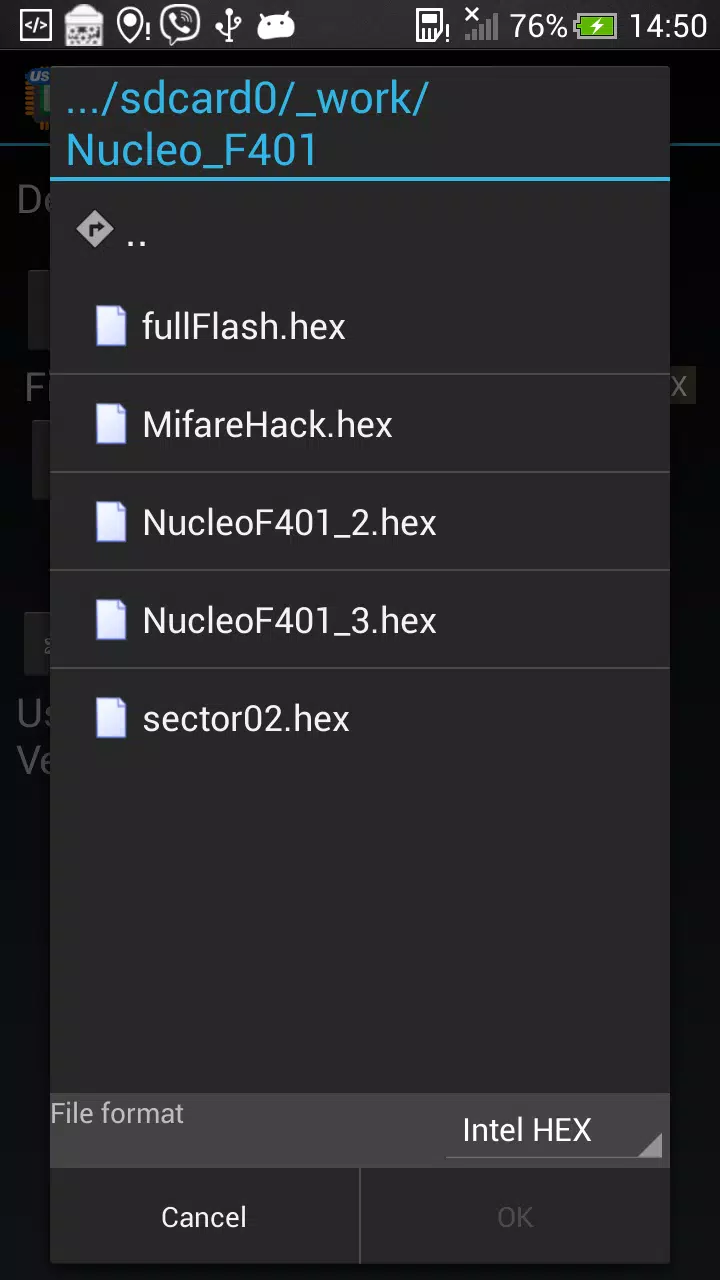
- Select the firmware file to be written.
- The firmware file must be in one of the following formats:
- Intel HEX
- Motorola S-Record
- DfuSe (STMicroelectronics DFU format)
- Raw Binary
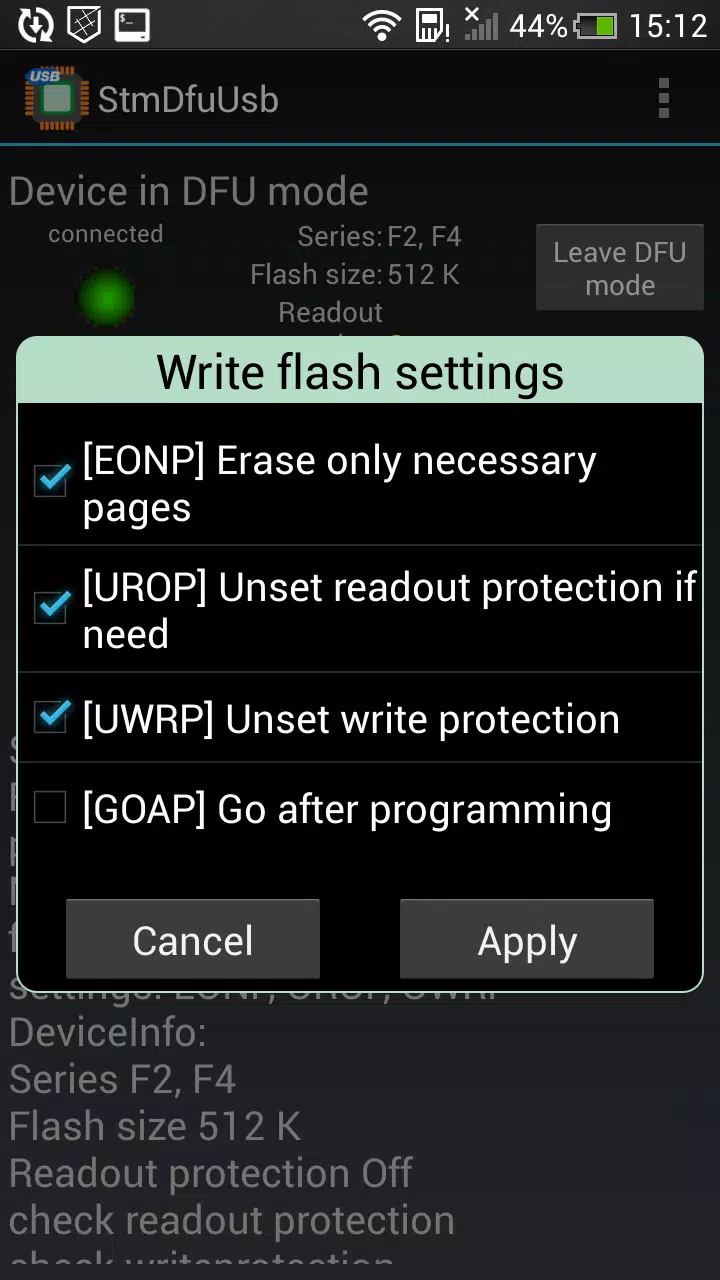
- Configure your desired writing options. Available settings include:
- Erase only necessary pages
- Disable readout protection if required
- Execute the CPU after programming completes
- Tap "Load file to flash" and wait for the operation to finish.
Additional Features
The application also supports the following operations, accessible via the menu:
- Erase
- Check if Flash is Blank
- Compare Flash Content with File
Supported Microcontroller Models
This application has been tested and verified on the following Stm32 models:
- Stm32F072
- Stm32F205
- Stm32F302
- Stm32F401
- Stm32F746
- Stm32G474
- Stm32L432
Licensing Restrictions
You can perform up to 25 firmware uploads completely free of charge.
Once this limit is reached, you may purchase one of the following upgrade options:
- An additional 100 upload credits
- Unlimited usage for the application