Status Saver for WhatsApp: Your Guide to Saving WhatsApp Statuses
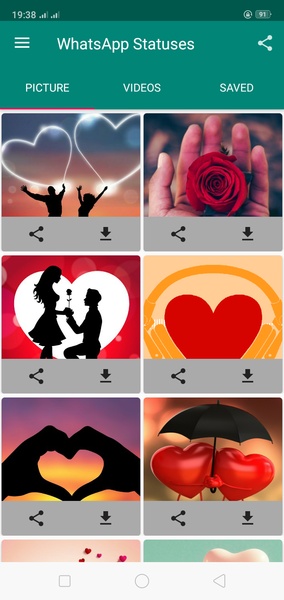
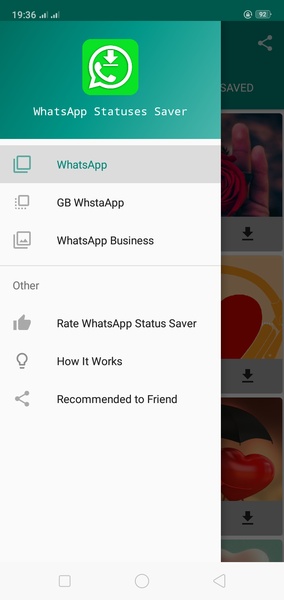
This app simplifies saving WhatsApp statuses directly to your Android device. Follow these steps:
First, open WhatsApp, go to the Statuses tab, and open the status you wish to save. This is crucial; unopened statuses cannot be saved.
Advertisement
Status Saver for WhatsApp provides a user-friendly way to permanently store WhatsApp statuses on your Android device.
Requirements (Latest version)
- Requires Android 5.0 or higher